Gradient and Photographic Prints for Branded Umbrellas
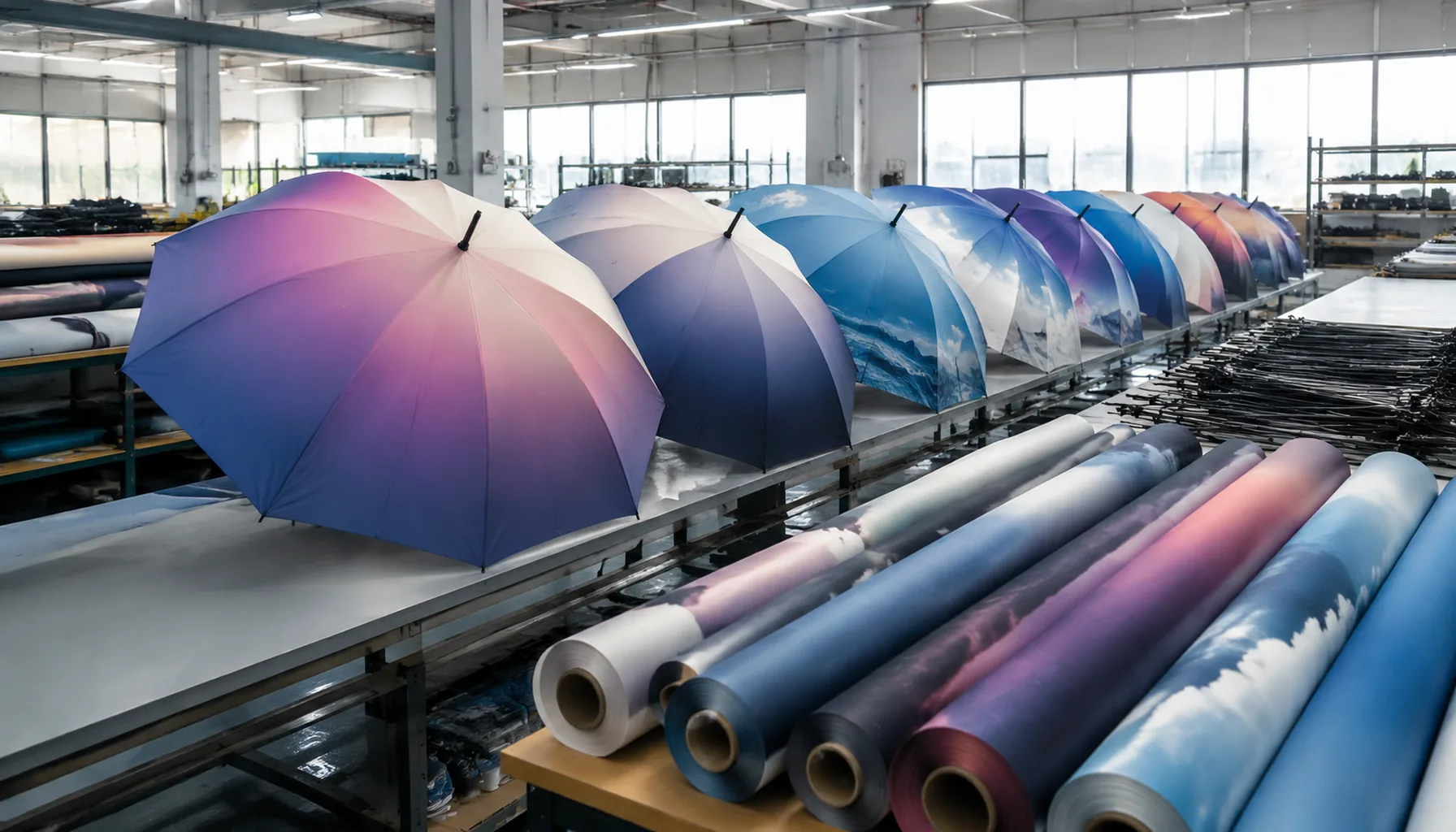
Photo-real graphics and smooth gradients can look strong on umbrellas, but they behave differently on pongee, polyester, and coated canopy fabrics than they do on paper or screens. On our Songxia factory floor, photographic umbrella printing means checking artwork resolution, panel layout, seam breaks, ink absorption, and color shift before bulk production. Buyers who plan sampling, MOQ, and lead time around those realities avoid most surprises when the first finished canopy opens.
When Photo-Realistic Umbrella Prints Make Sense
Photographic umbrella printing makes sense when the umbrella is doing more than carrying a logo; it is acting as a small-format image product. That is why retail collections, museum shops, destination merchandise, tourism campaigns, and lifestyle brand drops are the right use cases. A skyline, exhibit artwork, botanical scene, or resort landscape can justify photo print umbrellas because the canopy becomes part of the brand story instead of a background surface. In those channels, a customer will pay for visual detail, not just identification, so the print has to look intentional from arm’s length and still hold together when the canopy is opened, curved, and viewed in motion. This is where digital printed umbrellas outperform basic screen-printed logo work, especially on 190T or 210T pongee where the fabric surface can carry finer detail.
The technical reason photo-realistic work needs more proofing is simple: umbrella geometry is unforgiving. A flat image that looks clean on a computer screen can break badly across panels, seams, and the crown once it is wrapped on an 8K, 10K, or 16K frame. Faces, buildings, horizons, and text gradients can distort if the artwork is not mapped to the panel pattern first. A gradient umbrella print also needs tighter control of color transitions, because banding, unwanted shifts, and weak shadow detail show up fast on curved canopies. For photographic umbrella printing, we usually check panel alignment, seam placement, bleed, and how the image reads both closed and fully open, because what looks acceptable on a proof sheet can fail on the actual umbrella shape.
Compared with a simple logo application, photo print umbrellas demand stronger sampling, more artwork adjustments, and at least one serious strike-off before mass production. The proof has to confirm color density, edge sharpness, and whether the image still reads under daylight, indoor retail lighting, and field use. That matters most for retail umbrella branding, where the buyer is selling presentation as much as function, and for tourism or museum programs where the design must survive close inspection. If the image depends on subtle skin tones, fine architecture, or layered scenery, short-cuts rarely work. The safe approach is to validate the artwork on the exact canopy size and fabric style first, then decide whether the final result should stay fully photographic or be simplified into a cleaner digital printed umbrellas treatment with stronger contrast and fewer fragile details.
Artwork Resolution, Color, and Panel Distortion
Artwork for photographic umbrella printing should be built at finished size, not pasted from a web banner and enlarged at the factory. For a 23" stick umbrella with 8K panels, each triangular panel often needs an artboard around 410–450 mm tall with bleed; for 27" golf umbrellas, the panel height can run 500–560 mm depending on frame arc and seam allowance. I like to receive raster images at 150–200 dpi at actual print size for full-photo work, and 300 dpi for logos, small text, QR codes, and sharp retail marks. Vector files are still best for brand lockups. Before we expose screens or run digital printed umbrellas, our standard practice at ZheBrella is a full-size layout review showing rib lines, seam allowance, top cap position, tie wrap location, and the direction of each panel. A beautiful flat rectangle can fail badly once divided into eight triangles.
Triangular umbrella panels distort images because fabric is cut on a curve, then pulled over ribs under tension. Faces, product shots, buildings, and horizon lines are the first things to look wrong if the designer treats the canopy like a poster. On 190T or 210T pongee, a gradient umbrella print is more forgiving than a portrait because soft transitions hide 2–4 mm sewing variation at panel joints. With photo print umbrellas, keep important subject matter at least 25–35 mm away from seam lines and 40–50 mm from the panel tip, where cropping and gathering near the ferrule are common. A centered circular image may need to be split and warped per panel so it visually reconnects after sewing. For double-canopy vented windproof models, the upper vent layer creates additional overlap, so artwork crossing that ring needs a separate proof, not just a normal 8-panel template.
Color is the second trap: RGB images on a bright monitor do not translate directly to sublimation, heat transfer, or wet print on coated fabric. Sublimation on white polyester gives the widest photographic range, while screen print is stronger for solid corporate colors but weaker for continuous-tone images. POE, PVC, and EVA transparent canopies shift color differently again because the substrate itself changes density and gloss. For retail umbrella branding, I still ask for Pantone references for the logo red, navy, green, or other protected brand tones, even when the job is photographic umbrella printing. Pantone does not guarantee an exact match on 210T pongee with Teflon water-repellent finish or UV UPF 50+ coating, but it gives the print room a target under D65 light instead of guessing from a laptop screen. For serious launches, approve a strike-off panel before bulk cutting; it is cheaper than rejecting 3,000 finished umbrellas under AQL 2.5 inspection.
Fabric and Coating Choices for Digital Print Quality
For photographic umbrella printing, the fabric choice decides how much detail survives after the image leaves the RIP software and hits the canopy panel. 190T pongee is the common cost-effective option for promotional and event umbrellas because it prints cleanly, folds well, and keeps the finished umbrella light. But under close inspection, the yarn spacing is more visible, so fine shadows, skin tones, and soft sky gradients can look slightly grainier. 210T pongee has a tighter weave and smoother hand feel, which gives better edge definition on logos, faces, building lines, and retail artwork. It also improves opacity, especially on 23 inch and 27 inch panels where a large photo area can look washed out if the base cloth is too thin. For photo print umbrellas sold through retail umbrella branding programs, I usually push buyers toward 210T pongee unless the target is a low-cost giveaway.
A gradient umbrella print exposes fabric weakness faster than a flat logo print. On 190T pongee, a light-to-dark transition can show banding if the artwork has compression artifacts or if the ink limit is pushed too high. 210T pongee handles digital printed umbrellas better because the tighter weave supports more even ink laydown, especially with heat transfer and sublimation processes. The tradeoff is price and slightly longer drying or transfer-control requirements; if the factory rushes temperature, pressure, or dwell time, dark photographic areas can migrate or blur at seam allowance edges. For full-panel photo print umbrellas, we normally ask for 300 dpi artwork at final panel scale, then adjust each triangular panel for rib alignment because an 8K umbrella creates different distortion than a 16K umbrella. Good fabric cannot fix poor panel mapping.
Coatings matter, but they can also damage image quality. A standard water-repellent finish is usually safe if applied evenly after printing, but too much fluorine-free WR chemistry can create a slightly waxy surface that reduces gradient smoothness and makes deep blacks look flatter. Heavy UV coatings are more difficult: UPF 50+ silver or black backing improves sun protection and opacity, but it can stiffen the canopy and change how light passes through the print. On dark-backed pongee, photographic colors may look more saturated from outside but duller from underneath. For photographic umbrella printing with smooth gradients, avoid combining very heavy silver coating with delicate pastel artwork unless a lab dip and printed strike-off are approved first. For retail runs, I would rather approve a tested 210T pongee with controlled Teflon-style water repellency than chase maximum coating weight and lose the image.
Frame Format Decisions for Retail Programs
For premium lines, I recommend a double-canopy vented construction when the buyer wants photo print umbrellas to sell above the basic price tier. The lower canopy carries the main artwork, while the vent layer releases wind pressure, helping a 27" or 30" golf umbrella survive 50+ mph wind-tunnel testing when paired with fiberglass ribs and a reinforced runner. The tradeoff is weight, sewing time, and print planning: if the top vent is also printed, the factory must align color density between two fabric layers, usually 190T or 210T pongee with digital or heat-transfer output depending on order volume. Our standard practice at ZheBrella is to sample premium retail programs in both 8K and 16K before locking the PO, because the same photographic umbrella printing can look bold and commercial on 8K but more luxury and fashion-driven on 16K. That decision affects MOQ, AQL 2.5 inspection focus, carton size, and the DDP landed cost as much as the artwork itself.
Approval Workflow, Lead Times, and Inspection Criteria
The fastest approval workflow for photographic umbrella printing starts with a locked art file, not a vague layout. For digital printed umbrellas, we ask for AI, PSD, PDF, or TIFF at full panel scale, usually 300 dpi, with the rib positions, seam allowance, and center cap area marked. A digital proof can be turned in 1–2 working days, but buyers should not treat it as color approval because screens lie, especially on dark gradients and skin tones. The proof is mainly for logo size, panel orientation, crop, handle placement, and whether the artwork repeats cleanly across 8K or 16K panels. A gradient umbrella print needs extra attention at the panel edge; if the gradient crosses seams, we add 3–5 mm bleed and check that the tone does not jump from one cut panel to the next.
After proof sign-off, the strike-off is the real color checkpoint. For polyester pongee 190T or 210T, a sublimation or digital print strike-off usually takes 5–7 days; POE or PVC photo print umbrellas may need 7–10 days because ink adhesion and transparency change the result. I recommend approving under D65 light and indoor retail lighting if the umbrella is for store shelves. The pre-production sample comes next, normally 7–12 days after strike-off approval, and it should use the actual frame, handle, tips, closure strap, and coating, such as Teflon water repellent or UPF 50+ treatment. For retail umbrella branding, this is where we confirm panel matching, canopy tension, logo centering, and whether the print distorts after sewing onto a 23", 27", or 30" frame.
Bulk production should not start until the pre-production sample is signed and sealed with tolerances written down. For photographic umbrella printing, our standard AQL 2.5 inspection checks visible banding, color drift between panels, misaligned photo elements at seams, canopy stains, dirty stitch lines, loose tips, broken ribs, and manual, auto-open, or auto-open-close function. On windproof models, we also test double-canopy vents, fiberglass rib recovery, shaft straightness, and runner locking; a claimed 50+ mph umbrella should not invert during a basic shop-floor gust test. Realistic bulk lead time is 25–35 days after sample approval for 1,000–3,000 pieces, plus 3–7 days for final inspection, carton marking, and booking. FOB Ningbo/Shanghai is simpler, while DDP shipments need earlier HS code, carton size, duty, and delivery-window confirmation.
Frequently Asked Questions
Can a full photograph align perfectly across all umbrella panels?
Perfect alignment is difficult because each panel is cut and sewn separately. The best approach is to place critical faces, text, and landmarks away from rib seams and review a sewn sample before bulk production.
Is digital printing more expensive than screen printing for umbrellas?
Usually yes for simple one-color logos, but it becomes more practical for gradients, photos, and many colors. It can also reduce setup complexity when several SKUs share the same frame but use different artwork.
How does seam placement affect photographic umbrella printing?
On most canopy umbrellas, each panel seam can interrupt fine details, faces, and text. For photo-heavy artwork, the design should be prepared with panel breaks in mind and approved on a sewn sample before mass production.
What MOQ is typical for gradient umbrella print projects?
For OEM/ODM digital printed umbrellas, many factories start around 300-500 pieces per design, depending on canopy style and printing method. If the artwork needs multiple colorways or custom packaging, the MOQ is often higher.
How long does sampling and production usually take?
Sampling is often 7-15 days after artwork confirmation, while production commonly takes 20-35 days for standard orders. Complex photo prints, special fabrics, or custom components can extend both timelines.
Looking to Launch Your Custom Umbrella Line?
ZheBrella is a Zhejiang-based OEM/ODM umbrella manufacturer with 17 years of export experience. Free design, low MOQ from 100 pieces, windproof construction, full-color print.
Get Free Quote Now »People Also Search For
Related Articles
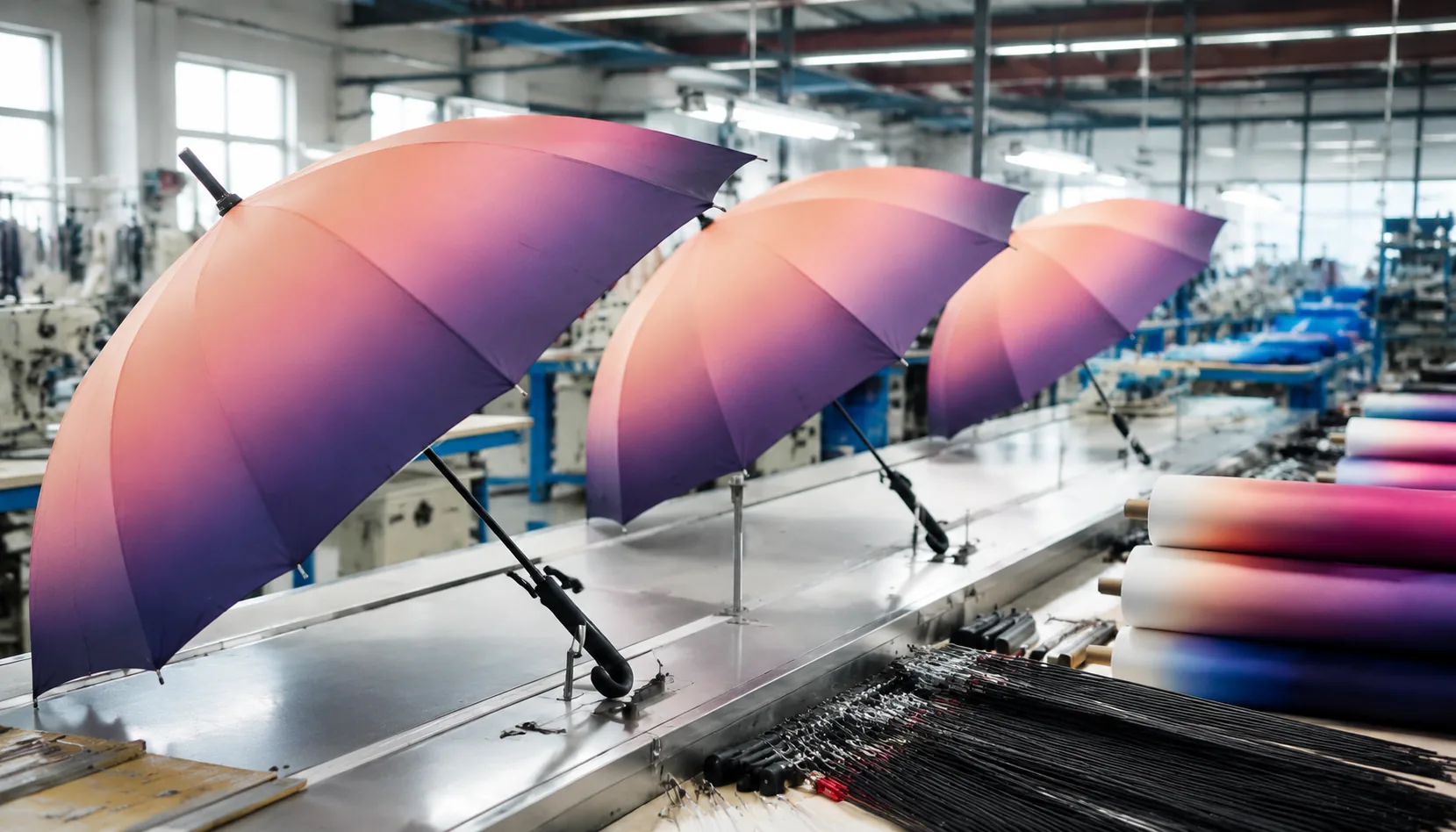
Gradient and Photographic Umbrella Prints for Retail Brands
Build retail umbrella prints with photo clarity, correct fabric specs, sample approvals, and QC checks for gradients, ar...
Read More »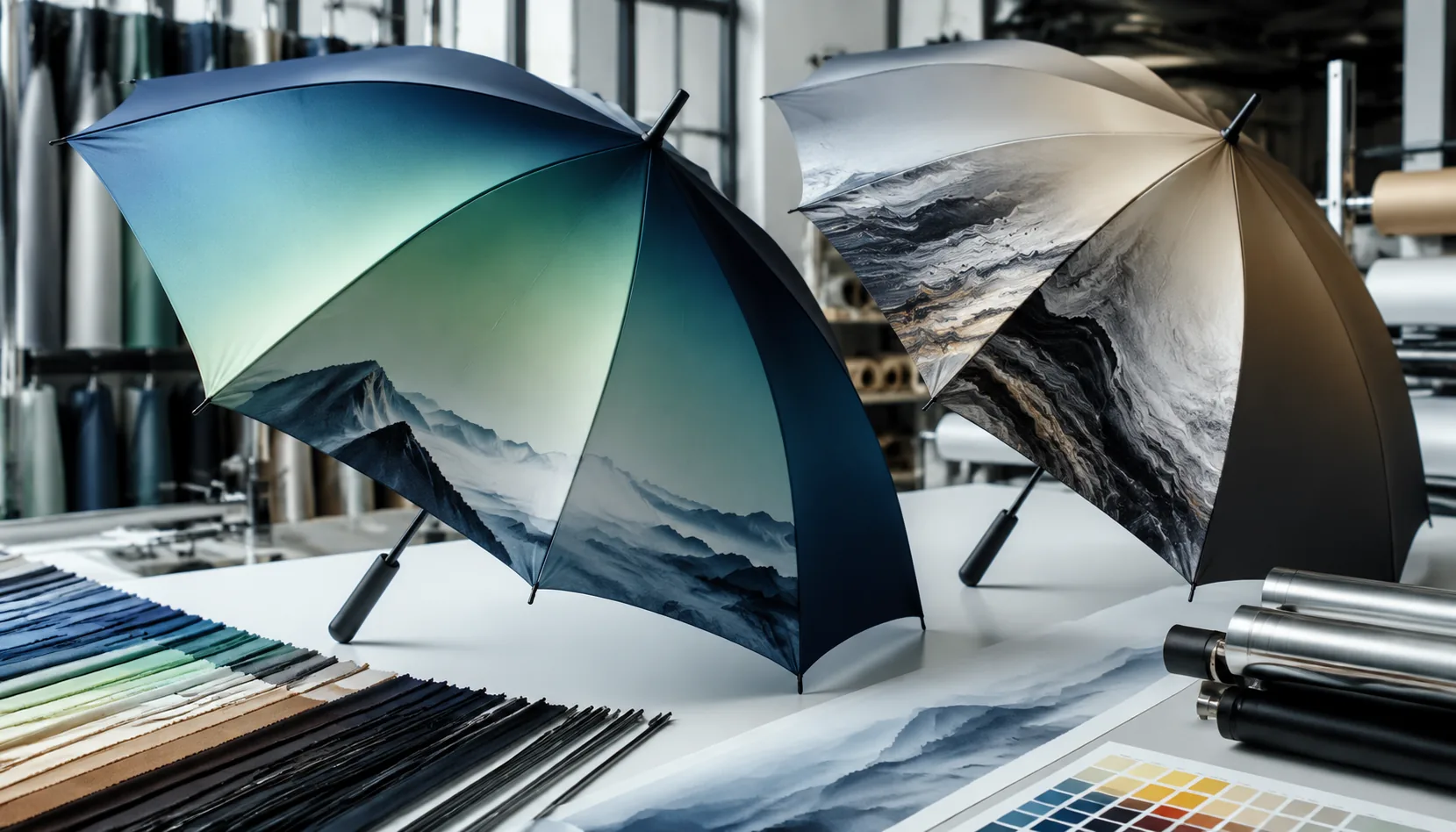
Gradient and Photographic Umbrella Prints for Brand Campaigns
Plan photo, gradient, and all-over digital umbrella prints with file specs, 190T/210T fabric choices, panel seams, lead ...
Read More »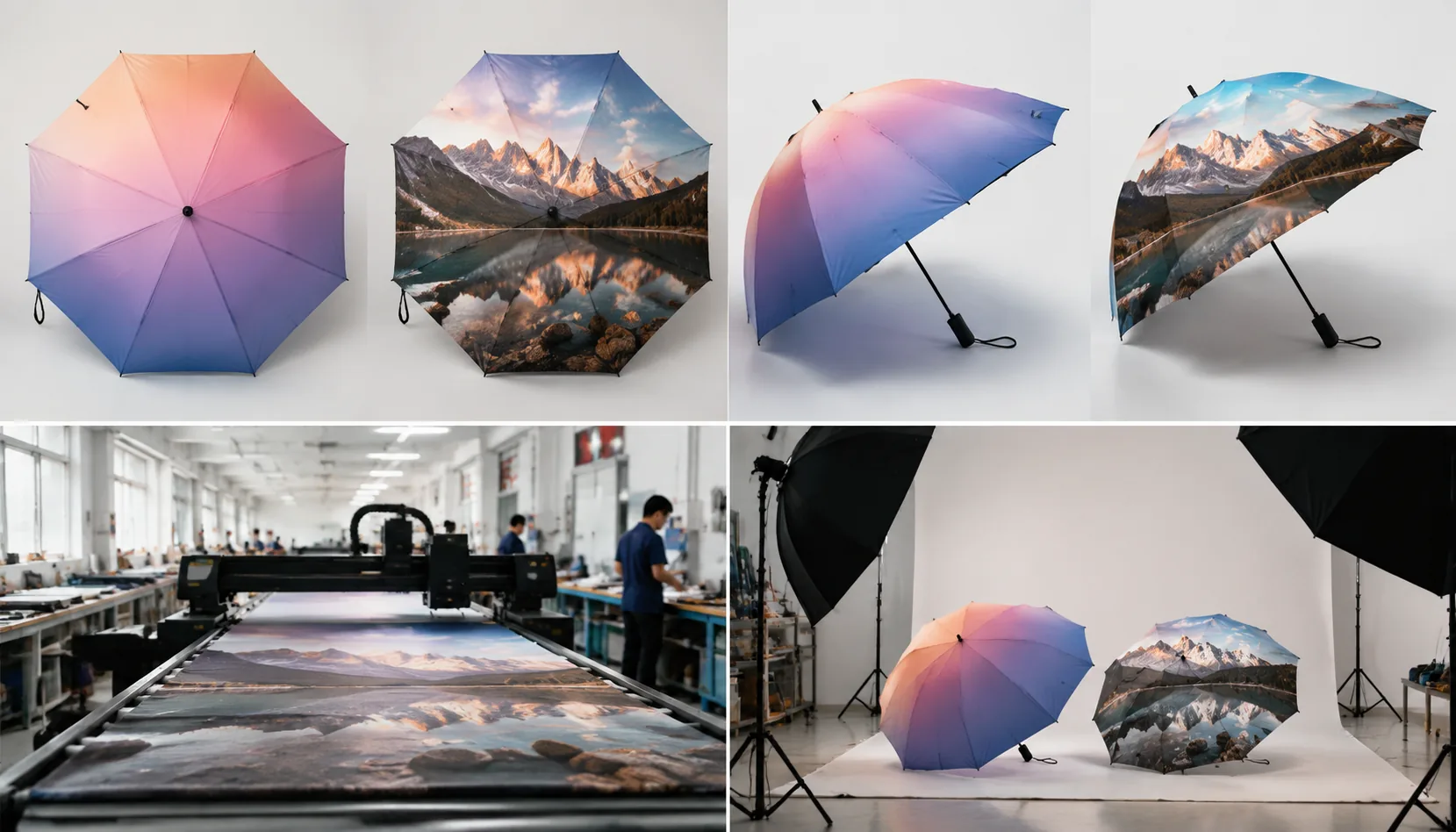
Gradient and Photo Printing Specs for Branded Umbrellas
Set buyer-ready specs for photo and gradient umbrella prints, from file resolution and pongee fabric to digital sampling...
Read More »