QR Code Printing on Branded Umbrellas That Scans Reliably
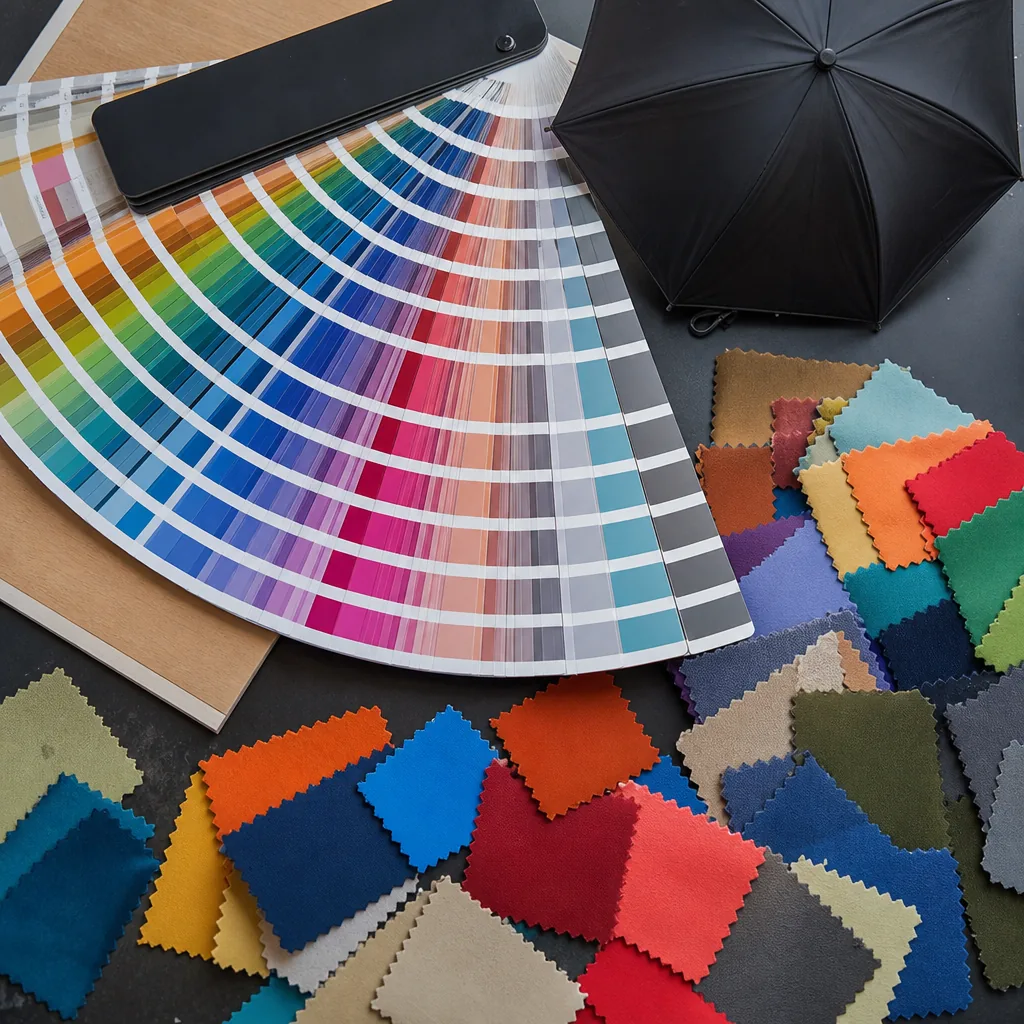
A QR code on an umbrella has to survive curved panels, wet fabric, folding marks, and the quick scan of a customer walking by. On the factory floor, reliable QR code umbrella printing starts before ink touches fabric: we check artwork size, contrast, panel position, fabric coating, and how the code behaves after drying and assembly. For B2B campaigns, the goal is not just a clean print, but a code that scans consistently in real use.
When QR Codes Make Sense on Umbrellas
QR code umbrella printing works best when the umbrella is tied to a measurable action, not treated as a cheap giveaway. At trade shows, music festivals, golf outings, campus events, and city launches, a 23-inch or 27-inch branded umbrella has enough canopy space for one readable code, one clear logo panel, and a short call to action. Strong use cases include event check-in, loyalty signup, coupon redemption, product registration, map download, multilingual visitor information, and campaign landing pages. Placement matters: put the code on one panel near the lower outer edge, where the opened canopy sits flatter and someone standing 2 to 4 feet away can scan it. A 30-40 mm QR code that works on paper is usually too small on 190T or 210T pongee; start around 80-100 mm and test under indoor light, daylight, and shade before production.
Retail campaigns and destination marketing need a scan reason strong enough to interrupt the user. A seaside resort can link to a weather page, beach map, or room-service menu; a museum shop can link to an audio guide; a beverage brand can route users to a seasonal rebate, store locator, or product page. For promotional umbrella logos, the QR code should support the brand mark, not replace it. Buyers recognize the logo first, then scan when the offer is obvious. Avoid placing codes on every panel unless the umbrella is a static display prop; repeated codes add visual noise and can weaken brand recognition. One code panel, one strong logo panel, and one direct call to action usually produce a cleaner result. On dark canopies, print the code inside a light boxed background. On white POE, PVC, or EVA panels, check glare because glossy surfaces can reduce scan reliability.
Scan-ready print artwork needs tighter control than standard branding art. Fine QR modules can close up during screen printing if ink spreads on fabric, while heat-transfer edges can lift if film is too thin or pressed across seam tension. For QR code umbrella printing at ZheBrella, we request vector artwork, maintain high contrast, preserve the quiet zone, and run a physical scan test on the actual canopy material, not only on a PDF proof. This is especially important for double-canopy vented windproof models, 16K golf umbrellas, and auto-open-close folding umbrellas, where rib position and panel curvature affect how flat the code sits when opened. If the campaign depends on signups, coupons, or attribution, use a campaign-specific URL or batch code behind the QR code so scans can be tracked by event, retail location, distributor order, or production batch.
Minimum Size, Contrast, and Quiet Zone Rules
Treat the code as functional print artwork before you treat it as branding. For reliable QR code umbrella printing, keep the finished code at 35 mm square minimum on compact 21-inch panels; use 40-50 mm on 23-inch and 27-inch branded umbrellas. Pongee 190T and 210T are not paper: the weave, water-repellent coating, panel tension, and sewing distortion all reduce edge sharpness. A 20 mm QR code that scans on a PDF can fail after screen printing because ink gain closes small modules. Heat transfer gives cleaner edges than screen print, but pressing still requires enough module size after fabric stretch and coating absorption. For event giveaway umbrellas, where users scan outdoors, one-handed, and often while moving, 50 mm is a practical production target, not wasted space.
Contrast decides whether the phone can separate modules from the canopy. Use dark ink on light 190T or 210T pongee: black, navy, or deep green on white, light gray, yellow, or pale blue works far better than brand-matched low contrast. Tone-on-tone QR codes fail because scanners lose the square edges under glare, rainwater reflection, fabric sheen, UV coating, or Teflon water repellent. Silver on white, light blue on royal blue, charcoal on black, and low-opacity ink on coated fabric are common failure cases. If the brand guide requires soft colors for promotional umbrella logos, isolate the code in a high-contrast block and keep the softer palette for the logo, slogan, or panel artwork.
The quiet zone is part of the QR code, not extra decoration. Leave a clear margin of at least four modules on every side; in factory artwork review, convert that into a visible 5-8 mm blank border around a 40-50 mm code. Keep ribs, seam lines, tip stitching, logo text, panel color breaks, and decorative patterns outside that border. On 8K and 10K umbrellas, place the code in the flatter center area of one panel, away from the rib channel where curvature can skew the square. For QR code umbrella printing, approve only scan-ready print artwork at final size, then test a printed film or fabric strike-off from 300-800 mm before bulk production. That check catches unreadable codes before thousands of umbrellas are cut, sewn, and packed.
Best Canopy Locations for Reliable Scanning
Use one outer canopy panel as the primary scan point because it gives the cleanest angle, the largest printable area, and the least friction for the user. When a 23 inch or 27 inch umbrella is open, the canopy sits above shoulder height, so another person can scan a full panel without touching the product. For QR code umbrella printing, place the code in the lower third of the panel, centered between ribs, with a 25 to 35 mm quiet zone after sewing tolerance. On 190T or 210T pongee, a 55 to 70 mm black-and-white code can scan at arm’s length if contrast stays sharp. POE and PVC canopies need pre-production scan tests because gloss, curve, and rain droplets can wash out modules under trade-show or hotel lobby lighting. Keep the code away from the hem; binding tape, canopy curvature, and edge tension can distort square geometry even when the flat proof looks correct.
Sleeves, straps, and hangtags support different buyer goals, but they are weaker as primary scan locations. A sleeve works before use, which suits retail shelves, hotel rooms, gift kits, and event giveaway umbrellas distributed in bags. Once the umbrella opens, the sleeve is no longer visible, so it should carry a secondary QR, not the main campaign entry point. A closure strap creates the highest print risk: the printable width is narrow, the surface bends around folded fabric, and most layouts cannot hold scan-ready print artwork unless the code is enlarged and the strap material stays flat. Hangtags scan best at hand distance because they are flat and can carry campaign URLs, instructions, and promotional umbrella logos without canopy distortion. Their weakness is permanence. Treat hangtags as launch, redemption, or retail tools, not the only long-term scan location on branded umbrellas.
Rib count changes the risk profile. On an 8K frame, each panel is wider, so the QR can sit in the center with lower risk of seam interference. On a 16K frame, rib lines are closer together; resizing an 8K artwork file onto a 16K canopy can push modules too close to stitching, folded seam allowance, rib shadow, and fabric tension. For 16K QR code umbrella printing, keep the code at least 40 mm from rib stitch lines and approve placement on a sewn sample, not only a flat CAD mockup. Screen printing works for single-color codes when registration is controlled; heat transfer can produce sharper module edges on some fabrics. Neither process can save a code that crosses a seam or sits in the distorted fabric zone beside a rib. Confirm final placement with actual scan tests at arm’s length, under both indoor lighting and wet-canopy conditions when POE or PVC is specified.
Print Method and Fabric Considerations
For QR code umbrella printing on 190T or 210T polyester pongee, choose the print method before finalizing the frame. Screen printing gives the lowest scan risk for single-color codes because controlled mesh count, even squeegee pressure, and correct curing keep module edges square. Use black ink on a white or very light panel; keep the finished code around 35-45 mm for close-range scans and 60 mm or larger for event traffic. Heat transfer can produce sharper small modules, but the film must bond evenly across the pongee weave; low-grade transfers can crack after repeated folding. Digital printing is suitable when the QR sits inside full-color branded umbrellas or near complex promotional umbrella logos, but approve only high-resolution, scan-ready print artwork with dot-gain control and a post-print contrast check.
Coated canopies need production-fabric proofing because coatings change ink adhesion and contrast. UPF 50+ silver or black-coated pongee improves sun protection, but dark backing can reduce contrast under indoor lighting, especially for dark-on-dark codes. Teflon water-repellent finishing limits surface wetting, so screen ink should pass adhesion testing before bulk production to prevent lifted module corners after rubbing or rain. For heat transfer, avoid heavy coating buildup, seam allowances, and compressed panel areas because heat and pressure can wave the fabric and distort the QR grid. Before mass production, the approved proof should pass a wet rub and fold test, such as 10 cycles, while still scanning from the intended distance.
Double-canopy windproof umbrellas create the highest distortion risk because vents, overlapping fabric, and stronger panel curvature can pull the code out of square. Do not print a QR across a vent opening, panel join, rib pocket, or high-tension crown area; these positions may look flat during cutting but deform once an 8K or larger frame opens. On 23 inch and 27 inch branded umbrellas, place the code in the lower-middle of one panel, at least 60-80 mm from seams and vent edges. On 30 inch golf umbrellas with fiberglass ribs and double-canopy construction, QR code umbrella printing can work if the code has clear space and is not squeezed beside oversized logos. For event giveaway umbrellas, one large QR on a light panel scans more reliably than repeated small codes around the canopy.
Sampling, QC, and Bulk Order Controls
For QR code umbrella printing, the approval gate is a pre-production sample on the actual canopy fabric at final print size, not a paper proof. Scan the code only after the canopy is printed, cured, and tensioned on the frame, because curvature, fabric texture, and outdoor glare can change readability on 190T pongee and waterproof-coated 210T panels. Test on both iOS and Android with native camera scanners plus at least one common third-party app before releasing bulk ink approval. Record first-pass scan success, read distance, and scan angle under office and outdoor light. If the artwork combines promotional umbrella logos with the code, protect the quiet zone and keep the QR off stitch lines, panel seams, and vent openings on double-canopy styles. Ask for the final URL early so scan-ready print artwork can be built with the correct error-correction level and module density for the canopy size, whether the program uses 21 inch folding branded umbrellas or 27 inch golf styles.
Bulk control should start with AQL 2.5 visual inspection, then add batch scan checks after curing and before packing. Visual QC should cover mis-registration, color contamination, pinholes, handle scratches, rib damage, and open-close function across manual, auto-open, and auto-open-close frames. That is necessary but not sufficient for QR code umbrella printing: screen inks and heat-transfer films can move slightly after curing, especially on dark canopies and 210T fabric, so operators should pull samples from different print tables and production hours and rescan them under mixed lighting. For event giveaway umbrellas, one or two larger codes usually scan more reliably than small repeated codes across multiple panels. Planning should reflect that risk. MOQ is commonly 500 pieces for a custom style, while some stock-frame branded umbrellas start at 300 on standard 8K frames. Typical timing is 7 to 10 days for the sample and 25 to 35 days for bulk after approval. For FOB Ningbo, add vessel-booking time and at least 7 days of buffer for rework; for DDP air or courier, verify carton count and closed length, especially on 30 inch golf umbrellas. For a fixed event date, approve the tested sample and landing page 6 to 8 weeks in advance.
Frequently Asked Questions
What is the safest QR code size for an umbrella canopy?
For most branded umbrellas, 40-50 mm square is safer than smaller codes, especially on textured 190T or 210T pongee. Larger codes are recommended for event umbrellas scanned outdoors.
Can a QR code be printed across two umbrella panels?
It is possible but not recommended for reliable scanning. Panel seams, rib tension, and canopy curvature can break the code geometry, so a single flat panel or sleeve is usually safer.
What is the minimum QR code size that usually scans well on an umbrella canopy?
For most promotional umbrellas, buyers should plan on at least 30-40 mm square on the printed panel, with a clear quiet zone around all sides. If the fabric has texture, dark coating, or curved placement near seams, 45-50 mm is usually safer.
Can a QR code be printed across umbrella panel seams or folding lines?
It is not recommended for B2B production orders because seams, stitch lines, and fold creases can interrupt modules and reduce scan rates. Most factories will place the code fully inside one panel and keep it away from the edge by at least 10-15 mm.
What QC checks should be approved before full production of QR code umbrellas?
A practical approval flow is digital artwork proof, one physical pre-production sample, and scan testing under indoor and outdoor light with at least 2-3 common phone models. For bulk orders, importers often request random in-line checks plus a final AQL inspection focused on print registration, contrast, and scan success rate.
Looking to Launch Your Custom Umbrella Line?
ZheBrella is a Zhejiang-based OEM/ODM umbrella manufacturer with 17 years of export experience. Free design, low MOQ from 100 pieces, windproof construction, full-color print.
Get Free Quote Now »People Also Search For
Related Articles
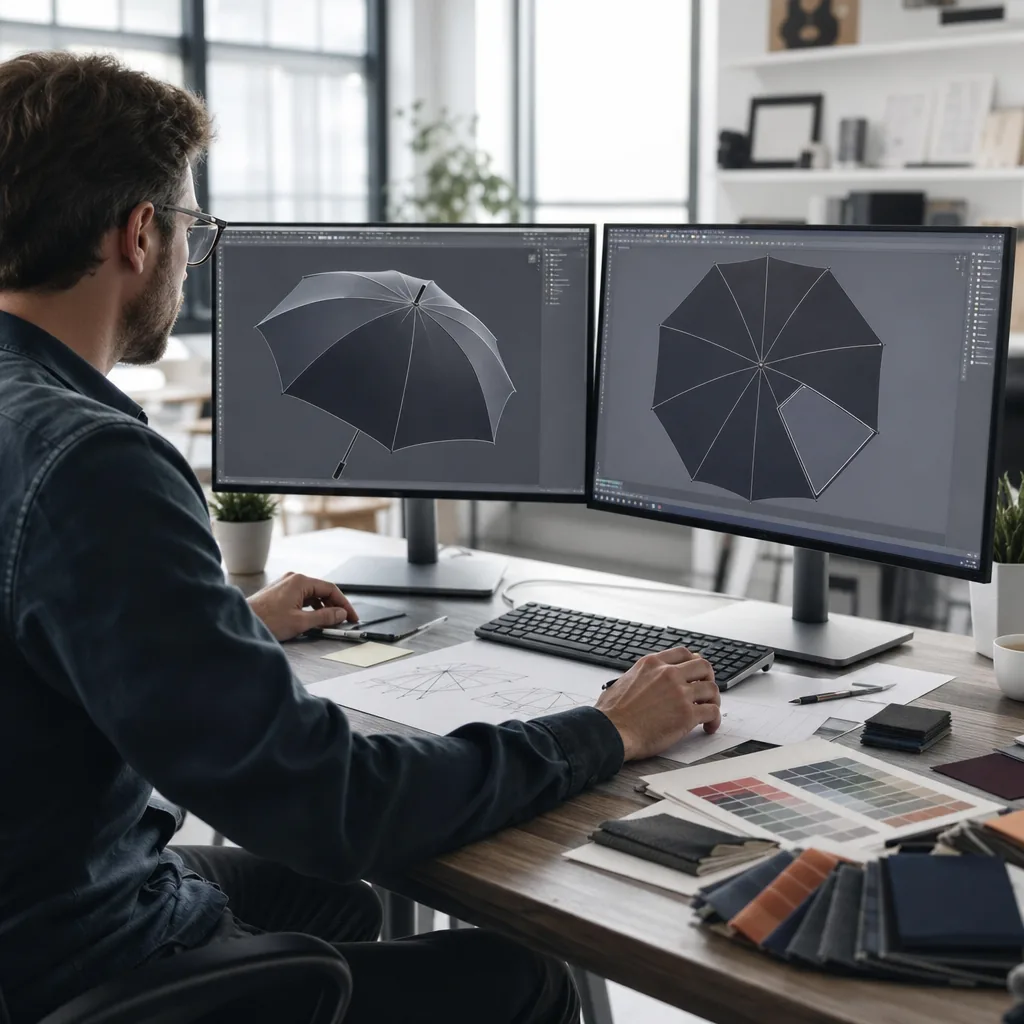
QR Code Printing on Umbrellas for Event Brand Tracking
Learn how to size, place, and test scannable QR codes on umbrellas, from contrast and ink choice to event MOQs, approval...
Read More »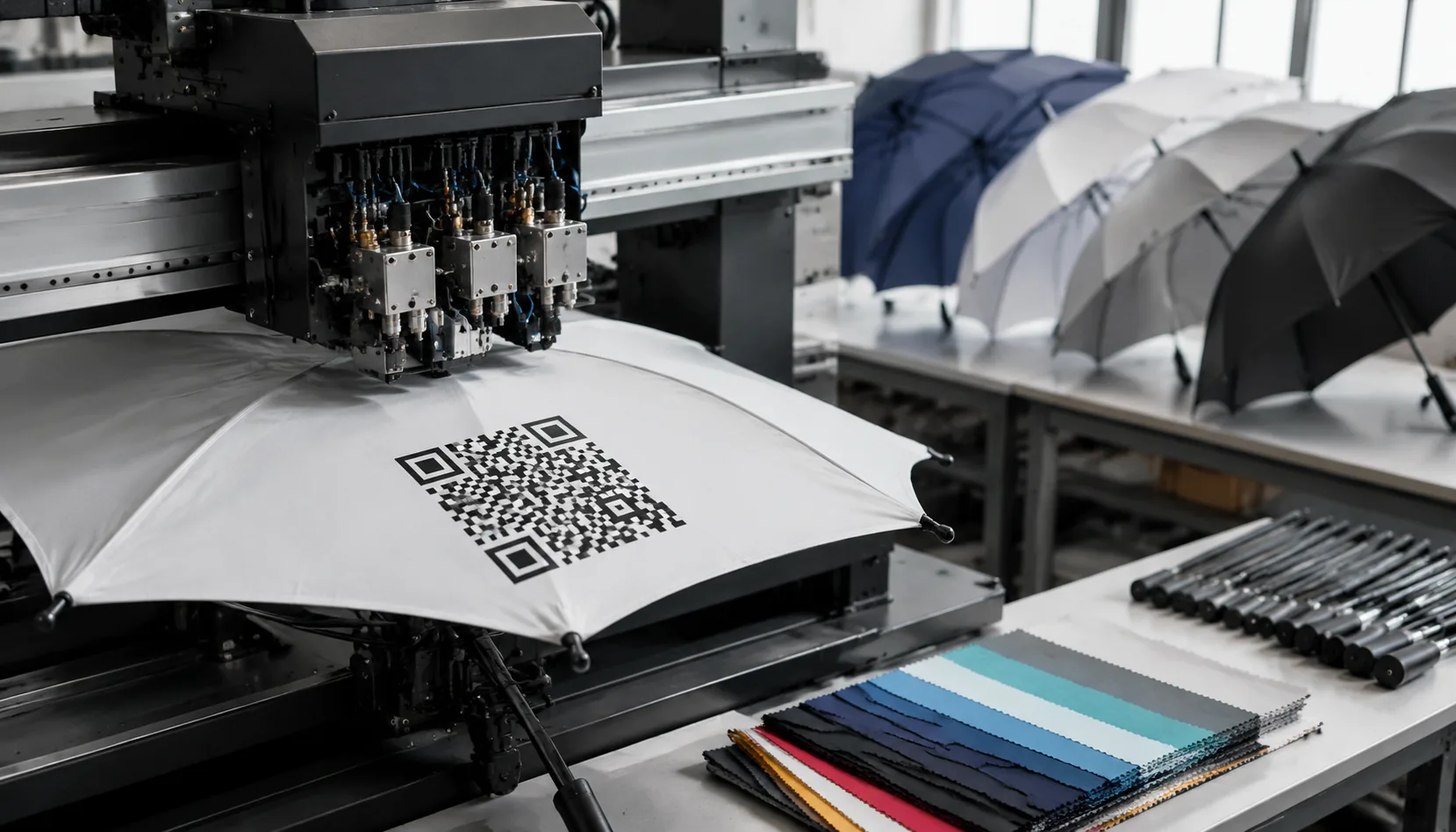
QR Code Printing on Promotional Umbrellas for Campaigns
Plan scannable QR code umbrella printing with the right panel size, contrast, fabric, testing, MOQ, and delivery terms f...
Read More »QR Code Logo Printing on Umbrellas for Event Branding
Design scannable QR code umbrellas with correct sizing, contrast, placement, sampling, and QC for events, retail activat...
Read More »