Screen Printing, Digital Printing, or Transfer for Umbrella Logos
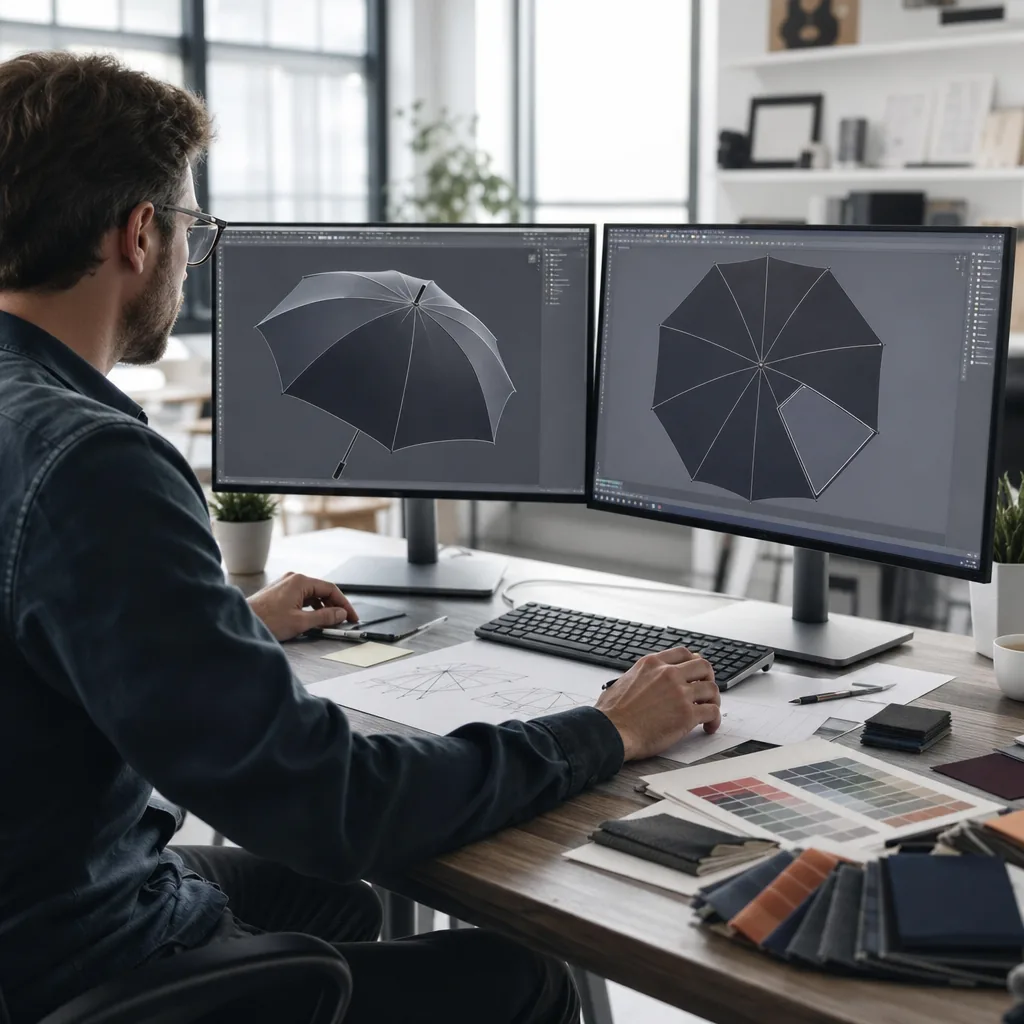
Choosing the right decoration process for umbrellas is usually a tradeoff between logo detail, run size, durability, and how fast production needs to move. On the factory floor, the wrong method can mean blurry colors on curved panels, long setup time, or a finish that cracks after a few uses. This comparison of umbrella logo printing methods focuses on the practical limits buyers need to match before they place an order.
- 1. How each decoration method works on umbrella fabric
- 2. Durability tradeoffs in wind, rain, and repeated folding
- 3. When artwork complexity justifies digital or transfer printing
- 4. MOQ, setup cost, and unit price by print method
- 5. How to choose the right method for retail, promo, or corporate orders
How each decoration method works on umbrella fabric
Screen printing is still the default for most umbrella logo printing methods because it is fast, predictable, and cheap at volume. On 190T or 210T pongee, we print the logo panel after cutting but before final canopy sewing, so the mesh can register flat and the ink can cure without fighting the finished dome shape. That makes screen print umbrellas the right choice for 1-color or 2-color logos, especially on straight-run stick umbrellas, golf umbrellas, and promotional folding models with large, repeated panels. The limitation is obvious on fabric: each color needs a separate screen, fine gradients are not worth forcing, and heavy ink deposits can reduce hand feel if the print area is oversized.
Digital printing is the opposite workflow. Instead of separate screens, the artwork is printed directly from the file, so it works better for photos, complex gradients, thin linework, and small-batch orders where setup cost matters more than per-piece speed. On digital print umbrellas, the canopy panels are usually printed before stitching, because finished umbrella fabric is too curved and segmented for clean registration. In a branded umbrella factory, this method is most useful on fashion retail umbrellas, limited campaign runs, or designs that change often. The tradeoff is durability and color control: digital inks can look sharp, but they need correct curing and fabric compatibility, and very dark pongee sometimes shifts the color slightly compared with a spot-matched screen print.
Heat transfer logos sit between the two. The logo is first printed onto transfer film or paper, then pressed onto the canopy with heat and pressure, usually after panel cutting and sometimes after sewing if the panel shape allows stable pressing. Heat transfer logos are practical when you need multiple colors, small text, or metallic and specialty effects without the setup burden of screens. They work best on flatter panel zones and on umbrellas with larger segments, such as 23-inch or 27-inch automatic-open styles, where the press can contact the fabric cleanly. For umbrella logo printing methods, the real decision is not just artwork complexity but construction: segmented folding umbrellas, double-canopy vented golf umbrellas, and tighter 21-inch travel frames all behave differently under heat, ink load, and seam placement.
Durability tradeoffs in wind, rain, and repeated folding
For umbrella logo printing methods, durability is mostly about how the image survives rubbing, flexing, and moisture, not just how it looks on day one. Screen print umbrellas usually hold up best when the artwork is simple and the ink deposit is controlled, because the thicker ink layer bites into the weave and resists surface abrasion better than most digital print umbrellas. The weak point is too much ink on a tight 190T or 210T pongee: if the film sits heavy on the fabric, the logo can feel stiff and start micro-cracking along fold lines after repeated opening and closing. On automatic-open models, that fold fatigue shows up faster because the canopy snaps open hard, then compresses the print into the same crease pattern every cycle. In a branded umbrella factory, the real question is not whether the print can pass a one-time rub test; it is whether it still reads clearly after rain, transport abrasion, and a few dozen folding cycles.
Curing is where many jobs are lost. If the ink is not fully cured, the first rain or a warm, damp warehouse can soften the print edge and cause wash-through visibility, especially on light-colored canopies where the pigment contrast matters. Properly cured screen print umbrellas generally tolerate better abrasion because the binder crosslinks into the fabric surface, while digital print umbrellas depend more on surface fixation and usually need tighter process control to avoid a thinner, more fragile image film. Fabric weave also matters: a coarse weave gives the coating something to grab, but it can interrupt small text and fine linework; a tight weave prints cleaner, yet it can reveal cracking sooner if the ink layer is too rigid. On double-canopy vented windproof umbrellas, the outer and inner panels move differently in gusts, so a brittle print can fracture at seam-adjacent stress points even when the rest of the canopy looks fine.
Heat transfer logos sit in the middle: they can give sharp detail and strong color density, but the film edge is the first thing to fail if the umbrella is used hard and folded wet. That is why I treat them as a better option for short-run promotions than for long-service retail pieces, unless the artwork is large and placed away from high-stress ribs and panel seams. For automatic-open and auto-open-close umbrellas, the opening shock and repeated panel inversion make crack risk more visible than on manual models, so the print spec has to match the mechanism, not just the artwork. In practice, the most durable setup is a moderate ink load, full curing, and a canopy fabric that matches the print method: dense pongee for cleaner detail, slightly textured polyester when abrasion resistance matters more than edge sharpness. That is the tradeoff behind umbrella logo printing methods, and it is the reason we test logos through open-close cycles, wet handling, and fold-line inspection before approving production.
When artwork complexity justifies digital or transfer printing
Artwork complexity is the main breakpoint in umbrella logo printing methods. If the design is 1 to 4 spot colors, has clean edges, and the smallest text is at least 6 pt on a flat proof, screen print umbrellas are usually the most durable and the most economical at volume. Once you introduce gradients, translucent shadows, thin-line illustrations, or more than about 6 colors, screen printing starts to show its limits because each color needs a separate screen and registration on a curved panel is unforgiving. On a 23" or 27" panel, lines under 0.3 mm can break up once the canopy tension pulls the fabric into a saddle shape, especially near the seams and crown where the print surface is not truly flat. Our standard practice at a branded umbrella factory is to keep bold shapes for screen work and move anything photo-like or tonal into digital or transfer production.
Digital print umbrellas make sense when the artwork has smooth color transitions, halftones, or small type that would be expensive or unstable in screens. On pongee 190T or 210T, direct digital printing can hold fine detail down to roughly 1.5 to 2 mm line weight, but the real test is still the curve of the panel: letters that look clean on a flat swatch can pinch at the center seam or distort as the umbrella opens. For logos with tight kerning, reverse text, or complex fades, digital usually keeps the image more faithful than spot-color screening. It also handles photographic effects and subtle brand art without forcing the designer to simplify the file into a few hard-edged separations. The tradeoff is that digital saturation and wash resistance vary by fabric finish, so for high-rub retail programs I still check whether the buyer wants the softer hand of direct print or the stronger ink build of a transfer layer.
Heat transfer logos sit between the two in a practical way: sharper than many digital jobs on tricky art, but less dependent on perfect screen registration than multi-color screen print. Transfer is the safer choice when the logo has microtext, fine gradients, a metallic effect, or a lot of disconnected elements that would be fragile on a curved canopy. At 21" and 23" promotional sizes, transfer can preserve small copy better than screen printing if the panel layout leaves enough open area; at 30" golf sizes, the larger panel gives you more tolerance, but the same rule applies that anything under 0.25 to 0.3 mm can still soften at the edges after the fabric flexes. For ZheBrella, the practical cutoff is simple: if the art needs photographic detail or tight color transitions, use digital or heat transfer logos; if it is a bold 1 to 3 color mark with heavy outlines, screen printing is still the cleaner and cheaper answer.
MOQ, setup cost, and unit price by print method
For 500 units, setup cost usually decides the method more than the artwork itself. Screen print umbrellas need a separate mesh and color separation, so even a simple one-color logo carries a fixed prepress charge, plus a minimum run charge if the print area is small. Heat transfer logos sit in the middle: you pay for transfer film, cutting, and pressing, but you avoid the full screen setup if the design has more colors or gradients. Digital print umbrellas have the lowest tooling burden because there is no screen or plate, but the unit price stays higher at this size because the printer time and ink coverage are spread across fewer pieces. In a branded umbrella factory, 500 pieces is usually the point where we ask for a signed sample approval before bulk, because once the canopy is cut and sewn, rework is slow and expensive.
At 1,000 units, the economics start to separate clearly. Screen printing becomes the cheapest per-piece option for one to three solid colors, especially on pongee 190T or 210T canopies where the ink laydown is stable and repeatable. Heat transfer logos are still useful for full-color art, fine text, or mixed Pantone and gradient work, but the transfer tooling and pressing labor keep the landed cost above simple screen print umbrellas. Digital print umbrellas begin to make sense when the logo changes often, the order is split across multiple SKUs, or the customer wants photo-like artwork without multiple screens. This is also where sample approval matters operationally: we normally lock the print position, color tolerance, and canopy panel alignment before bulk cutting, then plan AQL 2.5 inspection after sewing and final assembly so print defects do not get buried inside a larger production lot.
By 5,000 units, the setup cost is diluted enough that screen printing usually wins on unit price for standard logos, while heat transfer logos stay competitive only when the art is complex or the customer wants variable data. Digital print umbrellas rarely beat screen print on pure cost at this volume, but they can still be the right answer for short turnaround, frequent design changes, or multi-art OEM programs. Lead time follows the same pattern: 500 units can often move in 15 to 20 days after approval, 1,000 units usually needs around 20 to 25 days, and 5,000 units often runs 30 days or more depending on canopy color, handle parts, and inspection hold points. The practical rule is simple: choose the lowest setup that still protects logo quality, then match it to the order size, because the wrong method shows up later as waste, not savings.
How to choose the right method for retail, promo, or corporate orders
The fastest way to choose between umbrella logo printing methods is to start with three questions: how many pieces, how many colors, and how much risk the brand can tolerate. Screen print umbrellas are still the cheapest answer for one- or two-color logos on 190T or 210T pongee, especially at 500 pieces and up, because the setup cost gets spread out and the ink lays down cleanly. Digital print umbrellas make more sense when the artwork has gradients, small text, or photo-like detail, but the unit cost is higher and you need more control over color matching. Heat transfer logos sit in the middle for full-color work on smaller runs, especially when the artwork changes often or the buyer wants sharp edges without building a screen set for every revision. If the order is retail, brand-sensitive, or tied to a launch date, I would not guess at the method; I would ask the factory to quote all three with the same canopy size, panel count, and print position.
For promo and corporate orders, turnaround usually matters more than perfect ink economics. A simple screen print can move fast once the strike-off is approved, often 7 to 12 days on repeat work, while digital print umbrellas may take a little longer if color correction or panel alignment needs extra checks. Heat transfer logos add another production step, so they are useful when the buyer wants flexibility, but they are not the first choice for high-abrasion locations like the outer panels of a golf umbrella or a double-canopy vented windproof style. At a branded umbrella factory, our standard practice is to match the decoration method to the substrate first, then to the art file, because POE, PVC, EVA, and coated pongee all behave differently under heat and pressure. If the order needs exact landed pricing, ask for both FOB and DDP quotes before sampling, because freight, duty, and last-mile delivery can easily change the real comparison more than the print method itself.
Before sampling, the factory needs production-ready artwork, not a screenshot from marketing. Send vector files in AI, EPS, or PDF with outlined fonts, Pantone references, print size, and the exact panel placement on the umbrella, plus a high-resolution raster file only if the design includes photos or fine shading. For heat transfer logos, ask the supplier to confirm minimum line thickness and whether a white underbase is needed, because tiny type that looks fine on a monitor can fail on curved panels. You should also specify umbrella size, such as 21 inch, 23 inch, 27 inch, or 30 inch, because the same logo can read very differently across a compact manual model versus an auto-open-close golf umbrella. If color accuracy matters, send a physical swatch or a standard like Pantone TCX/TPX, then request a strike-off or digital proof before mass production. That is the point where umbrella logo printing methods stop being theory and become a controlled process with acceptable variance, usually checked at AQL 2.5 before shipment.
Frequently Asked Questions
Which logo print method gives the best durability on umbrellas?
For simple logos, screen printing usually offers the best balance of cost and wear resistance. For complex art, digital printing is better, but buyers should expect a shorter durability margin than a well-cured screen print on 190T or 210T pongee.
Can one umbrella order mix different decoration methods?
Yes, but it usually increases setup complexity and QC risk. Factories typically prefer one method per SKU unless the order is large enough to justify separate production lines and color approvals.
What MOQ usually works for screen printing on umbrellas?
Screen printing is usually the best fit for larger runs, often starting around 300 to 500 pieces per design and color. It becomes more cost-effective as volume increases, especially when the logo has one or two solid colors.
When should a buyer choose digital printing instead of screen printing?
Digital printing is better for small batches, complex gradients, or artwork with many colors. Many factories can run digital logo jobs at lower MOQs, sometimes from 100 to 200 pieces, with lead times around 7 to 15 days depending on umbrella style and artwork approval.
How does transfer printing compare on durability for outdoor use?
Heat transfer usually gives sharper detail than screen printing, but durability depends on the film and curing process. For umbrellas that will be folded often or used in heavy rain, buyers should ask for wash, rub, and flex testing before approving production.
Looking to Launch Your Custom Umbrella Line?
ZheBrella is a Zhejiang-based OEM/ODM umbrella manufacturer with 17 years of export experience. Free design, low MOQ from 100 pieces, windproof construction, full-color print.
Get Free Quote Now »People Also Search For
Related Articles
Screen Print, Digital Print, or Heat Transfer for Umbrella Branding
Compare umbrella logo printing methods by cost, MOQ, color range, and fabric compatibility so buyers can choose the righ...
Read More »
Choosing the Right Logo Decoration Method for Branded Umbrellas
Compare umbrella logo methods by cost, detail, wash durability, and MOQ so buyers can match the right decoration to each...
Read More »
Matching Logo Methods to Umbrella Order Volume and SKU Mix
Compare logo methods by MOQ, SKU count, and lead time so buyers can choose a cost-efficient umbrella branding setup for ...
Read More »