QR Code Umbrella Printing: Specs for Reliable Scanning
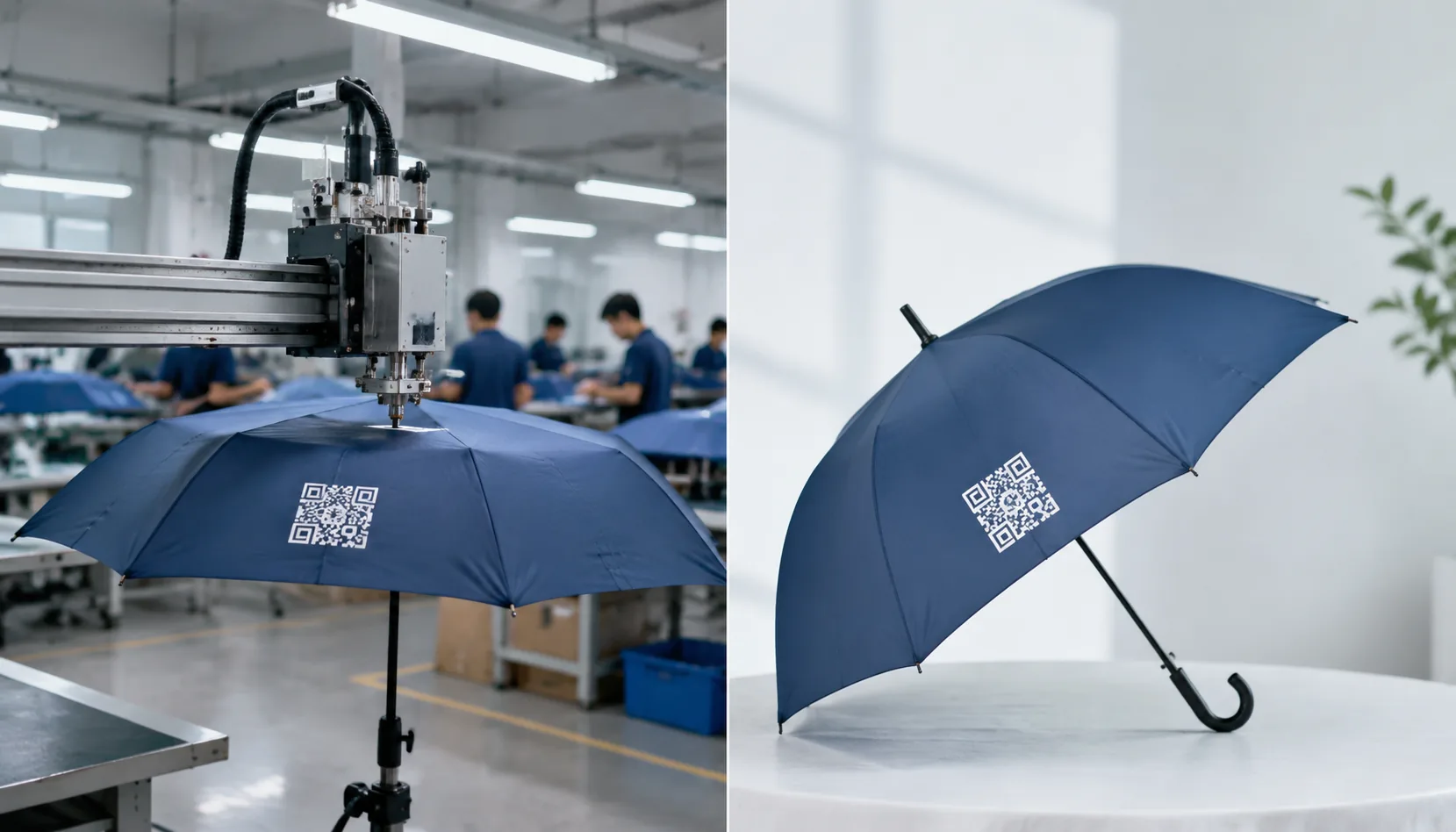
For QR code umbrella printing, the hard part is not putting a code on fabric once; it is keeping it scannable after panel seams, stretch, coating, ink spread, and daily handling start working against it. On the factory floor in Songxia, we see how small changes in panel size, print contrast, placement, and curing can turn a code that scans in prepress into one that fails at the event site or in retail returns.
When QR Codes Work on Umbrella Fabric
QR code umbrella printing only works when you treat the canopy like a moving, curved substrate, not a flat flyer. The scanner needs strong contrast, a clean quiet zone around the code, and enough pixel density after the art wraps across gores and seams. On a typical 21" to 23" promotional umbrella, I would not start below 40 to 60 mm for close-range use; once the code is split across panel shaping or sits near a seam, the safe size goes up fast. A scannable umbrella logo can look fine to the eye and still fail in camera tests if the modules blur into the weave or the background print is too busy.
For a promotional umbrella QR code, the print method matters as much as the artwork. Solid black on white, or dark navy on a light canopy, gives the best read rate on pongee 190T or 210T; metallic inks, gradients, and low-contrast brand colors are where jobs start failing. On a curved branded QR canopy, keep the quiet zone intact on all four sides and avoid putting the code on a peak, vent edge, or seam overlap. If the code is meant for event umbrella printing and people will scan it from a few feet away, I usually push the working size into the 70 to 100 mm range so it still reads in photos and under uneven outdoor light.
For QR code umbrella printing tied to events, think in terms of camera distance and motion, not just nominal dimensions. A code that scans at 30 cm on a flat sample may stop working once the umbrella is open, flexing, and photographed at an angle, so we test on the actual canopy shape before approving production. Our standard practice is to check the final artwork on the assembled panel layout, then verify with both iPhone and Android cameras under indoor light and daylight; that catches the failures that happen when a scannable umbrella logo is placed too close to the rib line or printed too small for the intended audience.
Best Panel Placement for Scan Accuracy
For QR code umbrella printing, the first rule is simple: put the code on one flat panel, not near a rib seam, not across a fold line, and not anywhere the strap will rub it. I keep at least 20-30 mm of clearance from stitching, vents, and binding because those areas distort modules when the canopy tension changes. If the art sits too close to a seam, the scanner sees broken edges and the hit rate drops fast, especially on a promotional umbrella QR code that gets folded and carried every day.
Panel count matters. On an 8K umbrella, each panel is wider, so a scannable umbrella logo or code has more uninterrupted print area and usually reads better from a normal viewing distance. On a 16K frame, the panels are narrower and the curvature becomes more obvious, so the code has to be smaller or moved farther up the panel to stay flat enough for reliable scanning. For event umbrella printing, that difference is not cosmetic; it changes whether the code survives real-world use on the street or at an outdoor booth.
Auto-open frames help because the canopy snaps to a consistent open shape, which gives a cleaner viewing angle for a branded QR canopy and reduces the chance that the code opens half-twisted. Manual frames can work too, but they rely more on the user opening the umbrella fully and lining up the panel correctly before scanning. Our standard practice is to test the artwork on the actual frame size, because a code that reads on a flat mockup can fail once the fabric tension, seam allowance, and panel curvature are all in play.
Print Methods for Small Data Details
For QR code umbrella printing, screen print is the cheapest route when the code is simple, single-color, and not too small, but it is the least forgiving on edge definition. On 190T pongee you can usually hold clean modules if the artwork is oversized and the mesh is matched to the ink viscosity; on 210T pongee, the tighter weave helps a bit, yet thick ink deposits can still blur quiet zones and kill scan reliability. If the buyer wants a scannable umbrella logo rather than just a decorative mark, I push for larger module width, fewer color transitions, and a hard proof with the actual fabric before releasing production.
Digital print gives the best control for fine QR geometry because it lays down the full pattern without stencil breakage, so it is the safer option for promotional umbrella QR code work with small data density. It also handles gradients and multicolor branding better on a branded QR canopy, but the result depends on pre-treatment, fabric tension, and the curing window; if the canopy is too porous or the ink sits too high, scanners start failing at the corners first. For event umbrella printing, I treat digital as the go-to when the code must stay compact and readable from a distance, especially on 210T pongee where the print surface is more consistent.
Heat transfer is useful when the art is already finalized and the buyer wants sharp registration on short runs, but it is not automatically the best for a QR code. A transfer can give very crisp edges on 190T pongee, yet on coated UPF 50+ fabrics the surface chemistry can change adhesion fast, so we always check peel strength, wash resistance, and scan performance before bulk production. That adhesion check matters even more on coated canopies because a code that looks sharp on day one can crack or lift at the fold lines, and once that happens the scanner failure rate climbs immediately.
Scan Testing Before Mass Production
For QR code umbrella printing, the first rule is simple: test the code on the actual canopy, not on a flat proof. I check the first samples on both iOS and Android phones, using at least two native camera apps, because behavior differs on older Android devices and on newer iPhones with aggressive auto-focus. Scan at close range, mid-range, and the farthest distance you expect in real use; for a 23" or 27" umbrella, that usually means roughly 12 to 24 inches for handheld use and up to 3 to 5 feet for a quick photo scan. If the code only works when the phone is perfectly centered and still, the artwork is too tight, the contrast is too weak, or the module size is too small for the print method.
I also test the same scannable umbrella logo under three conditions that expose bad artwork fast: indoor white light, rain or mist, and direct glare. On a wet canopy, UV coating, gloss film, or shiny sublimation can create reflections that break a promotional umbrella QR code, so I look for failed reads when the umbrella is tilted 15 to 30 degrees. For event umbrella printing, I prefer a branded QR canopy sample with the code placed on a relatively flat panel, not across seams, ribs, or a vent gap, because curvature and stitching distortion are the main reasons codes fail after production. If the logo still scans after light water beading and glare, it is usually safe.
Before mass production, I run open-canopy, hand-held, and photo-based scan tests because each one catches a different problem. Open-canopy testing shows how the code behaves when the fabric is under tension; hand-held testing shows whether guests can scan it while walking; photo-based testing is the best proxy for retail packaging, trade show signage, and social sharing, where the code is often captured from a screen or printed flyer before the umbrella is even opened. For QR code umbrella printing, that mix matters more than a pretty layout: if the code reads cleanly in all three formats, the design is ready for production, and I would treat it as AQL 2.5 acceptable only after repeat scans from multiple phones and multiple operators.
Production Controls for Repeat Orders
For QR code umbrella printing, the art file has to be vector whenever possible, with the QR built as clean black-and-white modules and the destination URL locked before sampling. I do not accept “we’ll change the link later” on production art; once the code is printed on a curved canopy, any URL change means a reprint. A scannable umbrella logo also needs enough quiet zone around the code, a sensible error-correction level, and a module size that survives stitching, panel seams, and slight canopy tension without collapsing under real-world handling.
The inspection standard should be concrete: AQL 2.5 is the normal control point, and it needs to catch broken modules, ink spread, pinholing, washout on coated pongee, and misregistration from screen or heat-transfer work. For event umbrella printing, I require a pre-production sample approval before bulk release, especially if the promotional umbrella QR code sits near panel edges or a vent seam. On a branded QR canopy, small artwork mistakes become scan failures fast, so we check from arm’s length and phone distance, not just under a loupe.
Typical MOQ depends on the frame and print method, but 500 to 1,000 pieces is a normal starting point for custom repeat orders; lower quantities usually push up the unit price because setup, film, and sample labor do not shrink. Lead times are usually 15 to 25 days after sample approval, with extra time if the canopy needs special coating, full-panel sublimation, or packaging inserts. For shipment planning, FOB works when the buyer controls freight, while DDP is cleaner for distributors that want one landed cost; either way, the order should be booked only after production art, sample, carton marks, and delivery window are all fixed.
Frequently Asked Questions
Can a QR code be printed on a dark umbrella canopy?
Yes, but the code needs strong contrast, usually a light background block behind dark modules. Tone-on-tone QR codes are not recommended if scan reliability is the goal.
Should the QR code be printed on the outside or inside canopy?
Outside printing is better for event visibility and public scanning. Inside printing can work for instructions or warranty registration, but the user must open the umbrella and hold the panel steady.
What minimum QR code size works on a standard 23-inch umbrella panel?
For reliable scanning, many buyers start around 30 to 40 mm square for short URLs, but 45 mm or larger is safer on curved fabric. If the code will be scanned from farther away, increase the size and keep at least 4 quiet-zone modules around it.
Which printing method is best for scannable QR codes on umbrellas?
Screen printing is usually the most stable for simple, two-color QR codes on bulk orders because it gives strong edge definition and color contrast. Digital printing can work for detailed artwork, but the final scanability depends more on ink coverage, fabric tension, and color separation.
How do factories test QR code scan quality before shipment?
A common QC step is to test random samples with multiple phones under indoor and outdoor lighting, then verify scan speed, error correction, and code readability from 20 to 60 cm. For large campaigns, buyers often request a pre-production proof and a 1% to 3% spot-check during mass production.
Looking to Launch Your Custom Umbrella Line?
ZheBrella is a Zhejiang-based OEM/ODM umbrella manufacturer with 17 years of export experience. Free design, low MOQ from 100 pieces, windproof construction, full-color print.
Get Free Quote Now »People Also Search For
Related Articles
QR Code Printing on Umbrellas for Campaign Tracking
Use QR code umbrella printing with readable sizing, durable placement, and QC checks so event and retail campaigns can d...
Read More »
QR Code Printing on Branded Umbrellas for Event Campaigns
Design scannable QR code umbrellas with the right print size, contrast, fabric, and QC checks for event campaigns and pr...
Read More »QR Code Printing on Umbrellas for Trackable Promotions
Use QR code umbrella printing to connect offline campaigns to landing pages while protecting scan quality, brand design,...
Read More »