Gradient and Photo Printing on Branded Umbrellas
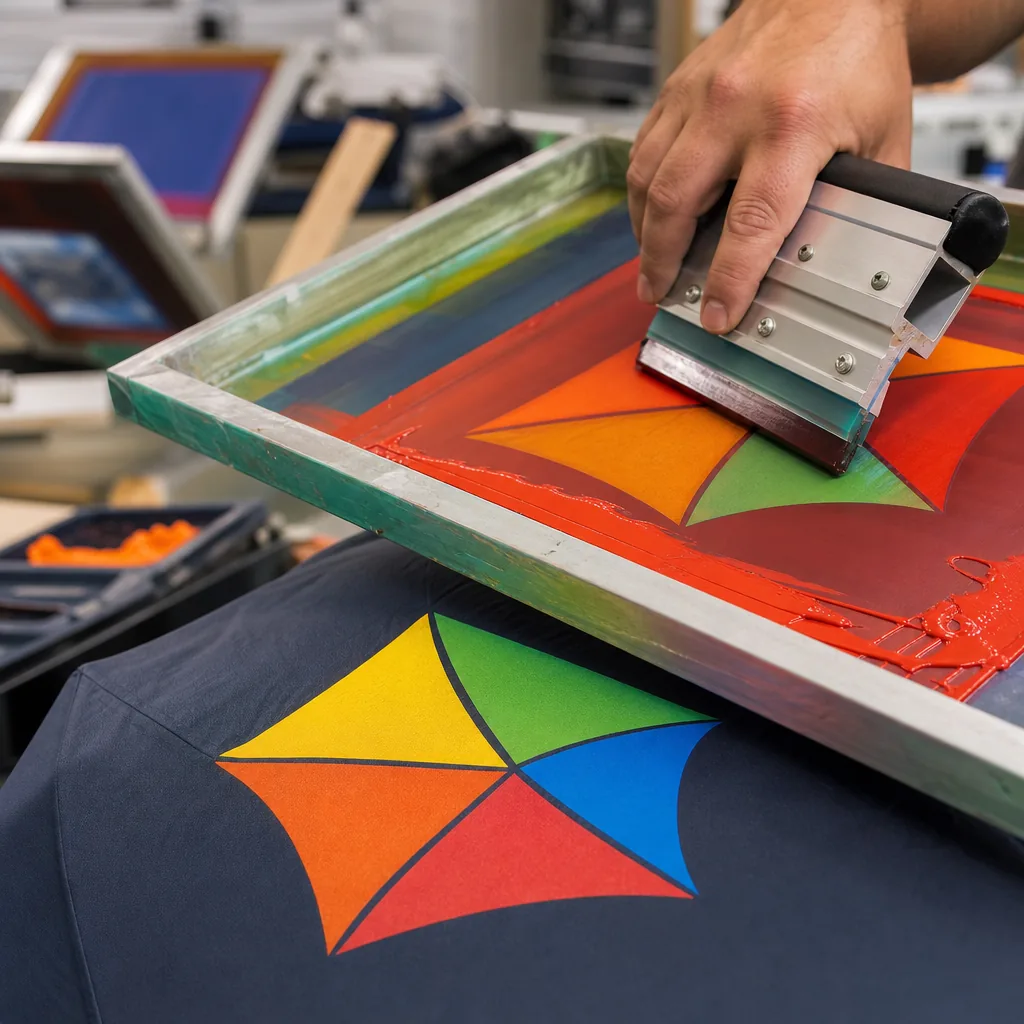
Gradient panels and full-photo canopies can make a campaign umbrella stand out, but they also expose every weak point in fabric choice, artwork setup, color control, and curing. On our Songxia production floor, the difference between sharp photo print branded umbrellas and a muddy, banded result often comes down to resolution, panel matching, test strikes, and disciplined inspection before bulk cutting and sewing.
When Photo or Gradient Printing Makes Sense
Photo print branded umbrellas make the most sense when the umbrella is treated as a walking billboard for a place, story, or visual asset—not just a logo carrier. Destination marketing is the cleanest example: a skyline, beach sunset, ski resort map, or city festival scene can cover a 23" or 27" canopy and still be readable from across a plaza. Sports events also benefit when the artwork includes player photography, stadium lighting, team gradients, or sponsor composites that would look flat in 1- or 2-color screen print. For museum retail, we often see paintings, architectural details, botanical plates, and archive photography printed across 8K or 16K panels, where the umbrella becomes a souvenir product rather than a giveaway item.
Complex promotional umbrella graphics usually need digital printing because standard screen printing is built around solid spot colors, not continuous-tone images. A screen print can handle a Pantone logo on 190T pongee very well, but it struggles with faces, clouds, water reflections, shadows, and soft color transitions. Gradient umbrella printing also exposes this limitation: if a design fades from navy to turquoise or orange to pink, screen printing often creates banding unless extra screens and careful halftones are used, which increases setup cost and still may not match the artwork. Digital printed umbrellas, especially sublimation on white polyester pongee, can reproduce CMYK artwork with smoother tonal changes and panel-to-panel consistency when the cutting and sewing team controls alignment.
Product launches and lifestyle campaigns are where a custom photo umbrella can justify the higher unit cost. A cosmetics brand may want a soft gradient matching a new packaging line; a beverage brand may want condensation, fruit, and ice rendered realistically; an outdoor brand may want trail photography under a UV UPF 50+ coating. My practical rule is simple: use spot-color screen printing for bold logos, slogans, and large flat graphics; use digital or sublimation when the artwork depends on photographic detail, blended color, or full-canopy coverage. At ZheBrella, we normally check the original file at full panel size before sampling, because a beautiful 2 MB web image will not survive enlargement across eight 21" or 23" umbrella panels.
Artwork Resolution, Color Mode, and Panel Layout
Artwork quality decides whether photo print branded umbrellas look premium or like a stretched banner wrapped around a frame. For full-panel photography or gradient umbrella printing, I prefer files at 150–200 dpi at final print size; 300 dpi is welcome, but many umbrella panels are large enough that fake upscaling only makes bigger blurry files. Logos, icons, QR codes, thin type, and sponsor marks should stay vector in AI, EPS, or PDF format, with fonts outlined and strokes expanded. Raster logos pulled from websites are the most common failure point I see in prepress. Work in CMYK for screen, heat-transfer, and most digital printed umbrellas, but keep the original RGB photo available because sublimation and digital RIP software may convert wide-gamut color better from the source. Always specify Pantone targets for brand colors; a sunset image can tolerate slight variation, but a bank logo cannot.
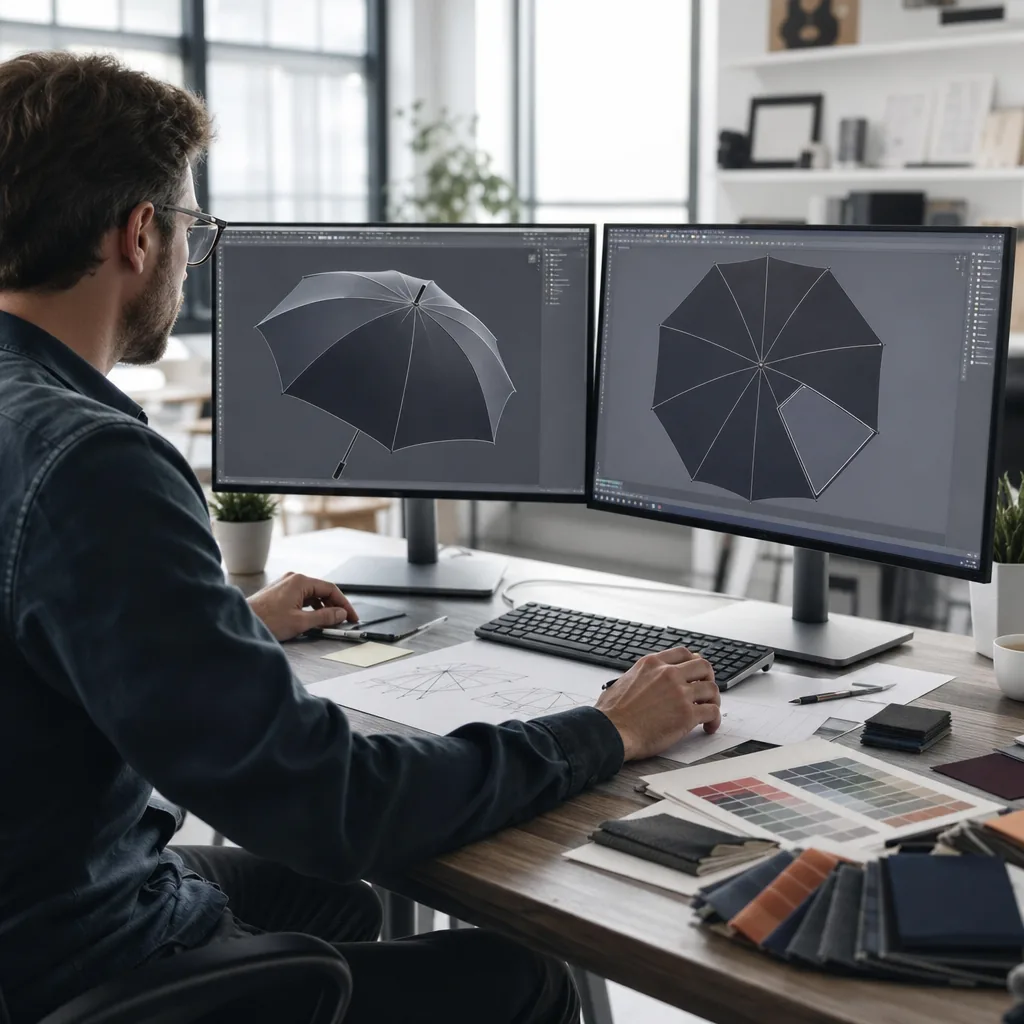
Panel layout must follow the umbrella structure, not a flat poster mindset. A standard 23-inch 8K umbrella has eight triangular panels, while a 16K golf or fashion umbrella uses narrower panels that reduce visual stretching but double the number of seams interrupting the artwork. For promotional umbrella graphics that run continuously around the canopy, the designer should mark every seam, rib line, hem, and the grain direction of the fabric. Add 10–15 mm bleed beyond each cut line and keep critical logos at least 25–35 mm away from stitched seams, the outer hem, and the top notch. Seam allowance is usually hidden after sewing, so artwork placed too close to the edge may disappear or become misaligned by 2–3 mm, which is normal production tolerance even on a well-controlled line.
The most difficult area is the canopy tip, where all panels converge under the top cap and fabric is pulled into a steep curve. On a custom photo umbrella, faces, product labels, straight horizons, and circular logos should not be placed near the apex because they can pinch, rotate, or look slightly warped after assembly. Our standard practice at ZheBrella is to create a panel-by-panel proof showing the visible area, bleed, cap coverage, seam allowance, and handle orientation before sampling. For 8K layouts, one large hero image may need to be split and feathered across ribs; for 16K layouts, repeating patterns, gradients, and city skylines often look cleaner because each panel carries less distortion. Writers should remind buyers that a digital mockup is not enough: the final approval should include a printed strike-off or pre-production sample under the intended fabric, such as 190T pongee, because coating, weave, and backlighting all affect color density.
Fabric and Coating Factors That Affect Image Quality
Fabric choice decides whether a photo looks clean or muddy before the printer even starts. For most digital printed umbrellas, 190T pongee is the practical baseline: tight enough for decent detail, light enough for 21" and 23" folding models, and stable under heat-transfer or sublimation when the mill finish is consistent. 210T pongee gives a smoother hand and slightly better edge definition on faces, product shots, and gradient umbrella printing, but it also costs more and can show panel-to-panel shade variation if the dye lot is not controlled. Plain polyester is cheaper, but the weave is usually more open and the surface less refined, so fine promotional umbrella graphics can lose sharpness around text, logos, and skin tones. For photo print branded umbrellas, I would rather reduce the frame spec from 10K to 8K than downgrade the fabric below a reliable pongee if the image is the selling point.
Coatings are where many good-looking artwork files get ruined in production. UPF 50+ treatments, silver backing, black rubberized UV layers, and heavy water-repellent finishes all change how ink or transfer film sits on the canopy. A black rubberized layer improves sun blocking, especially on golf umbrellas in 27" or 30" sizes, but it can reduce perceived brightness and make gradients look flatter from the outside. Teflon-style water repellency is excellent for shedding rain, but if applied before printing or applied too heavily, it can interfere with adhesion and produce weak color density. Our standard practice at ZheBrella is to confirm coating sequence before bulk cutting: print first where possible, then finish, unless the fabric supplier’s coated stock has already been validated for the selected printing method.
A strike-off is not optional for a custom photo umbrella; it is the cheapest insurance before fabric cutting, rib assembly, and AQL 2.5 inspection begin. The test should use the actual 190T or 210T fabric, final coating, final print process, and one full umbrella panel shape, not just a small square swatch. Check brightness outdoors, under showroom LED light, and after a simple rub and water test, because rain beads can visually darken a printed canopy. For photo print branded umbrellas with faces, buildings, or product packaging, I ask buyers to approve skin tone, shadow detail, logo color, and gradient banding at the same time. If the order uses mixed sizes, such as 23" auto-open and 30" golf umbrellas, test both if the fabric or coating changes; scaling the same artwork is not the same as reproducing the same image quality.
Matching the Frame to the Campaign Use Case
The frame choice should be decided before the artwork is finalized, because the same gradient or photo layout behaves very differently on a 21" compact canopy than on a 30" golf umbrella. For mass giveaways, a 21" or 23" compact auto-open umbrella is usually the right tool: it folds to about 11–13 inches, fits in a tote or glove box, and keeps shipping cartons reasonable for DDP programs. Most use 8K steel or steel-fiberglass mixed ribs, 190T pongee, and an auto-open shaft mechanism that feels more useful than a manual giveaway item. The tradeoff is print area and panel distortion. A face photo or horizon gradient has to be broken cleanly across 8 panels, and fine text near the seam allowance will not survive sewing. For photo print branded umbrellas in this category, I prefer bold center-weighted images, logo repeats, or soft gradient umbrella printing rather than edge-to-edge detailed scenes.
Outdoor events need a different frame, especially when the umbrella is part of the visible brand environment rather than a small handout. A 27" or 30" golf umbrella with 8K or 10K fiberglass ribs, a fiberglass shaft, and a double-canopy vented windproof structure gives far better coverage for spectators, staff, and VIP guests. The vent lets wind pressure escape; on a properly tensioned canopy, this type of build can pass 50+ mph wind-tunnel testing more reliably than a rigid steel frame. It is heavier, often 600–850 grams depending on handle and fabric, but the user feels that weight as stability and retail value. Digital printed umbrellas also look stronger at this size because promotional umbrella graphics have more uninterrupted visual space, and a panoramic photo, sponsor wall pattern, or stadium-themed gradient can read clearly from 20–30 feet away.
Perceived value is where buyers often under-spec the frame. A compact umbrella is efficient when the goal is low unit cost, high distribution volume, and everyday carry; a golf umbrella is better when the brand will be photographed, handed to guests, or used by event staff for several seasons. Our standard practice at ZheBrella is to match canopy fabric and frame strength to the campaign promise: 190T pongee for basic compact programs, 210T pongee with Teflon or UPF 50+ coating for higher-end golf models, and fiberglass ribs when wind complaints would damage the brand. A custom photo umbrella also needs sampling time, because sublimation or digital panel printing must be checked after cutting and sewing, not just on flat fabric. For B2B orders, allow about 7–10 days for artwork proof and pre-production sample, then 25–40 days for bulk production depending on MOQ, print method, and AQL 2.5 inspection requirements.
Proofing, Production, and Inspection Controls
For photo print branded umbrellas, the biggest risk is not frame strength; it is letting a pretty PDF become a poor canopy. We start with a soft proof showing panel layout, rib positions, seam allowance, top-cap location, strap position, and the expected image crop on every gore. For gradient umbrella printing, the proof must also show where tones cross seams, because a smooth fade on screen can become a visible step after sewing. Artwork is checked at final size, usually 300 dpi for close-view promotional umbrella graphics, with Pantone or LAB references when brand color matters. A custom photo umbrella with faces, buildings, or product shots needs special attention around the 8K or 10K panel breaks, since eyes, logos, and straight architectural lines look bad if they land half on one panel and half on another.
After soft proof approval, we make a printed fabric strike-off before any mass cutting. For polyester pongee 190T or 210T, sublimation is normally cleaner for full photographic work than screen printing, while heat transfer can suit smaller logo zones but may feel heavier. The strike-off is judged under D65 light and also under ordinary office light, because buyers rarely view umbrellas in a light box. We check banding, ink bleeding, muddy shadows, color shift after heat setting, and whether the gradient holds detail near dark navy, black, and deep red. Only after the fabric strike-off is approved do we build the PP sample: correct 21", 23", 27", or 30" frame, specified manual, auto-open, or auto-open-close mechanism, correct fiberglass or steel ribs, final handle, sleeve, hangtag, barcode, and carton marks. Our standard practice at ZheBrella is to lock this PP sample as the production reference.
Mass production inspection should be written around AQL 2.5, not vague “good quality” language. For digital printed umbrellas, inspectors must open the umbrella fully and check panel order, seam alignment, upside-down panels, ghosting, missing ink, white streaks, visible banding, and shade difference between panels cut from different print batches. Mechanical checks include smooth opening, secure runner lock, rib tip attachment, cap tightness, strap stitching, and repeated open-close function, especially on auto-open-close models where a weak spring or poor shaft riveting causes returns. Packaging inspection matters just as much for FOB or DDP shipment: each umbrella must match the approved polybag, sleeve, inner carton, master carton, warning label, SKU sticker, and drop-test requirement if the buyer’s warehouse demands it. A final report should include defect photos, sample size, carton count, moisture condition, and whether the shipment is released, reworked, or held.
Frequently Asked Questions
Can umbrellas reproduce photographic images as sharply as paper printing?
No, woven fabric has texture and water-repellent coating, so images appear softer than on paper. A high-resolution file and printed strike-off help confirm whether the result is acceptable before bulk production.
Are gradients risky on dark umbrella fabrics?
They can be, especially if the print method does not provide enough opacity. For dark canopies, buyers should review ink buildup, color transition smoothness, and logo contrast on a physical sample.
What artwork resolution is typically needed for photo printing across a full umbrella canopy?
For a full canopy photo print, buyers should prepare artwork at final print size at 150-200 DPI minimum, with vector logos kept separate when possible. Low-resolution web images often look soft once stretched across 8 panels, so suppliers usually check files panel by panel before sampling.
How do factories reduce visible panel mismatch on gradient umbrella designs?
Factories usually control this by aligning panel templates precisely, locking the print direction, and approving a pre-production sample before bulk cutting. For OEM orders, it is common to allow a small tolerance at panel seams, especially on radial gradients that cross multiple panels.
Does digital umbrella printing affect MOQ or production lead time compared with standard spot-color printing?
Yes. Digital or photo-style canopy printing often starts around 300-500 pieces per design, depending on frame and fabric availability, while repeat spot-color programs may scale faster. Sampling normally takes about 5-7 business days, and bulk production is often 25-35 days after artwork and sample approval.
Looking to Launch Your Custom Umbrella Line?
ZheBrella is a Zhejiang-based OEM/ODM umbrella manufacturer with 17 years of export experience. Free design, low MOQ from 100 pieces, windproof construction, full-color print.
Get Free Quote Now »People Also Search For
Related Articles
Gradient and Photo Printing for Branded Umbrella Campaigns
Use gradients, photography, and full-color graphics on branded umbrellas with practical guidance on files, fabrics, colo...
Read More »Gradient and Photo Umbrella Printing for Branded Campaigns
Understand when digital printing can reproduce photos, gradients, and complex art on pongee canopies, with file specs, l...
Read More »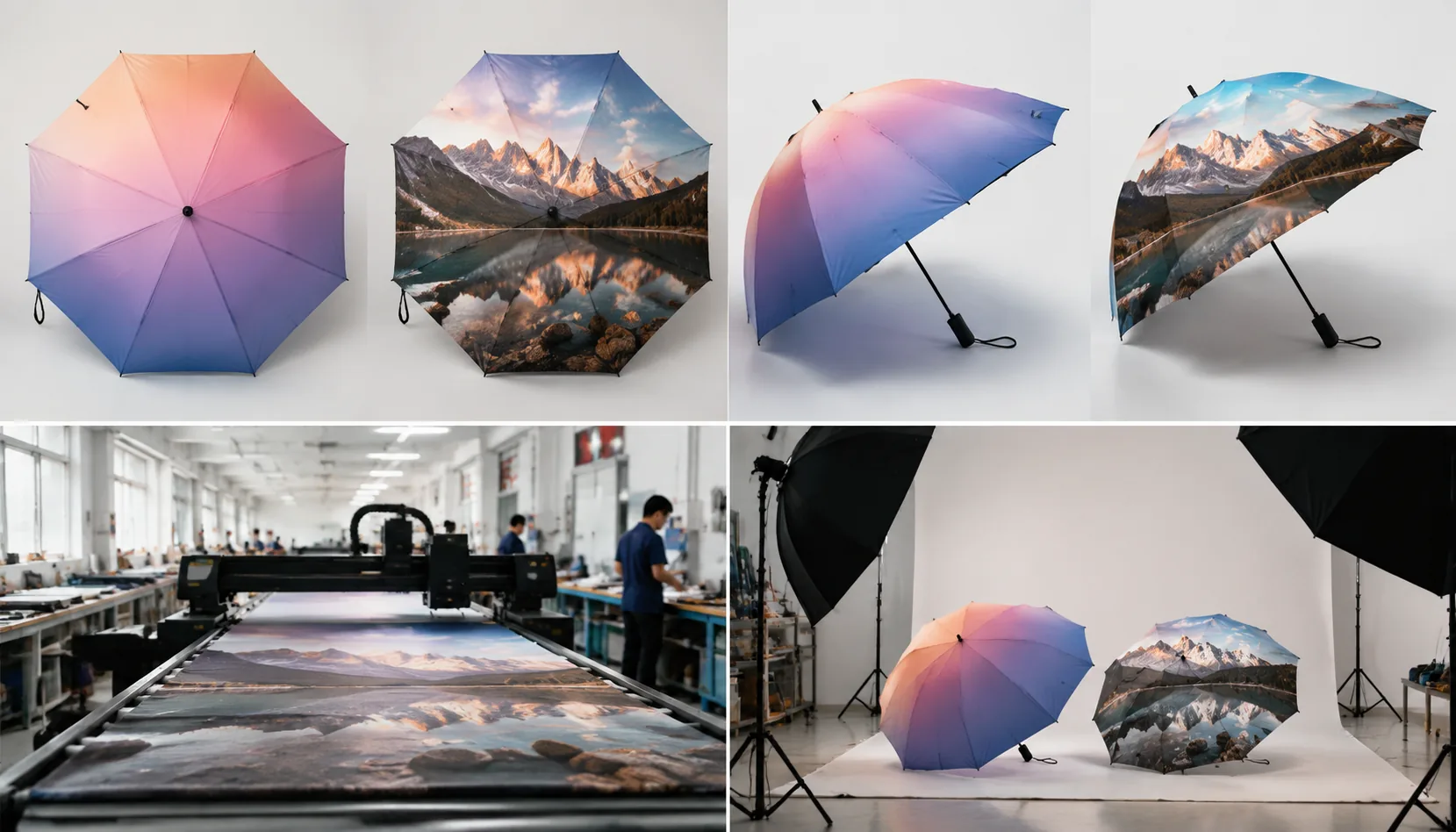
Gradient and Photo Printing Specs for Branded Umbrellas
Set buyer-ready specs for photo and gradient umbrella prints, from file resolution and pongee fabric to digital sampling...
Read More »