Gradient and Photo Prints on Branded Umbrella Canopies
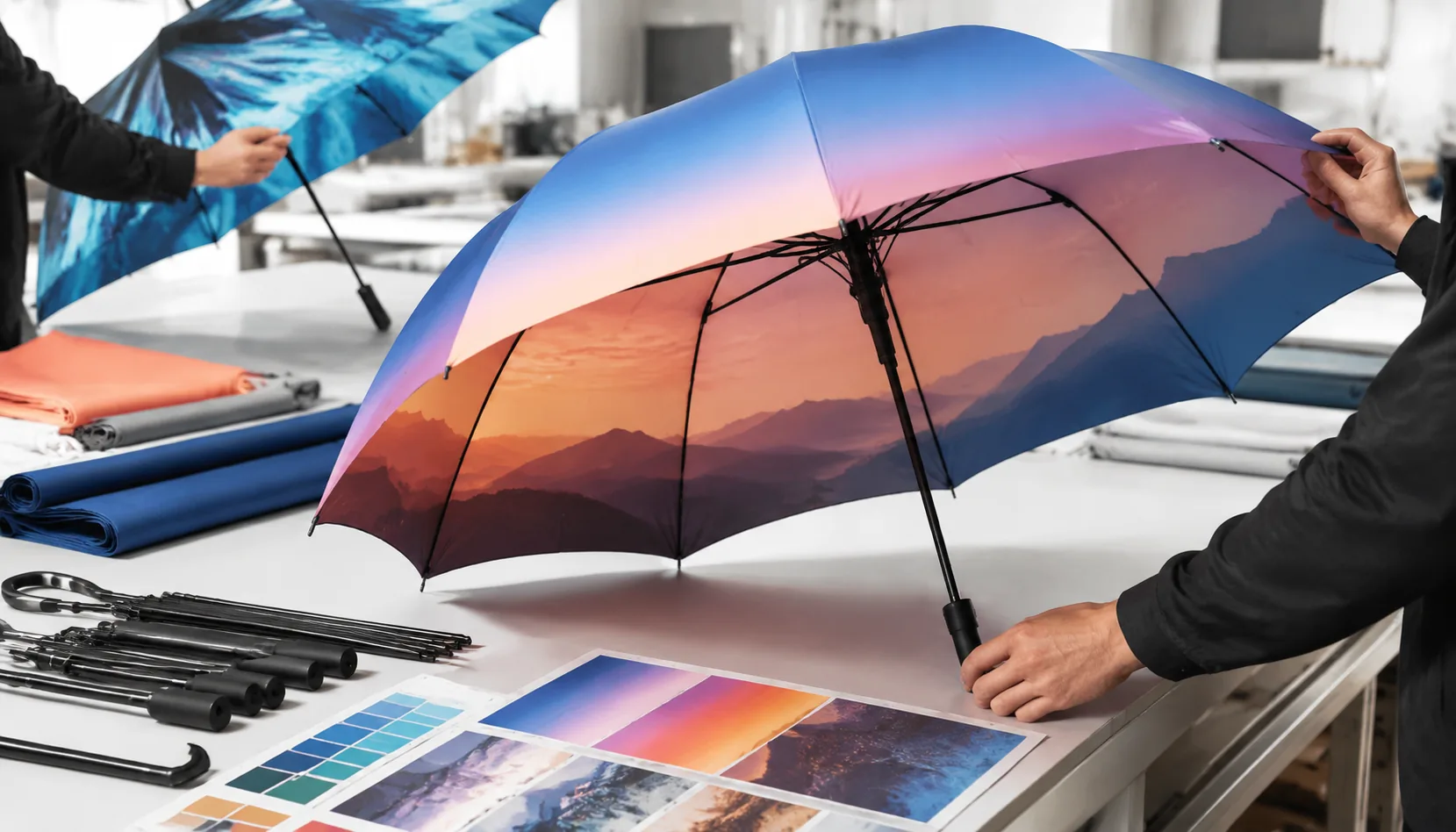
Gradient and full-photo canopy artwork can sell a brand story fast, but it also exposes every weak point in file setup, fabric choice, ink control, and panel matching. On our Songxia production floor, the hard part with photo print umbrella canopies is not only getting the image bright—it is keeping ribs, seams, stretch, and bulk production tolerances from breaking the design. Buyers need realistic sampling, MOQ, and lead-time expectations before approving artwork for a branded program.
When Photo and Gradient Printing Works Best
Photo and gradient work best when the umbrella is being sold or kept, not thrown away after one rainy afternoon. Tourism retail is the cleanest example: skyline panoramas, coastal sunsets, old-town street scenes, and national-park imagery can justify a higher shelf price than a 1-color logo on 190T pongee. Museum shops use the same logic with paintings, textile patterns, architectural details, or exhibition graphics wrapped across 8 panels. Sports campaigns and licensed products also benefit because fans recognize faces, stadium lighting, team gradients, and jersey textures. For corporate launches, I like gradient umbrella printing when the brand system already uses color transitions on packaging, apps, or stage backdrops; the umbrella then feels like part of the launch kit, not a generic giveaway.
Photographic artwork usually needs digital umbrella printing, heat-transfer, or sublimation depending on fabric, quantity, and color target. Basic spot-color screen print is still excellent for a 1- to 4-color logo, but it struggles with skin tones, cloud detail, shadow transitions, and smooth gradients; halftones on curved umbrella panels can look rough if the mesh count, ink viscosity, and panel tension are not tightly controlled. For photo print umbrella canopies, we normally request layered AI/PDF files plus 300 dpi raster images at final print scale, then split the artwork by panel with bleed allowance because the rib seams interrupt the image. A full color umbrella print on white 190T or 210T pongee gives the cleanest color; dark fabric requires either a white base layer or a different print method.
The buyer should choose the umbrella structure around the artwork, not only around the unit price. A 23-inch 8K straight umbrella gives large panels for landscapes and museum reproductions, while a 21-inch folding model compresses detail and creates more distortion near panel tips. If the campaign needs outdoor reliability, fiberglass ribs and a double-canopy vented frame are safer than thin steel ribs, especially when the umbrella may be photographed at events; we commonly target 50+ mph wind-tunnel performance for premium launch programs. On production control, branded umbrella artwork should be approved through a strike-off before bulk cutting, then checked under AQL 2.5 for print registration, color drift, coating marks, and seam alignment. At ZheBrella, we treat photographic canopies as print projects first and umbrella projects second, because one bad color curve can ruin an otherwise good frame.
Artwork Resolution, Panel Layout, and File Setup
For photo print umbrella canopies, the first mistake I reject on the prepress desk is a low-resolution lifestyle image stretched across eight panels. For digital umbrella printing, supply raster artwork at 150 to 300 dpi at final print size, not just 300 dpi in a small A4 file. A 23" stick umbrella normally needs a canopy diameter around 102 to 105 cm before shaping, while a 30" golf umbrella can run 130 cm or more, so the pixel requirement changes fast. Logos, text, QR codes, and fine sponsor marks should be vector AI, EPS, or PDF with outlined fonts; JPEG logos pulled from websites are not production files. For a full color umbrella print, embed or package linked images, keep CMYK and Pantone references clearly labeled, and provide one flattened preview JPG so production can catch missing layers before film output, sublimation paper printing, or heat-transfer proofing starts.
Panel layout matters more on umbrellas than on flat banners because every canopy is cut into wedges, sewn with 8 to 12 mm seam allowance, then pulled over ribs under tension. Our standard practice at ZheBrella is to build artwork on the actual 8K, 10K, or 16K panel template, with 10 to 15 mm bleed beyond cut lines and a 20 to 30 mm safe area away from seams, rib tips, and the top cap. Seam breaks will interrupt faces, buildings, gradients, and straight horizon lines, so branded umbrella artwork should be adjusted panel by panel instead of simply clipped into triangles. For gradient umbrella printing, avoid placing critical color transitions exactly on seam lines because sewing tolerance of even 2 to 3 mm can make a smooth fade look stepped when panels meet.
An 8K umbrella gives wider panels, so large photos and central logos have more breathing room, but continuity errors are more visible because each wedge carries a bigger slice of the image. A 16K layout has narrower panels and more seam breaks; it looks refined on premium straight umbrellas, yet it is less forgiving for panoramic photography unless the image is radial, abstract, or intentionally repeated. For photo print umbrella canopies with a single wraparound image, I prefer to place the visual anchor on one or two front-facing panels and let secondary background carry through the remaining ribs. For retail and event orders, put logos inside the lower-middle safe zone, usually 80 to 120 mm above the hem on a 23" canopy, so they remain readable when the umbrella is open, photographed, or held at an angle in rain.
Fabric and Color Limits for Full-Color Results
For photo print umbrella canopies, 210T pongee is usually the safer fabric when the buyer cares about faces, product shots, skyline details, or smooth gradient umbrella printing. The tighter weave gives the print head or transfer film a flatter target, so edge definition is cleaner and small type in branded umbrella artwork holds better. 190T pongee is still workable for logos, event graphics, and large color blocks, but it has a slightly more open weave and softer structure; ink can visually spread more, especially around hairlines, QR codes, and fine shadows. On hand feel, 190T is lighter and folds easier on 21" and 23" compact umbrellas, while 210T feels denser and more retail-grade on 23", 27", and 30" stick umbrellas. If the design is a full color umbrella print with gradients or photography, I push clients toward 210T unless the budget is tight or the umbrella must pack very small.
Color does not behave the same on every canopy base. White or very light pongee gives the widest color range for digital umbrella printing because CMYK inks and sublimation dyes depend on the fabric background to reflect light back through the color layer. A dark navy, black, burgundy, or forest green canopy will mute midtones and kill highlight detail unless we first print a white underbase, which adds cost, thickness, and one more registration risk. UPF 50+ coated fabrics create another limit: the UV coating can make the surface less absorbent, so colors may sit higher, dry slower, or shift slightly cooler depending on the chemistry. Water-repellent finishing, including Teflon-type treatments, can also reduce ink bite if applied before printing. Our standard practice at ZheBrella is to print first, cure or press correctly, then apply finishing where the process allows.
The biggest mistake I see in photo print umbrella canopies is approving artwork on a backlit monitor and expecting the same result on curved, water-repellent fabric. Canopies are cut into 8K or 10K panels, sewn with seam allowance, stretched over steel or fiberglass ribs, and viewed outdoors under changing light; that alone changes perceived color. Gradients that look smooth in Photoshop can band if the file is low resolution, compressed, or built with narrow tonal steps. For full-color results, I ask for 300 dpi artwork at actual panel size, embedded color profile, and a physical strike-off before bulk production. A proper strike-off should be checked after drying, after sewing tension, and after a water-spray test, not just when the print comes off the machine. For retail or distributor orders, lock the approved sample under AQL 2.5 inspection notes so production cannot silently swap 210T to 190T or change coating suppliers.
Sampling, Color Approval, and Production Controls
Color approval has to start before the umbrella is sewn, because a curved canopy will expose every weak decision in the artwork file. For photo print umbrella canopies, I would require a strike-off panel on the actual fabric, not a generic paper proof. A 190T or 210T pongee panel with the same Teflon, UV, or water-repellent finish can shift color differently than raw polyester, especially in blue gradients, skin tones, and black shadow areas. For gradient umbrella printing, ask the factory to print at least one full gore and one seam-crossing area so the buyer can see whether banding, ink spread, or panel-to-panel mismatch appears before cutting bulk fabric. A4 paper proofs are useful for layout comments, but they do not show ink absorption, heat-transfer pressure marks, or sublimation density on coated textile.
Pre-production sampling should include the complete umbrella, not only loose fabric, because branded umbrella artwork must be judged on the finished dome shape. A normal approval set includes one printed strike-off, one assembled pre-production sample, Pantone references for solid logo colors, and a printed proof for photographic or full color umbrella print areas. Typical sample lead time is 7–10 days after vector files, high-resolution images, Pantone codes, and canopy size are confirmed; complicated digital umbrella printing with 8K or 10K panel alignment may need a few extra days. Our standard practice at ZheBrella is to keep the approved sample beside the sewing and inspection tables, because operators catch misaligned ribs, rotated panels, and upside-down logos faster when they can compare against a real umbrella instead of a PDF.
Color tolerance must be written into the purchase order, or every inspection becomes an argument. For solid Pantone logos, I normally allow about ΔE 2–3 under a D65 light box, while photographic gradients may need a practical visual tolerance because fabric texture and coating make exact monitor matching impossible. For photo print umbrella canopies, approve color under consistent lighting and note whether the buyer accepts slight variation between panels, especially near seams and tips. Bulk lead time is usually around 30–45 days depending on quantity, frame availability, printing method, and whether the order uses manual, auto-open, or auto-open-close construction. During production, controls should include first-piece approval, inline checks after printing and sewing, canopy tension checks on opened frames, and final AQL 2.5 inspection for color consistency, registration, stains, scratches, and packaging accuracy before FOB or DDP shipment.
Cost, MOQ, and Shipping Considerations for Buyers
Full-color work costs more at the front end because the file handling, proofing, and print calibration are heavier than a one-color screen logo. A simple white logo on 190T pongee may need one screen, one ink mix, and a quick strike-off; photo print umbrella canopies usually need digital umbrella printing, heat transfer, or sublimation with color profiling, panel-by-panel alignment, and a press test to control banding and edge distortion. The upside is that gradient umbrella printing and photographic artwork are actually less complicated in digital production than trying to separate soft shadows into multiple spot-color screens. For branded umbrella artwork with sunsets, faces, product renders, or retail packaging colors, I prefer a full color umbrella print on white 190T or 210T pongee because the base fabric keeps color stable. Black or navy fabric can work for logos, but it kills brightness in CMYK transfers unless a white underbase is engineered into the process.
MOQ planning should start with the print method and umbrella type, not only the target budget. For screen-printed one-color logos, factories may accept 300–500 pcs per design because setup is simple; for full-panel digital or sublimation canopies, 500–1,000 pcs is more realistic if you want clean costing, consistent fabric lots, and a proper pre-production sample. Splitting one order into five photo designs at 200 pcs each often looks easy on paper but creates more risk in cutting, sewing, and inspection because each design needs separate panel matching. Our standard practice at ZheBrella is to lock the artwork dieline before bulk fabric cutting, especially on 23 inch auto-open, 27 inch golf, and 30 inch double-canopy umbrellas where panel scale changes the visual effect. Buyers should also budget for sample fees, usually offset after bulk order, and allow 7–10 days for proofing plus 25–40 days for production depending on peak season.
Shipping and inspection can change the landed cost more than buyers expect. A compact 21 inch folding umbrella may pack 50 pcs per carton, while a 27 inch fiberglass golf umbrella is often 24–36 pcs per carton, so carton volume drives DDP air or sea pricing quickly. FOB Ningbo or Shanghai is cleaner when the buyer controls freight and duties; DDP is easier for event planners and promotional distributors but must include destination duty, fuel surcharge, residential restrictions if any, and realistic delivery windows. For photo print umbrella canopies, inspection should not stop at opening and closing the frame. Use AQL 2.5 for major defects and check print registration across 8K or 10K panels, color variation against the approved sample, heat-transfer peeling, sewing needle holes, rib tips, runner function, and carton drop condition. I also recommend random water-repellency checks after printing, because aggressive heat pressing can reduce Teflon coating performance if the process window is wrong.
Frequently Asked Questions
Can a photo print wrap perfectly across every umbrella panel?
Not perfectly. Ribs, seams, and panel cutting create small breaks, so the artwork should be designed with natural gaps or repeated elements.
Is 210T pongee better than 190T for photo umbrella printing?
210T pongee usually gives a smoother surface and slightly sharper print result. 190T can still work well for promotional orders when cost and weight are priorities.
What artwork file format is best for photo or gradient umbrella canopies?
Vector files are preferred for logos, but photo and gradient canopy artwork should be supplied as high-resolution AI, PDF, PSD, or TIFF files at 150–300 dpi at actual print size. Each umbrella panel should include bleed because seams and panel stitching can shift the visible artwork slightly.
What MOQ should buyers expect for digital photo print umbrellas?
For digital umbrella printing, typical factory MOQs start around 300–500 pieces per design, depending on umbrella size, fabric, and frame type. Lower trial quantities may be possible for sampling, but unit cost is usually higher than bulk production.
How long does sampling take for gradient or full color umbrella print projects?
A printed pre-production sample usually takes 7–12 days after artwork confirmation and fabric selection. Bulk production commonly takes 30–45 days after sample approval, with timing affected by print complexity, order quantity, and packaging requirements.
Looking to Launch Your Custom Umbrella Line?
ZheBrella is a Zhejiang-based OEM/ODM umbrella manufacturer with 17 years of export experience. Free design, low MOQ from 100 pieces, windproof construction, full-color print.
Get Free Quote Now »People Also Search For
Related Articles
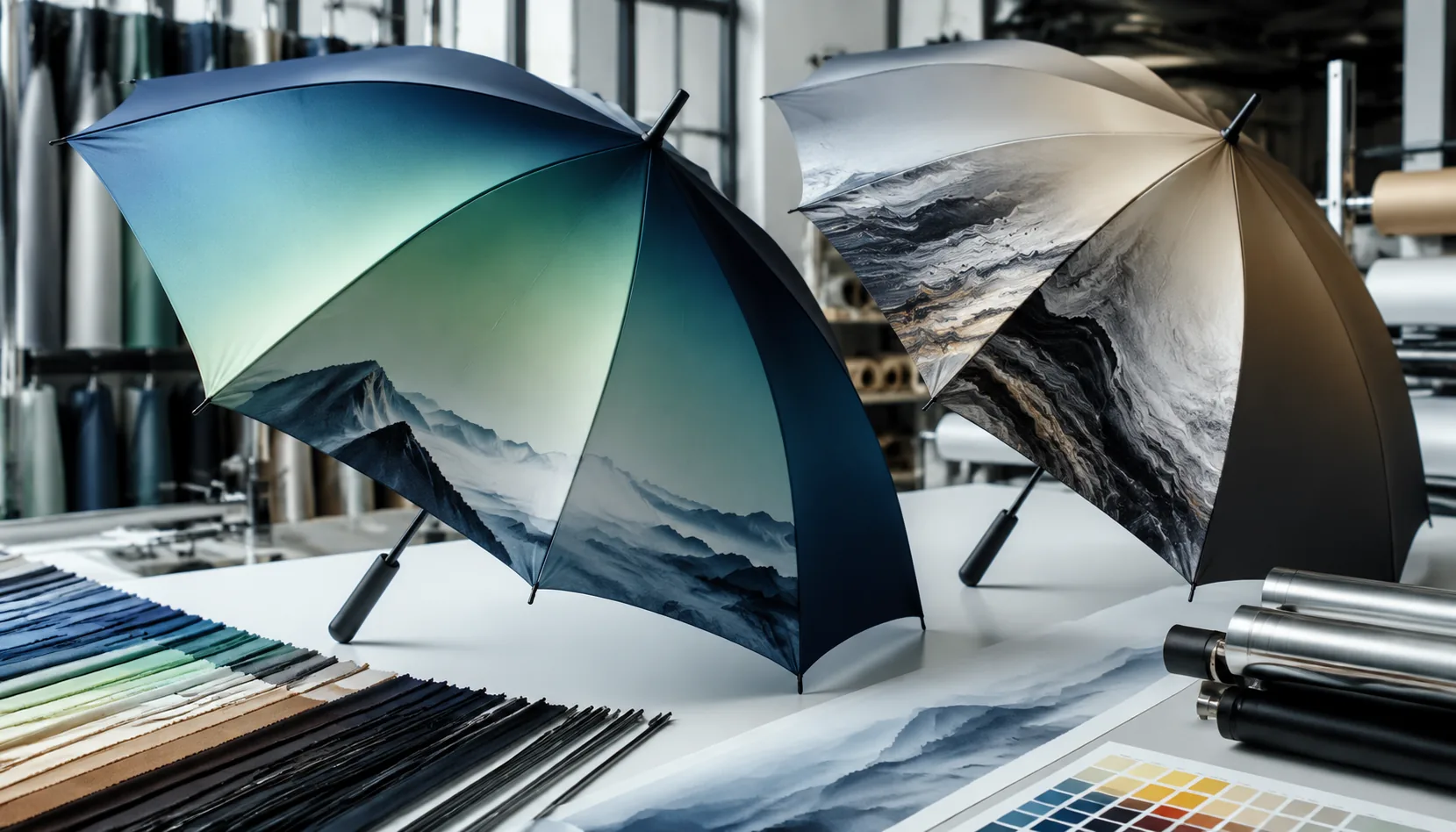
Gradient and Photographic Umbrella Prints for Brand Campaigns
Plan photo, gradient, and all-over digital umbrella prints with file specs, 190T/210T fabric choices, panel seams, lead ...
Read More »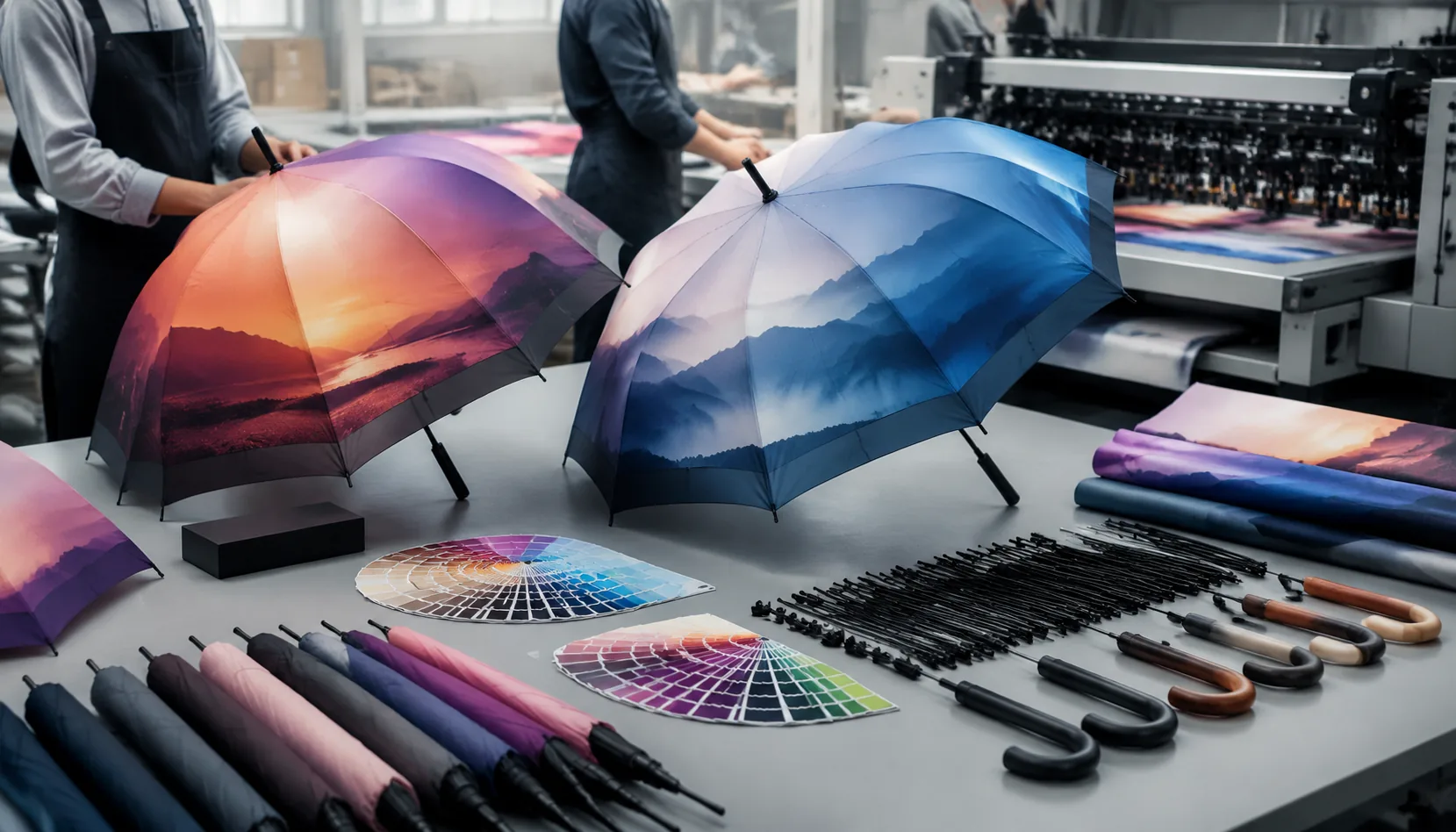
Photo-Quality Umbrella Printing for Campaign Artwork
Plan full-color campaign umbrellas with realistic photo detail, file specs, fabric choices, sampling steps, and lead tim...
Read More »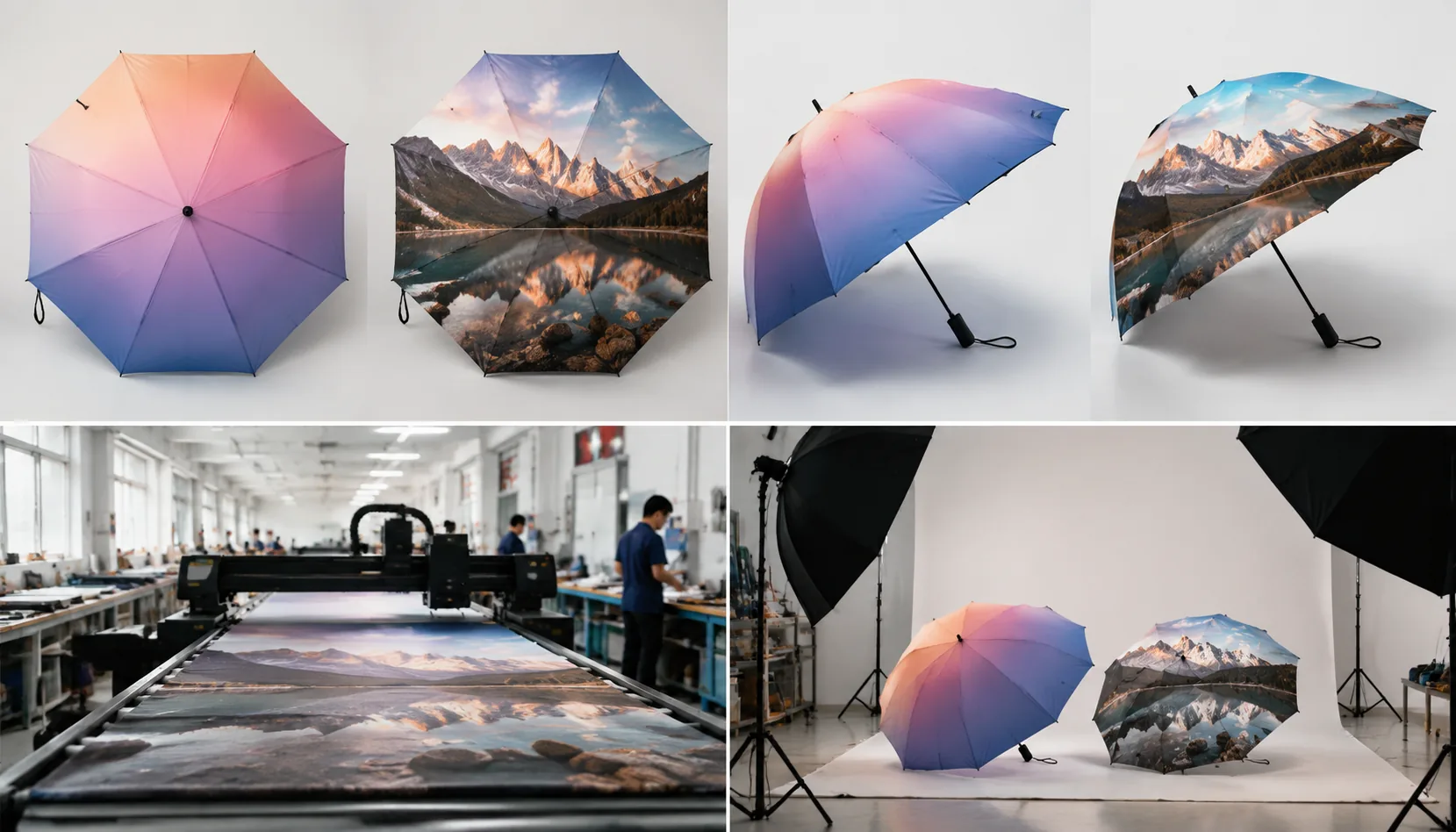
Gradient and Photo Printing Specs for Branded Umbrellas
Set buyer-ready specs for photo and gradient umbrella prints, from file resolution and pongee fabric to digital sampling...
Read More »