Photo-Real Umbrella Printing for Launch and Event Branding
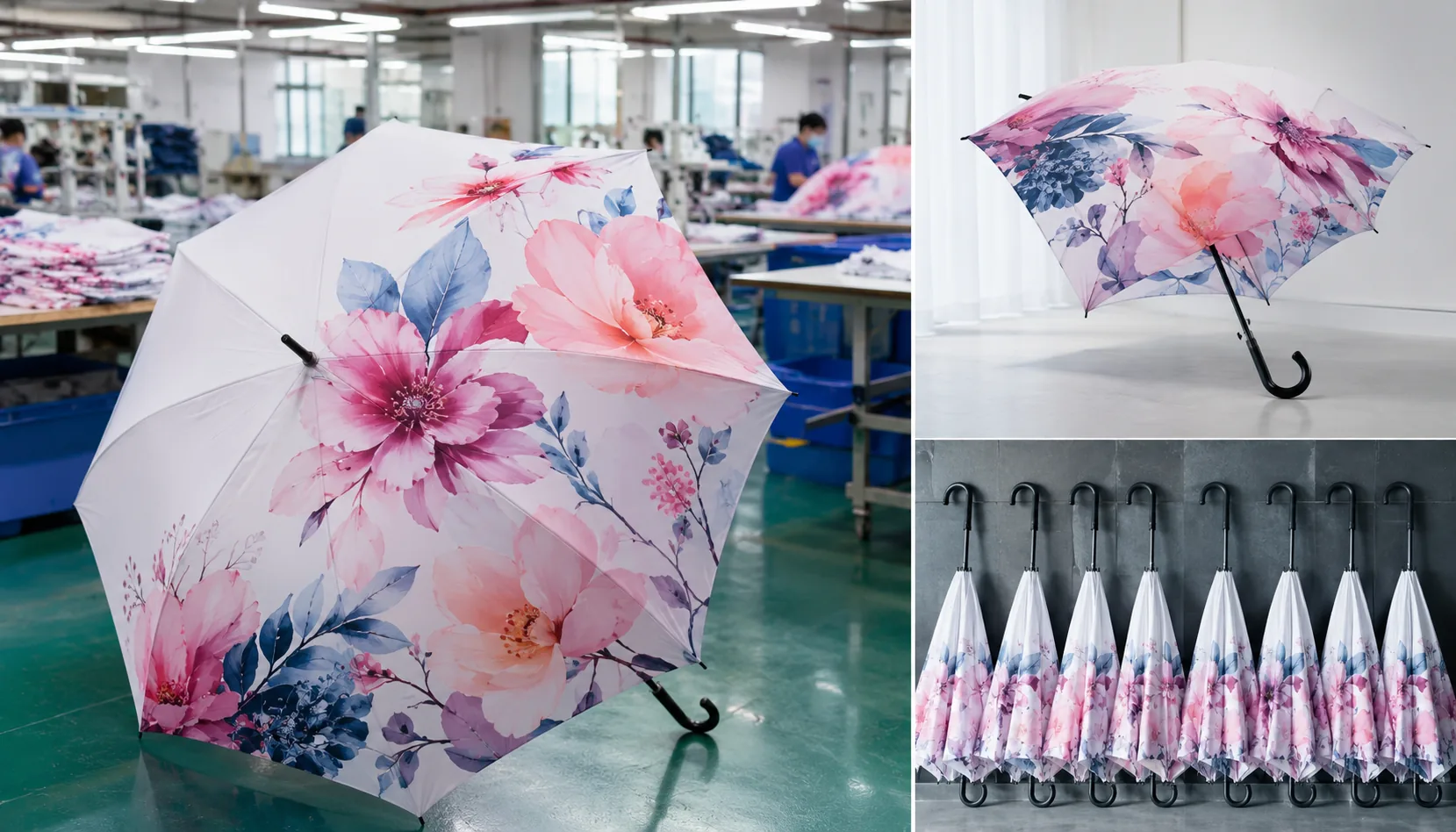
Buyers planning launch or event umbrellas often approve a vivid render, then discover too late that low-resolution art, panel seams, fabric shine, or rushed packing can weaken the brand impact. On our Songxia factory floor, photo printed umbrellas start with checking image DPI against panel size, matching 210T pongee behavior to the print method, and controlling proof color before bulk cutting. The goal is simple: photo-real canopies that pass AQL 2.5 inspection and ship on the FOB or DDP schedule you promised.
When Photo-Real Umbrella Graphics Make Sense
Photo-real work makes sense when the umbrella is doing more than keeping rain off a crowd. For product launches, tourism campaigns, museum shops, sports events, and seasonal retail drops, the canopy becomes a moving poster that gets seen from a distance and in photos. That is where photo printed umbrellas earn their keep: the image is not just decoration, it is the message. A skyline, athlete portrait, product pack shot, or exhibit image can carry more recognition than a plain logo, especially when the umbrella is held in a crowd or shot by media. The catch is that photographic artwork needs real planning for seam layout, bleed, and color shift. On a curved panel, faces, text overlays, and horizon lines can break fast if the art is treated like a flat flyer. Good digital print umbrellas start with the canopy geometry, not the artwork file.
The biggest mistake I see is clients handing over a logo file and expecting the same process to work for photo-real canopy printing. It does not. A logo usually survives slight distortion, but a photograph exposes every panel mismatch, washed shadow, and blocked highlight. For event branding umbrellas, you need to decide whether the image should wrap across all panels, sit on one hero panel, or repeat in a controlled pattern. That changes the print method, panel count, and fabric choice. On 190T or 210T pongee, fine detail holds better than on cheaper polyester, but dark images still need stronger contrast because umbrellas live outside under bad light. For launch campaign umbrellas, I usually push buyers to approve a full-size strike-off first, because a crop that looks fine on a screen can look awkward once it crosses ribs and seams.
Photo printed umbrellas are worth the cost when the campaign depends on recognition, not just utility. A museum shop may use a single exhibition image to sell a premium souvenir; a sports sponsor may want player action shots tied to a match date; a tourism board may need a local landmark that people can recognize instantly in a rainy street scene. In those cases, the canopy is a brand asset, so the print plan should include where the main subject lands, how much of the image is visible when the umbrella is open, and whether the design still works from the underside. ZheBrella’s standard practice is to check photo-heavy orders against actual panel templates before production, because that is the only way to avoid a face landing on a seam or a headline getting cut in half. If the art cannot survive that check, it is not ready for production.
Artwork Resolution, Color, and Panel Layout Rules
For photo printed umbrellas, artwork quality is decided before fabric touches the cutting table. I ask for the master image at final canopy scale, not a thumbnail stretched in Photoshop: 150 dpi is the practical minimum for full-canopy photo work, and 200–300 dpi is better when faces, product bottles, QR codes, or skyline details are involved. A 23" 8K straight umbrella often needs a circular artwork area around 40–42" across before panel splitting; a 30" golf umbrella can push that much larger. RGB files must be converted to CMYK with a clear output intent, because the jump from backlit monitor color to printed 190T or 210T pongee is where many launch campaign umbrellas go wrong. Deep blues, neon greens, and skin tones need proofing, especially for sublimation and digital print umbrellas, since fabric absorption, coating, and heat press temperature can shift color by several Delta E points.
Panel templates matter more than buyers expect because an umbrella is not a flat poster. Each gore has a curved triangle shape with seam allowance, tip allowance, and rib alignment marks; if the photo is simply sliced into equal wedges, faces can land on seams and logos can bend across high-tension areas. Our standard practice at ZheBrella is to keep critical text, eyes, product names, and sponsor marks at least 15–20 mm away from stitched seams, 25–30 mm from the outer tips, and clear of the cap area unless the artwork is intentionally radial. Seam interruptions are unavoidable because each panel is sewn under a folded edge, so photo-real canopy printing should be composed with forgiving backgrounds at the joins: sky, water, crowd blur, gradients, or texture work better than straight architectural lines crossing every seam.
An 8K layout is easier for image continuity because there are fewer seams, wider panels, and less cumulative sewing tolerance; it suits big hero images for event branding umbrellas where the umbrella needs to read clearly in photos from 10–20 feet away. A 16K layout gives a rounder canopy and a premium retail look, but it doubles the number of seam breaks and makes alignment more demanding, especially when a face, car, bottle, or stadium panorama wraps around the canopy. We normally build 16K artwork with either repeated visual zones or a radial composition instead of one uninterrupted photograph. For photo printed umbrellas used in launch events, I also recommend one printed strike-off before mass production, checked under daylight D65 and indoor warm light, because acceptable AQL 2.5 sewing does not guarantee perfect visual registration across every rib line.
Fabric and Print Method Considerations
For photo printed umbrellas, I would start with 210T pongee unless the budget is so tight that you are willing to give up some image fidelity. The tighter weave gives a smoother face, so fine text, skin tones, and small shadows hold up better, especially on 23" and 27" canopies where the viewer sees the panel from close range. With photo-real canopy printing, 210T also reduces the speckled look you get when the weave telegraphs through the ink. 190T pongee is still acceptable for cost control on short-lived promotions, indoor giveaways, or large-volume runs where the image is simple and viewed at a distance. It is cheaper and easier to source, but you will see softer edges and a little more grain in gradients, so it is not my first choice for premium launch campaign umbrellas.
For digital print umbrellas, the real advantage is not just color count; it is how cleanly they reproduce gradients, reflections, and photo backgrounds without forcing you into spot-color compromises. If the artwork includes a product shot, face, skyline, or any other image with tonal transitions, digital print is the correct process. Screen print is better for flat-color graphics, bold logos, and hard-edged typography because it lays down dense ink and keeps Pantone matches predictable. The tradeoff is obvious on press: every extra color adds screens, setup time, and registration risk, while digital handles complex art in one pass. For event branding umbrellas, that usually means digital for image-heavy campaigns and screen print when the design is limited to one to three solid colors.
The part buyers miss is that the fabric choice and print method have to match the viewing distance and the canopy geometry. A beautiful file can still fail if the seam lands across a face, if the logo crosses the vent, or if the artwork was built too close to the panel edge and gets cut by the sew margin. We always proof photo-real canopy printing at actual umbrella size, not just on a flat PDF, because curvature changes how eyes, faces, and horizon lines read on the finished canopy. For launch campaign umbrellas, I would approve 210T with digital print when the image is the message; I would step down to 190T only when cost, lead time, or giveaway volume matters more than photographic quality.
Frame Choices for Event and Retail Use
For photo printed umbrellas used at a launch, the frame has to support the visual promise of the canopy. A sharp skyline, product render, or celebrity photo printed on 190T or 210T pongee looks cheap if the ribs twist after the first gust. For most event branding umbrellas, I would specify fiberglass ribs with a steel or aluminum shaft, not an all-steel economy frame. Fiberglass bends and recovers better, so the canopy stays smoother and the print remains readable when people are walking between venues. An 8K frame is acceptable for budget handouts, but 10K gives a rounder canopy and cleaner panel tension for photo-real canopy printing. For retail or VIP launch campaign umbrellas, 16K can look premium, but the extra ribs add sewing labor, weight, and a higher defect risk if panel matching is not controlled tightly.
Double-canopy windproof construction is worth considering when the umbrella will be photographed outdoors, especially for automotive, real estate, beverage, and sports launches. The vent layer lets wind escape instead of flipping the frame, and a good fiberglass 23" or 27" double-canopy model can survive 50+ mph wind-tunnel testing when rib joints and stretchers are properly riveted. The tradeoff is cost and bulk: a vented canopy needs more fabric, more cutting accuracy, and more sewing time, so it is not the right choice for every 5,000-piece giveaway. Steel ribs keep the FOB price lower and feel rigid in the hand, but once bent they usually stay bent. Fiberglass costs more up front, yet it reduces visible distortion, returns, and embarrassing failures during outdoor activations.
Auto-open mechanisms improve perceived quality because one-handed opening feels smoother at registration desks, golf outings, and retail displays. For digital print umbrellas in 21" folding sizes, auto-open-close is convenient but adds spring load, shaft complexity, and weight; it also needs stricter cycle testing than a manual unit. On 23" straight umbrellas, a simple auto-open runner with fiberglass ribs is usually the best balance of cost, durability, and brand impression. Our standard practice at ZheBrella is to pair premium printed canopies with reinforced tips, secure top notching, and AQL 2.5 inspection on opening force, rib alignment, print placement, and canopy tension. If the umbrella is meant for retail sale rather than one-day event use, I would rather reduce print coverage slightly than downgrade the frame, because customers judge quality first by how the umbrella opens and survives wind.
Proofing, Bulk QC, and Delivery Timeline
Proofing must lock the artwork before fabric is cut, because photo-real canopy printing exposes every weak file, color shift, and panel mismatch. For digital print umbrellas, we ask for layered AI/PDF/PSD files or 300 dpi raster artwork at full panel scale, then issue a digital proof showing panel layout, seam allowance, logo position, rib alignment, and handle/carton specifications. For photo printed umbrellas, I do not approve bulk from a screen screenshot; we print a pre-production sample on the actual canopy fabric, usually 190T or 210T pongee, POE, PVC, or EVA depending on the brief. Sampling normally takes 7-12 days after artwork confirmation. For color control, our standard practice is to photograph the approved sample under daylight and lightbox conditions, then mark acceptable tolerance against Pantone, CMYK, or customer reference images, because glossy POE and matte pongee reflect color very differently.
Bulk QC should be built around measurable checkpoints, not a final panic inspection when 5,000 umbrellas are already packed. For event branding umbrellas and launch campaign umbrellas, inline checks cover print sharpness, canopy centering, seam alignment, rib count, frame material, opening function, and water repellency after coating. Final inspection is normally AQL 2.5 for major defects, with critical defects rejected at zero tolerance: broken shafts, unsafe tips, jammed auto-open mechanisms, wrong artwork, or mixed carton labels. For photo-real canopy printing, inspectors also compare random units against the signed sample for banding, ghosting, panel-to-panel color drift, and image distortion across 8K, 10K, or 16K frames. Carton labels should include PO number, SKU, color/design code, quantity, gross/net weight, carton size, country of origin, and any Amazon FBA or retail routing marks before sealing.
Timeline and MOQ depend more on print method and frame availability than buyers usually expect. A realistic MOQ for custom photo printed umbrellas is often 100-300 pieces for digital sublimation on standard 21 inch or 23 inch folding models, and 500-1,000 pieces for custom golf umbrellas, 27 inch or 30 inch frames, special handles, or full retail packaging. Bulk production normally runs 30-45 days after sample approval and deposit, assuming standard fiberglass or steel ribs are in stock; add time for custom molds, Teflon coating, UPF 50+ treatment, or double-canopy vented windproof construction tested around 50+ mph. Shipping can be quoted FOB Ningbo or Shanghai for buyers managing freight, or DDP to the U.S., EU, UK, or Australia when landed cost certainty matters. Air freight suits launch deadlines; sea freight is better once carton volume and event date allow it.
Frequently Asked Questions
Can a photograph line up perfectly across every umbrella panel?
Not perfectly. Panel cutting, sewing tolerance, and rib positions can interrupt the image, so artwork should allow small shifts at seams.
Are photo-printed umbrellas suitable for outdoor events?
Yes, if the buyer specifies durable pongee, proper colorfastness targets, and a frame such as fiberglass ribs with a windproof double canopy. A pre-production sample should be tested before bulk approval.
What artwork resolution is needed for photo-real umbrella canopy printing?
For best results, provide layered AI, PSD, or PDF files with embedded images at 150–300 dpi at final panel size. Large photo graphics should allow 3–5 mm bleed per panel because seams and stitching can shift slightly during assembly.
Is 210T pongee suitable for digital print umbrellas used in launch campaigns?
Yes. 210T pongee is a common choice for photo printed umbrellas because it has a smooth surface, good color absorption, and a premium hand feel. Buyers should request a printed strike-off or digital proof before mass production to confirm color and image clarity.
What QC standard is typically used for bulk digital print umbrellas?
Many B2B orders use AQL 2.5 for major defects, checking print alignment, color consistency, panel stitching, frame function, and handle assembly. For event deadlines, schedule inspection before packing so replacements or sorting can be completed before FOB or DDP shipment.
Looking to Launch Your Custom Umbrella Line?
ZheBrella is a Zhejiang-based OEM/ODM umbrella manufacturer with 17 years of export experience. Free design, low MOQ from 100 pieces, windproof construction, full-color print.
Get Free Quote Now »People Also Search For
Related Articles
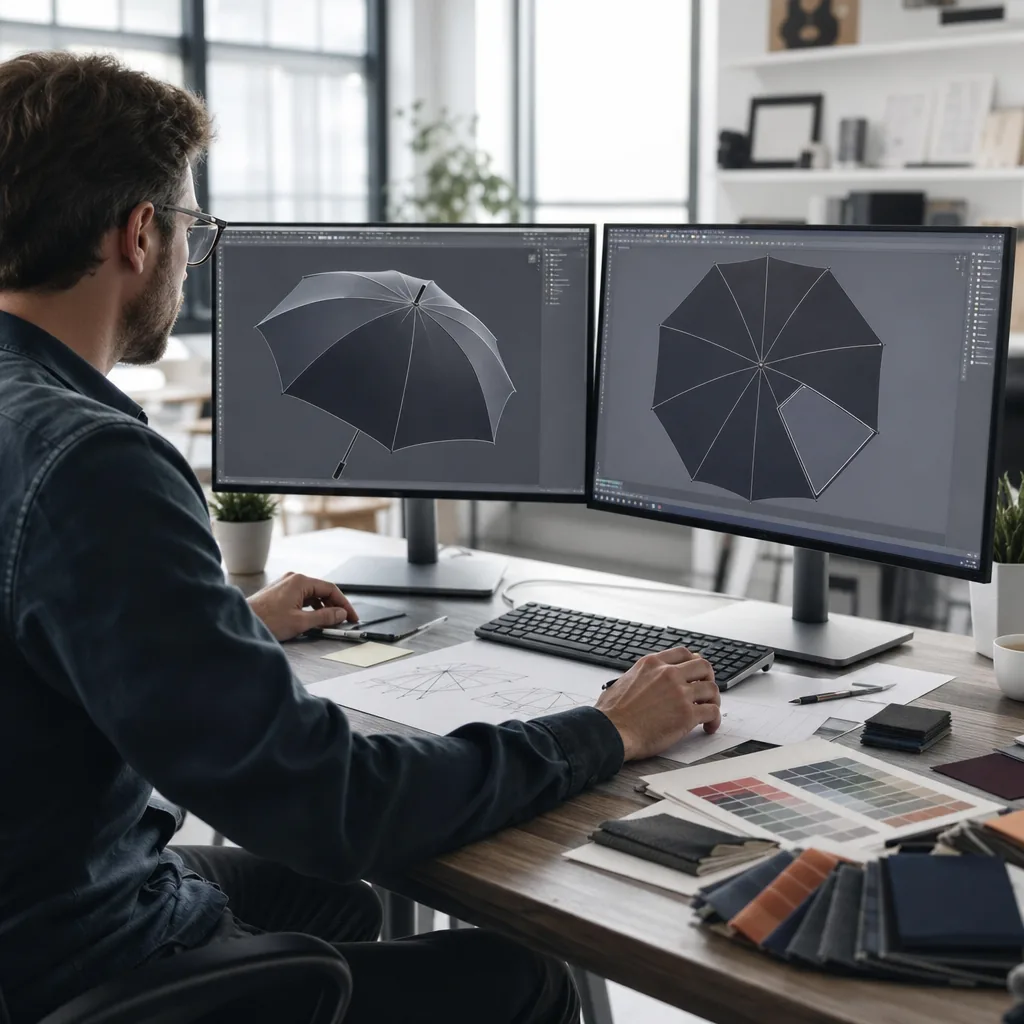
Gradient and Photo-Print Umbrellas for Brand Campaigns
Specify gradient and photo-print umbrellas with realistic color control, fabric choices, sample approvals, and productio...
Read More »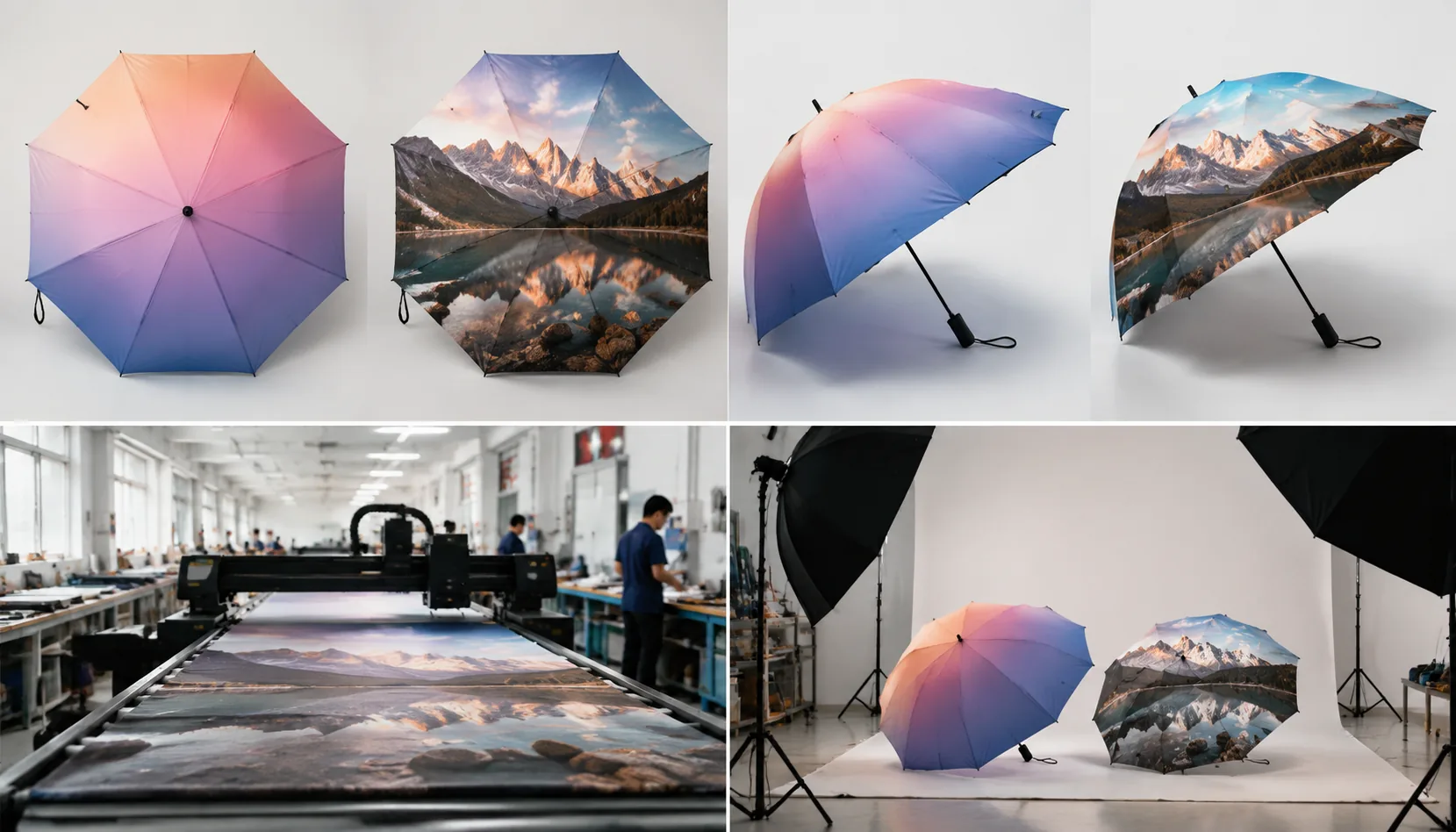
Gradient and Photo Printing Specs for Branded Umbrellas
Set buyer-ready specs for photo and gradient umbrella prints, from file resolution and pongee fabric to digital sampling...
Read More »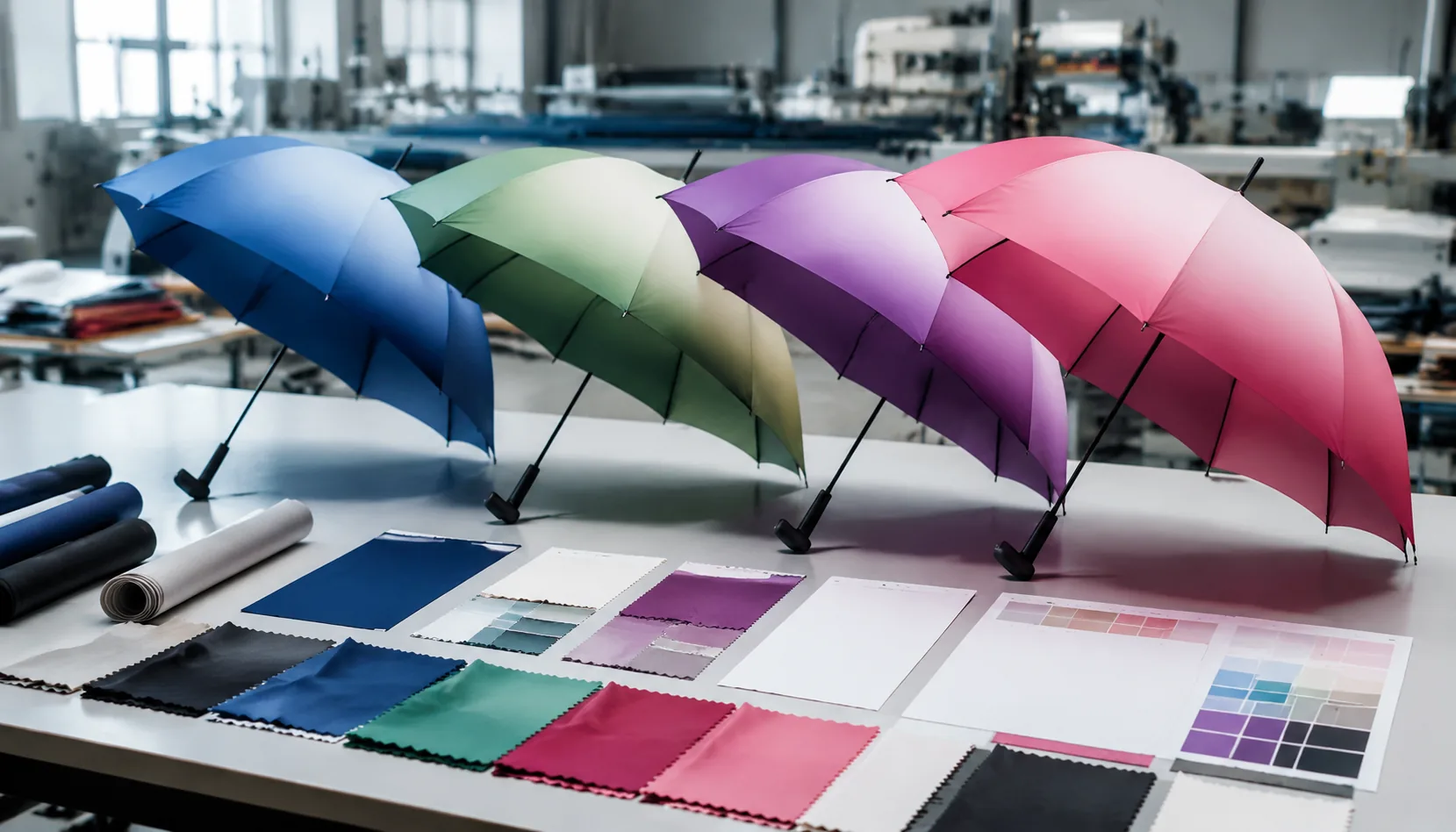
Gradient Umbrella Printing for Retail and Event Branding
Learn when gradient umbrella prints work best, how digital files should be prepared, and which canopy specs support smoo...
Read More »