QR Code Printing on Umbrellas for Trackable Campaigns
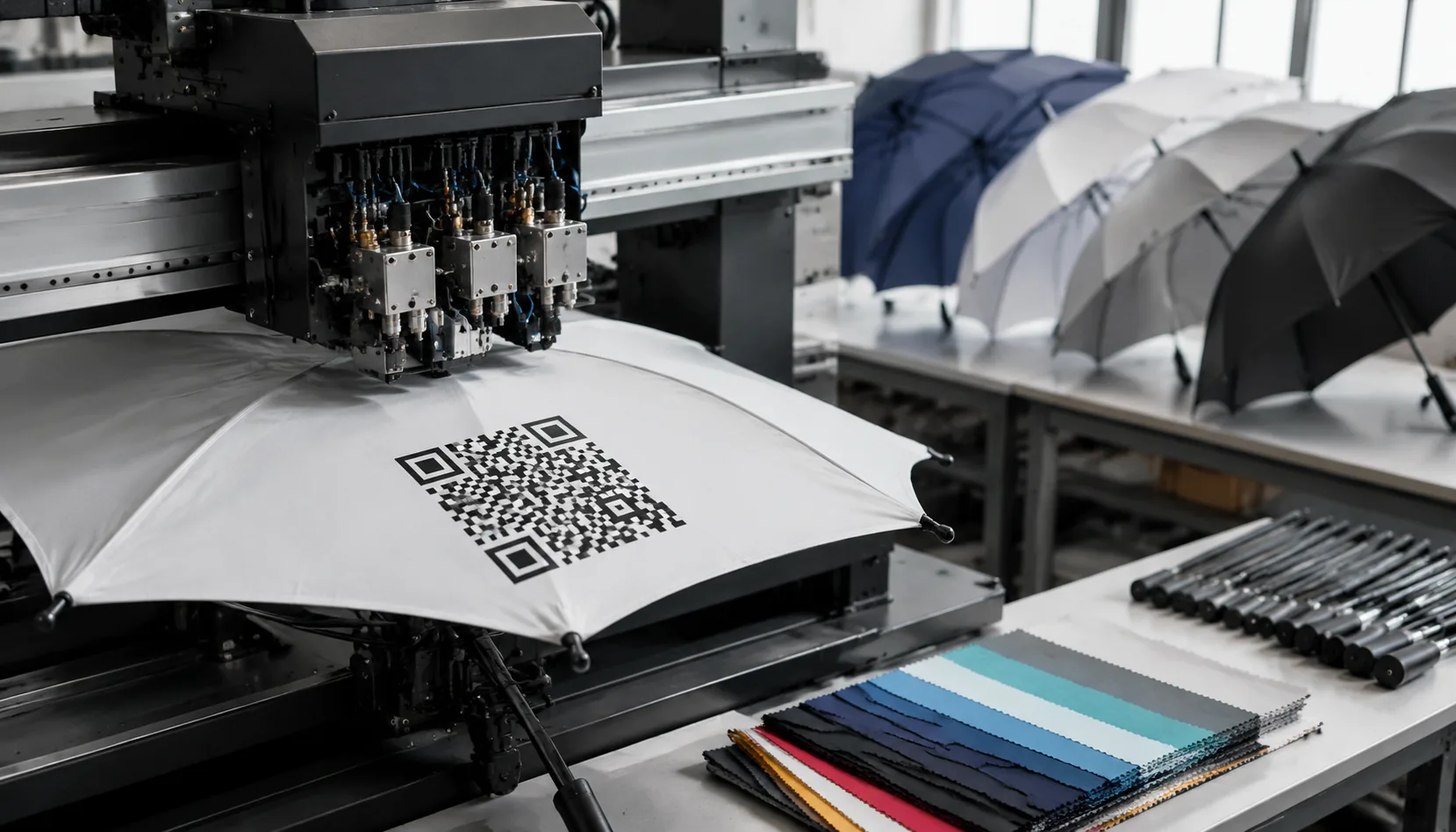
Buyers usually discover the hard part of trackable promo umbrellas after sampling: a QR code that scans on a flat proof can fail once it is stretched over ribs, broken across panel seams, or dulled by water-repellent coating. On our Songxia production lines, QR code umbrella printing works only when print size, contrast, panel position, and post-coating scan checks are set before bulk runs, especially for event and retail programs that need reliable read rates.
When QR Codes Make Sense on Branded Umbrellas
QR code umbrella printing makes sense when the scan solves an immediate problem during a short campaign window. The strongest use cases are high-traffic events and point-of-contact promotions: festivals, expos, sports meets, campus activations, product launches, tourism campaigns, retail hang displays, and loyalty signups. In those settings, a branded umbrella functions as overhead signage that stays visible above a crowd longer than flyers or counter cards. Format matters. A 27" or 30" straight golf umbrella gives enough panel area to place a QR code, a clear call to action, and brand copy on alternating panels without crowding. A 21" folding umbrella is a higher-risk choice because the tighter rib curvature and narrower panel width can distort the code and reduce viewing to one or two panels at a time. For event umbrella branding, buyers should treat the code as support, not the whole message: pair it with a visible brand name and one plain instruction tied to the campaign goal, such as register, claim a coupon, request a sample, open a map, or join a loyalty program.
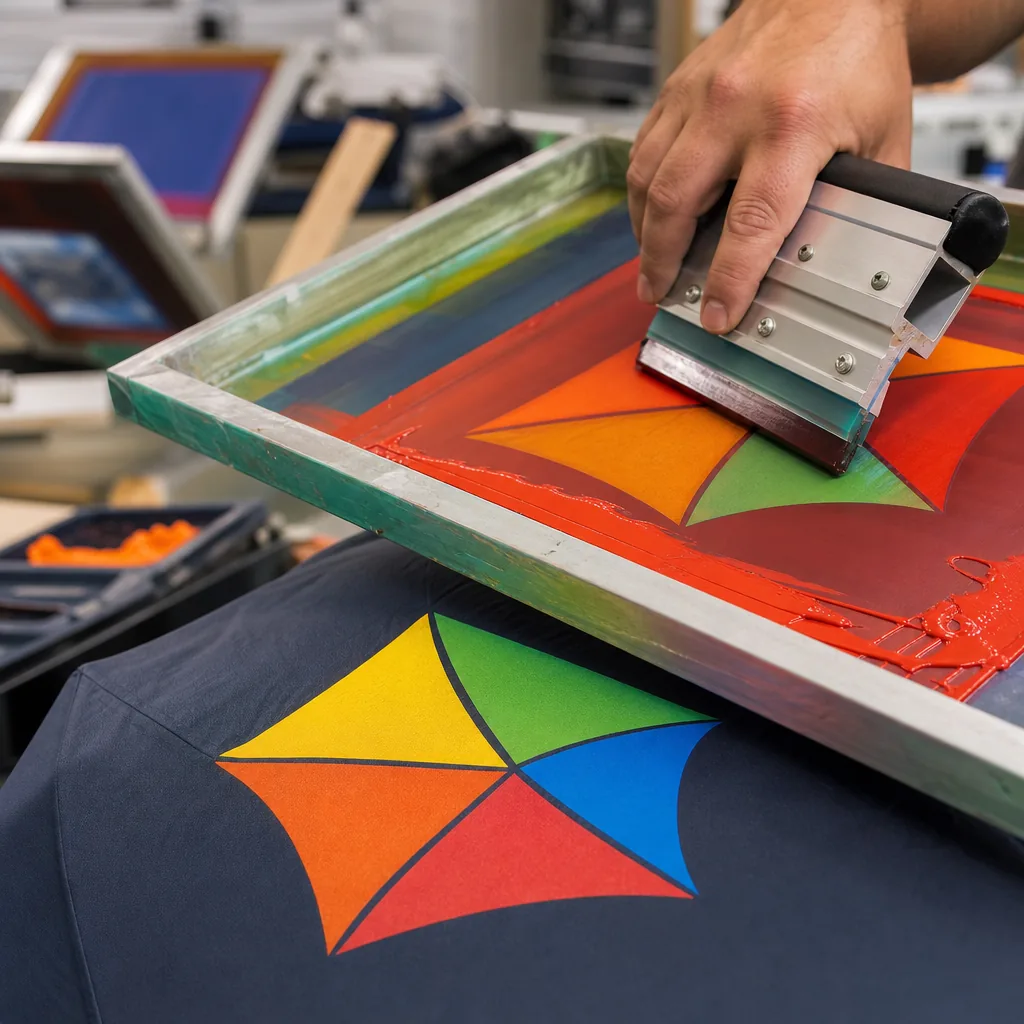
The code should never stand alone. Promotional umbrella QR codes perform better in real conditions when the canopy also shows a short URL and a plain-language benefit, giving users a fallback if rain glare, fold memory, or camera angle reduces first-scan success. As a working rule, keep the code under about 80 x 80 mm on a folding umbrella and 100 x 100 mm or larger on a straight style, printed on white or light-color 190T or 210T pongee for contrast. Dark full-panel artwork, seam crossings, and tip-area placement are the usual failure points because repeated wet-open-wet-close cycles create creases exactly where scannable umbrella logos need clean edges. Print method affects reliability as much as layout. On polyester pongee, screen printing holds the sharpest edge for one-color art on a light ground; heat transfer or sublimation is the better fit when the same panel carries gradients, tourism graphics, or multi-color branding around the code. Clear POE or EVA canopies can work indoors, but reflections and background clutter reduce scan reliability outdoors. With printed QR code canopies, scan testing should happen after sewing and full opening, because panel tension, stitch pull, and rib bend can turn a readable proof into wasted spend.
Print Size, Contrast, and Scanning Distance
For QR code umbrella printing, size and placement drive scan reliability more than graphic polish. Use a finished code at 80-100 mm square for close-range scans, and increase to 120-150 mm when users will scan from arm’s length or while the canopy is moving. On 21 inch and 23 inch folding umbrellas, codes below roughly 70 mm become unreliable because panel curvature, seam pull, and fabric tension distort the grid. Keep a quiet zone of at least 4 modules on every side; on a 29 x 29 module code, that margin is functional, not decorative. Print the code entirely within one canopy panel on 190T or 210T pongee, not across seams, tip reinforcement patches, or vent cut lines on double-canopy windproof frames. For event umbrella branding, that single-panel layout is the lowest-risk option because it reduces scan failures before bulk production and limits pre-production sample rework.
Contrast is the next constraint, and it is usually where promotional umbrella QR codes fail. Black on white remains the most reliable combination; a dense black or very dark navy on a matte white, light gray, or pale yellow panel is the next safest choice. Low-contrast brand colors such as mid-gray on red, metallic silver on black, or pastel on pastel may look on-brand but scan poorly outdoors, especially on moving canopies. Printed QR code canopies also fail when the code is reversed out of a busy full-panel print, because phone cameras pick up background noise before the code structure. Use screen printing or heat transfer when you need sharp module edges; if you use sublimation, control ink spread and keep the code off saturated gradients. Avoid transparent POE or glossy PVC unless you add an opaque white print base, and avoid glossy inks because glare can cut practical scanning distance by about half in direct sun. At ZheBrella, we test scannable umbrella logos on pre-production samples at 0.5 m, 1 m, and 1.5 m on both iPhone and Android cameras, then check print registration to AQL 2.5 before mass production to protect a 25-35 day lead time from reprint risk.
Best Canopy Locations for Reliable Scanning
For reliable scan rates, QR code umbrella printing should keep the live code inside one uninterrupted panel. Use two adjacent panels only for supporting artwork; do not split the code across a seam. A practical placement standard is 20 to 25 mm in from the center seam and 18 to 20 mm above the outer stitch line, with full clearance from the rib tip patch, end cap area, and visible fold memory lines. Those zones take the most distortion during sewing, heat setting, and repeated opening cycles, especially on 21 inch and 23 inch auto-open-close umbrellas where the canopy folds tightly around the ribs. On 190T or 210T pongee folding styles, a 55 to 70 mm square code is usually the safest working range. On 27 inch and 30 inch golf umbrellas, buyers can typically move to 80 to 110 mm square because the panel offers a larger flat print field and better module separation. For scannable umbrella logos, event umbrella branding, and printed QR code canopies, conservative placement beats decorative centering every time because scan consistency matters more than the mockup.
Panel width is the main reason 8K frames outperform 16K for promotional umbrella QR codes. An 8K canopy has eight wider panels, so the center print zone stays flatter and farther from seam distortion; that gives buyers more room for a 70 to 90 mm code on 23 inch or 27 inch umbrellas without crowding the quiet zone. A 16K canopy looks more refined, but each panel is narrower, so the code must either shrink or move closer to seams and fold lines, where stretch and print gain reduce readability. That tradeoff gets worse with screen printing if small modules start to fill in. Frame style also changes risk: the lower third of an auto-open-close panel carries the strongest fold memory, while straight manual and auto-open frames are more forgiving. Before mass production, approve the code from a sewn sample rather than flat artwork alone, print black on white or another light solid ground, and verify scan performance at about 0.5 to 1.5 meters on actual phones under an AQL 2.5 inspection standard.
Fabric and Coating Variables That Affect QR Codes
For outdoor scan performance, fabric choice matters more than pushing artwork resolution. QR code umbrella printing is most dependable on tightly woven polyester pongee, especially 190T and 210T, because the smoother face holds cleaner ink edges than loose or textured fabrics. Between the two, 210T usually gives sharper module definition on small-to-medium codes; 190T still performs, but buyers should increase the code size and keep the quiet zone clear of fine text, seam lines, and adjacent graphics. Contrast is still the first control: black on white or light gray scans more consistently than low-contrast brand colors. Standard water-repellent finishes can darken the canopy shade slightly and soften the apparent edge of scannable umbrella logos, particularly when the print crosses a seam or sits in a panel area with visible tension. Frame size changes the risk. On 21 inch and 23 inch folding umbrellas, the flat-looking print area is smaller than most teams expect because the canopy curve is tighter. A 27 inch golf umbrella provides more usable space, better alignment tolerance, and a longer scan distance, which reduces failure risk before mass production.
Coatings and construction affect both print quality and approval risk. UPF 50+ silver or black UV back-coatings are common on sun umbrellas, but they can stiffen the panel and change how the face fabric accepts screen ink or heat-transfer adhesive, so pre-production strike-offs should be run on the exact 190T or 210T fabric and coating combination. Teflon and standard water-repellent finishes improve rain shedding, but they also make the surface slicker; printers usually adjust mesh count, ink deposit, and curing to keep promotional umbrella QR codes from feathering at the corners. Printed QR code canopies also need clear space away from stitching, tip pockets, vents, and overlapping artwork. Double-canopy windproof construction improves storm performance, often targeting 50+ mph testing, but the vent opening and offset between upper and lower canopies reduce uninterrupted print area. Curved panel tension near the ribs, along with the snap of manual, auto-open, or auto-open-close frames, can change how flat and square the code appears when fully opened. For event umbrella branding, approve the code on the actual 21 inch, 23 inch, or 27 inch frame, then verify placement in inline QC and final inspection to AQL 2.5 before shipment.
Pre-Production Testing and Bulk QC Controls
Scan reliability is the gatekeeper for QR code umbrella printing, so approve a live code on a physical sample before bulk production. Test at least 4 to 6 current iOS and Android phones, not just one camera app, under warehouse LED light, indirect daylight, and direct sun. Repeat scans with the umbrella open at normal holding height to expose failures caused by curved panels, rib shadow, seam placement, and vent openings on double-canopy windproof styles. Frame size changes the usable print field: a 21 inch or 23 inch folding umbrella leaves less panel area than a 27 inch golf or 30 inch beach umbrella, so code size, quiet zone, and contrast need to be set before artwork approval. On 190T or 210T pongee, solid black on a light ground usually scans more consistently than fine-line artwork. Sample approval should lock the exact code size, panel position, landing URL, and canopy material, because pongee, POE, PVC, and EVA transmit light differently and can change scan performance on scannable umbrella logos.
The pre-production sample also needs to confirm the production build, not just the print. For auto-open-close folding umbrellas used in event umbrella branding, test scan readability near strap folds and repeat after multiple open-close cycles, since crease memory and panel tension can distort the code grid. MOQ for a custom run is typically 300 to 500 pieces, but the timeline extends if the order includes a new frame, a custom handle mold, or mixed colorway pack-out. A workable plan is 5 to 7 days for sampling and approval, then 25 to 35 days for bulk production after sign-off. During AQL 2.5 inspection, add random live scans from units pulled across different production periods and cartons; visual checks alone will miss functional failures. Inspect readability after strap fastening, carton compression, and routine handling, and check print spread, pinholes, skewed registration, color contamination, and panel mismatch, especially on heat-transfer or sublimation printed QR code canopies. For fixed event deadlines, align FOB Ningbo or DDP shipment booking to the approved ex-factory date and keep a 7 to 10 day buffer for port cut-off, customs, and final-mile delays on promotional umbrella QR codes.
Frequently Asked Questions
Can a QR code be printed in brand colors instead of black and white?
Yes, but contrast must remain high and the quiet zone must stay clear. The safest option is a dark code on a light panel, tested with multiple phone cameras before bulk production.
Should each umbrella have a unique QR code?
For basic campaigns, one shared QR code is simpler and cheaper. Unique codes are possible, but they require variable-data printing, stricter file control, and extra QC scanning.
What QR code size is usually reliable on an umbrella canopy?
For most polyester canopies, buyers should target at least 4 x 4 inches for short URLs or dynamic QR codes, with more space if the code includes dense data. On compact umbrellas with segmented panels, many importers approve a test print before mass production to confirm scan distance and distortion.
Which umbrella panel placement works best for scan performance at events?
A single outer panel near eye level usually performs better than printing across seams or multiple panels. Keeping the code away from stitching, tips, and strong canopy curvature reduces scan failures when the umbrella is open.
Should buyers use static or dynamic QR codes for promotional umbrella campaigns?
Dynamic QR codes are usually better for event and retail programs because the destination URL can be updated after production without changing the printed artwork. That matters when lead times run 25 to 45 days and campaign landing pages may change before launch.
Looking to Launch Your Custom Umbrella Line?
ZheBrella is a Zhejiang-based OEM/ODM umbrella manufacturer with 17 years of export experience. Free design, low MOQ from 100 pieces, windproof construction, full-color print.
Get Free Quote Now »People Also Search For
Related Articles
QR Code Printing on Promotional Umbrellas for Campaigns
Plan scannable QR code umbrella printing with the right panel size, contrast, fabric, testing, MOQ, and delivery terms f...
Read More »Variable-Data Umbrella Printing for Personalized Campaigns
Plan personalized umbrella orders with names, QR codes, or serials while controlling artwork files, print methods, MOQ, ...
Read More »
QR Code Printing on Umbrellas for Event Brand Tracking
Learn how to size, place, and test scannable QR codes on umbrellas, from contrast and ink choice to event MOQs, approval...
Read More »