Umbrella Print Methods for Panels, Sleeves, and Handles
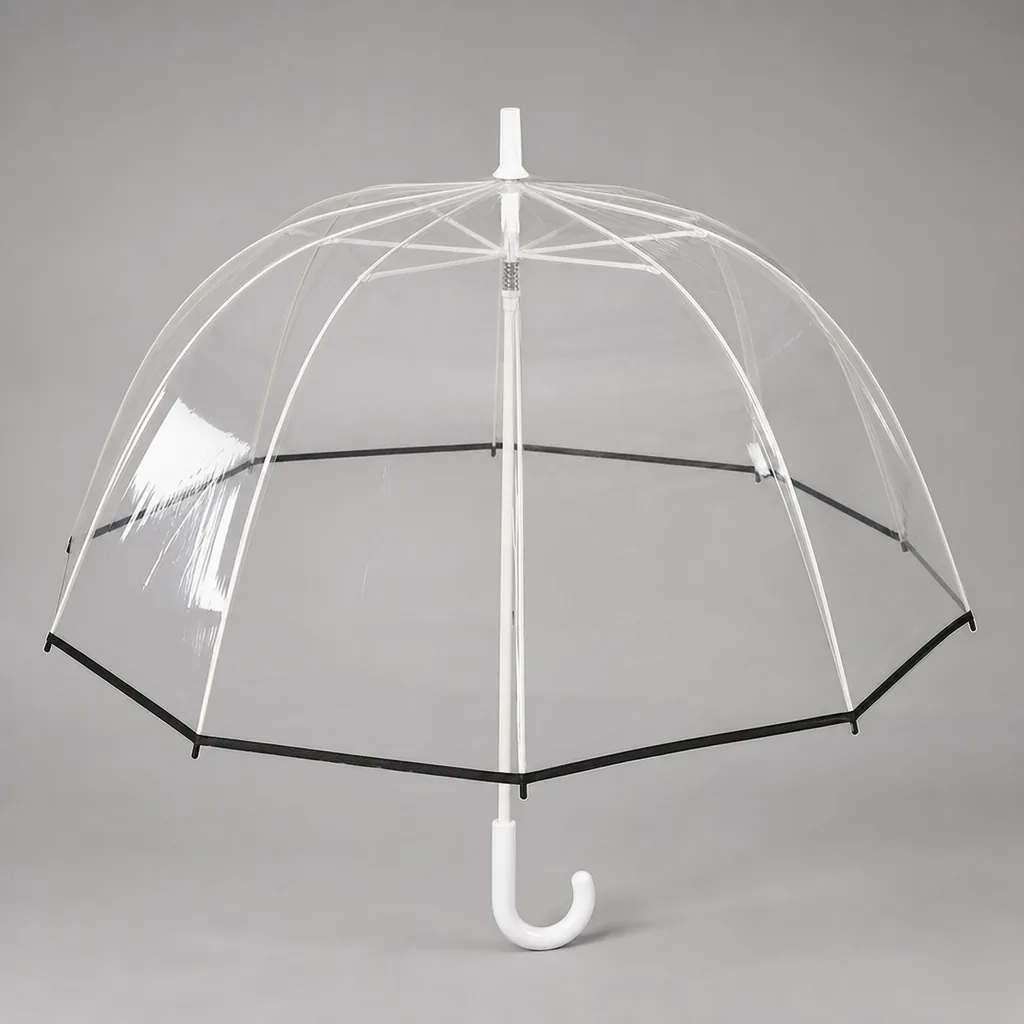
Choosing the right decoration for umbrellas is rarely about looks alone; it has to survive curved panels, flexible sleeves, and hard handles while still meeting color, placement, MOQ, and lead time targets. From the production floor, the tradeoffs are clear: ink behavior changes by material, registration gets harder on stitched seams, and some finishes simply do not scale for B2B runs. This guide compares custom umbrella printing methods where they actually matter in real factory order work.
When Print Method Should Drive the Product Choice
If the job is a simple giveaway, the product should be designed around one-color promo printing, not around a fancy canopy. Screen print umbrellas are the right answer when the logo is bold, the run is large, and the buyer cares more about unit cost than color accuracy. A single spot color on a white or light panel holds up better on 190T pongee than on a heavy coated fabric, because the weave accepts ink differently and the print edge stays cleaner. On coated POE, PVC, or EVA, the ink sits on top of the surface, so adhesion, cure, and abrasion resistance become the real constraints. That is why custom umbrella printing methods should be chosen at the quoting stage, not after the sample is already built.
Retail-grade full color changes the decision completely. If the artwork has gradients, photography, or thin type, transfer printing is usually the practical route for umbrella panel printing, especially on 210T pongee where the tighter weave gives a smoother visual field and less dot distortion. Heat transfer can deliver sharper detail than direct screen work, but it also forces you to think about hand feel, fold lines, and how the graphic behaves after repeated opening and closing. On coated fabrics, full-color graphics can look strong at first, but the surface finish can make the image appear flatter or less textile-like. For ZheBrella, the standard practice is to match the print method to the canopy base cloth first, then adjust panel layout and seam placement around that decision.
Durable event branding sits between those two extremes. If the umbrella will be used for stadiums, exhibitions, golf outings, or outdoor staffing, the print has to survive abrasion, moisture, and packed storage, not just look good on day one. That is where logo sleeves and limited-color panel branding often beat oversized all-over graphics, because the branding stays readable on high-touch surfaces without pushing the material past its limits. The best custom umbrella printing methods for this case are usually simple, high-contrast, and placed where the user sees them from 3 to 5 feet away. A clean 1-color print on a vented canopy or sleeve often outlasts a complicated full-color job on the same budget, especially when the buyer needs consistent results across a long re-order cycle.
Screen Print, Heat Transfer, and Sublimation Compared
For umbrella panel printing, screen print umbrellas are usually the lowest setup cost when the logo is simple and the run is large enough to justify screens. A single-color or two-color logo on a flat pongee panel is straightforward, and the ink sits on top of the fabric with a firmer hand feel. That gives strong opacity on dark canopies, but it also means the print can crack or wear faster if the panel is repeatedly folded tightly or rubbed against another surface. In practice, I use screen printing when the art is bold, the color count is limited, and the buyer wants the best unit cost on a stable design. It is less flexible for gradients, fine detail, or photographic images, and registration gets expensive as colors increase.
Transfer printing sits in the middle on setup cost and is the most forgiving option for detailed graphics on panels, sleeves, and accessory bags. For custom umbrella printing methods, this is the method I reach for when the logo has more colors than screen printing can handle cleanly, or when the art needs sharp edges on curved or stitched surfaces. The hand feel is lighter than direct screen print, especially on logo sleeves or pouch bags where a smooth finish matters. Rub resistance is decent if the transfer film and press settings are correct, but it is still a surface-applied decoration, so I do not recommend it for heavy abrasion zones like the rib-contact points inside a sleeve. It works well for short to medium production runs because tooling is minimal and artwork changes are easy.
Sublimation is the best choice when the canopy fabric is polyester-based and the design needs full-color imagery with no thick ink layer. It has the softest hand feel because the dye becomes part of the fiber rather than sitting on top, which makes it ideal for premium umbrella panel printing with photographic art, fades, or complex patterns. The tradeoff is that it needs compatible white or light-colored polyester fabric, so it is not the right answer for dark canopies or non-polyester materials. In terms of rub resistance, sublimation is strong because there is no surface film to scuff off, which is why it performs well on panels and sometimes on logo sleeves made from polyester. For accessory bags, I still compare the fabric first: if it is polyester, sublimation is clean and durable; if not, transfer printing is usually the more practical option.
Panel Layout, Seams, and Registration Limits
On a standard 6-panel umbrella, each gores has enough width that umbrella panel printing can carry a logo or pattern without forcing the artwork into a seam. Once you move to 8-panel, the print area gets narrower and the seam allowance starts eating into the safe zone, so anything with fine text, thin outlines, or a centered mark needs tighter registration control. A 16K canopy pushes that problem further because the panels are smaller and the crown-to-hem curve is more severe; if the art is not planned around the rib layout, the same logo can look shifted from panel to panel even when the press setup is correct. That is why custom umbrella printing methods are not just about ink choice, but about matching artwork to the canopy geometry first.
Vector artwork is easier to hold within print tolerance because the edges stay clean when we scale or re-space elements for different panel counts. In practice, screen print umbrellas work best for bold logos, solid fills, and spot-color graphics where the image can be locked to a repeatable panel position. Transfer printing is more forgiving for gradients, small type, and multi-color artwork, but it still needs a flat reference area and a clear margin from each seam. If the logo crosses a stitched line, the fabric can pull slightly during sewing and tensioning, so a shape that looked centered on the cutting table may drift a few millimeters after final assembly. That is normal, and it is why we build in registration allowance before approval rather than trying to fix it on the line.
The safest way to specify custom umbrella printing methods is to start from the panel count, then decide where the primary logo should sit: one panel, alternating panels, or a wrap that intentionally ignores the seams. On logo sleeves, the same logic applies at smaller scale because the tube surface has its own stretch and the print can distort when the sleeve is sewn or heat-set. Our standard practice is to review the vector file against the actual panel template before sampling, which avoids the common mistake of sending a raster file that looks sharp on screen but hides low-resolution edges and inconsistent stroke widths. If the artwork is built as vector, it is much easier to keep line weight, spacing, and alignment consistent across 6-panel, 8-panel, and 16K builds without chasing press-side corrections.
Decorating Handles, Straps, and Sleeves
For handles, straps, and sleeves, the right custom umbrella printing methods are usually less about ink coverage and more about durability and placement. Pad printing is the workhorse for plastic, rubberized, and coated wooden handles because it can put a sharp logo on a curved surface without forcing a large setup. It is also the most practical choice when the mark needs to sit on a small grip area or a snap tab. Debossing works better on PU, EVA, and some synthetic leather wraps when the buyer wants a low-profile mark that will not rub off after repeated use. In our standard practice at ZheBrella, we treat these as finishing operations, not replacements for umbrella panel printing or screen print umbrellas on the canopy, because the handle area has different wear and visibility requirements.
Woven labels are the cleanest option for logo sleeves and sewn straps when the buyer wants repeated brand exposure without adding more ink or heat transfer layers. A woven label on the sleeve can survive folding, shipping abrasion, and retail handling better than a large printed patch, especially on polyester or pongee sleeves that get stuffed into bags. Transfer printing is useful for simple one-color marks on a sleeve or carry case, but it is weaker than woven branding when the product will be handled a lot. For promotional sets, I usually prefer a small woven label on the sleeve plus a restrained handle mark, because that combination reads as intentional without crowding the product.
If the umbrella is going into retail, a printed box or hangtag often gives better branding value than forcing extra logos onto the canopy. That is especially true on compact 21-inch or 23-inch models where the panel layout is already busy with safety text, pattern work, or sponsor marks from umbrella panel printing. A well-designed hangtag can carry product story, care instructions, UPC, and logo hierarchy in a way that a tiny handle print cannot. For higher-end gift programs, the sleeve itself can become the branding surface, while the canopy stays clean and the retail box carries the main identity. That approach usually looks more expensive and avoids the cluttered look that comes from trying to use every surface at once.
Proofing, MOQ, and Color Control
For custom umbrella printing methods, the first gate is proofing, not production. We always start with a strike-off against the actual canopy fabric, because a Pantone target that looks clean on paper can shift on 190T pongee, 210T pongee, or a coated POE panel once ink hits the weave. For umbrella panel printing, the shop should confirm ink density, registration, and edge clarity on a curved panel, not just on a flat swatch. If the order includes screen print umbrellas, the strike-off also needs to show how the logo behaves near seams, vents, and rib pockets, since those areas distort more than buyers expect. A good proof package should state the target Pantone, the acceptable delta after curing, and whether the color is being matched to daylight, indoor LED, or a previous sample.
Our standard practice is to treat print quality as a separate inspection item under AQL 2.5, not something that gets hidden inside general umbrella inspection. That means checking for pinholes, smudging, banding, misalignment, ink bleed, and color mismatch as discrete defects, with a sampling plan tied to the order size. For logo sleeves, the same logic applies: a clean print on a sleeve can still fail if the seam interrupts the artwork or if the transfer lifts at the fold. Transfer printing is usually faster to set up, but the color window is narrower and the heat cycle has to be controlled tightly; screen print umbrellas tolerate heavier ink deposits, but the curing time and setup checks are longer. If the buyer wants consistent reorders, the approved strike-off should become the master reference, not a fresh color guess each time.
Lead times change in a real way when you switch between manual and automated decoration. Manual printing is slower on small runs and more sensitive to operator skill, but it is often the only practical route for odd panel layouts, low-MOQ programs, or mixed logo placements across panels and handles. Automated decoration can cut cycle time once the artwork is standardized, but it adds fixture setup, calibration, and line balancing, so the gain only shows up on repeat volumes. In practice, that means a simple run of custom umbrella printing methods on one panel may ship a few days faster by hand, while a multi-color program with umbrella panel printing and logo sleeves may move faster only after the tooling is locked. Buyers should plan for extra proofing time whenever they change method, because the color target, registration, and AQL 2.5 defect limits all need to be re-validated before production starts.
Frequently Asked Questions
Which printing method is best for a 210T pongee canopy?
Screen print is usually the lowest-cost option for one to two colors. Heat transfer is better for small text, gradients, or multi-color logos, but it raises setup cost and may add lead time.
Can we print on the umbrella sleeve instead of the canopy?
Yes. Sleeves usually give you a larger, flatter branding area and avoid seam distortion, but they are secondary packaging and may not stay with the end user as long as the umbrella itself.
How many colors can screen printing handle on umbrella panels?
Most umbrella panel screen printing is limited to 1-4 spot colors per design because each color needs its own screen. For small logos or simple text, this is the most cost-effective method, but it is not ideal for gradients or photo-like artwork.
What is the usual MOQ for printing on sleeves versus canopies?
Sleeve printing often starts around 100-300 pcs because the print area is smaller and setup is simpler. Canopy printing usually starts closer to 300-500 pcs, especially if you need multiple panel positions or Pantone color matching.
How long does custom umbrella printing add to production time?
For standard orders, printing typically adds 3-7 days after artwork approval. If the order needs a preproduction sample, custom color matching, or multiple print locations such as panel plus handle, plan for an extra 7-10 days.
Looking to Launch Your Custom Umbrella Line?
ZheBrella is a Zhejiang-based OEM/ODM umbrella manufacturer with 17 years of export experience. Free design, low MOQ from 100 pieces, windproof construction, full-color print.
Get Free Quote Now »People Also Search For
Related Articles
Umbrella Panel Count, Seam Layout, and Print Registration
Learn how panel count, seam placement, and panel width affect logo alignment, wind balance, and factory yield on branded...
Read More »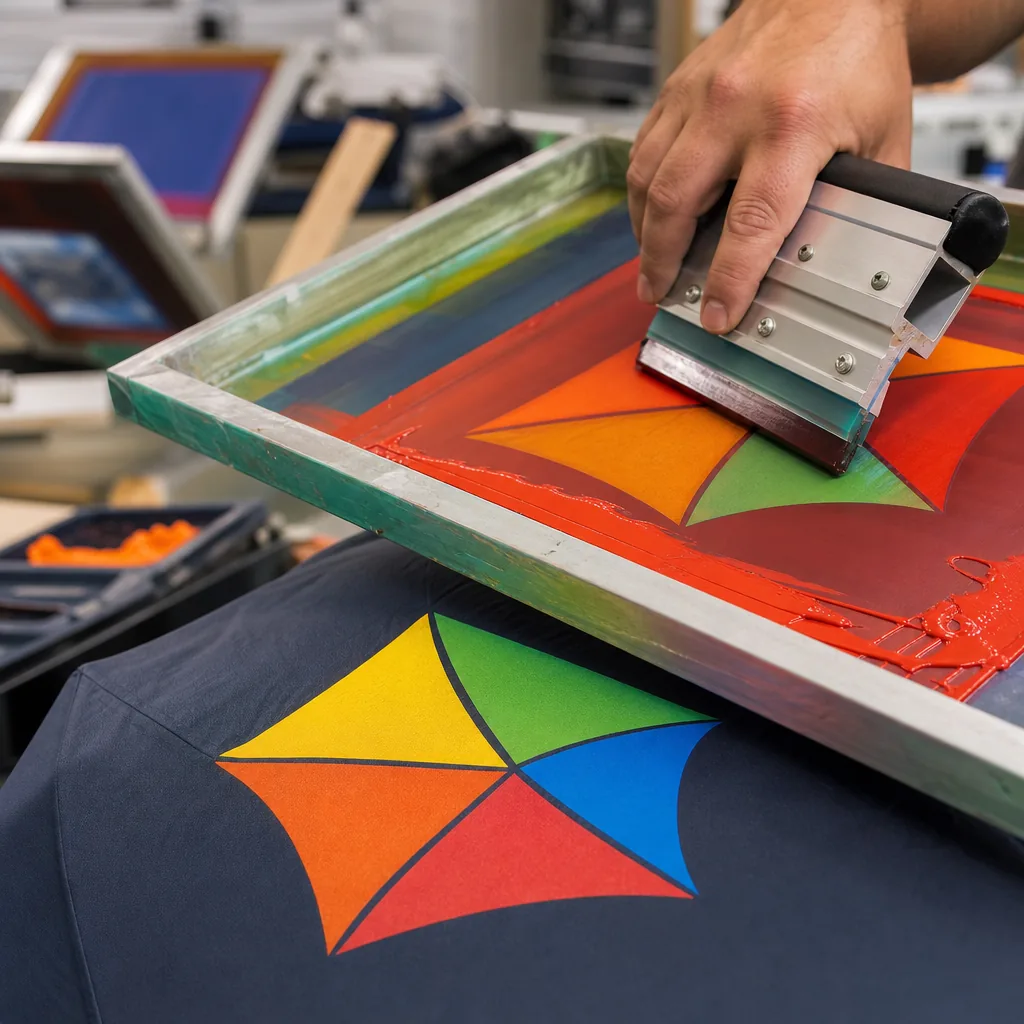
Screen Print, Digital Print, or Heat Transfer for Umbrella Branding
Compare umbrella logo printing methods by cost, MOQ, color range, and fabric compatibility so buyers can choose the righ...
Read More »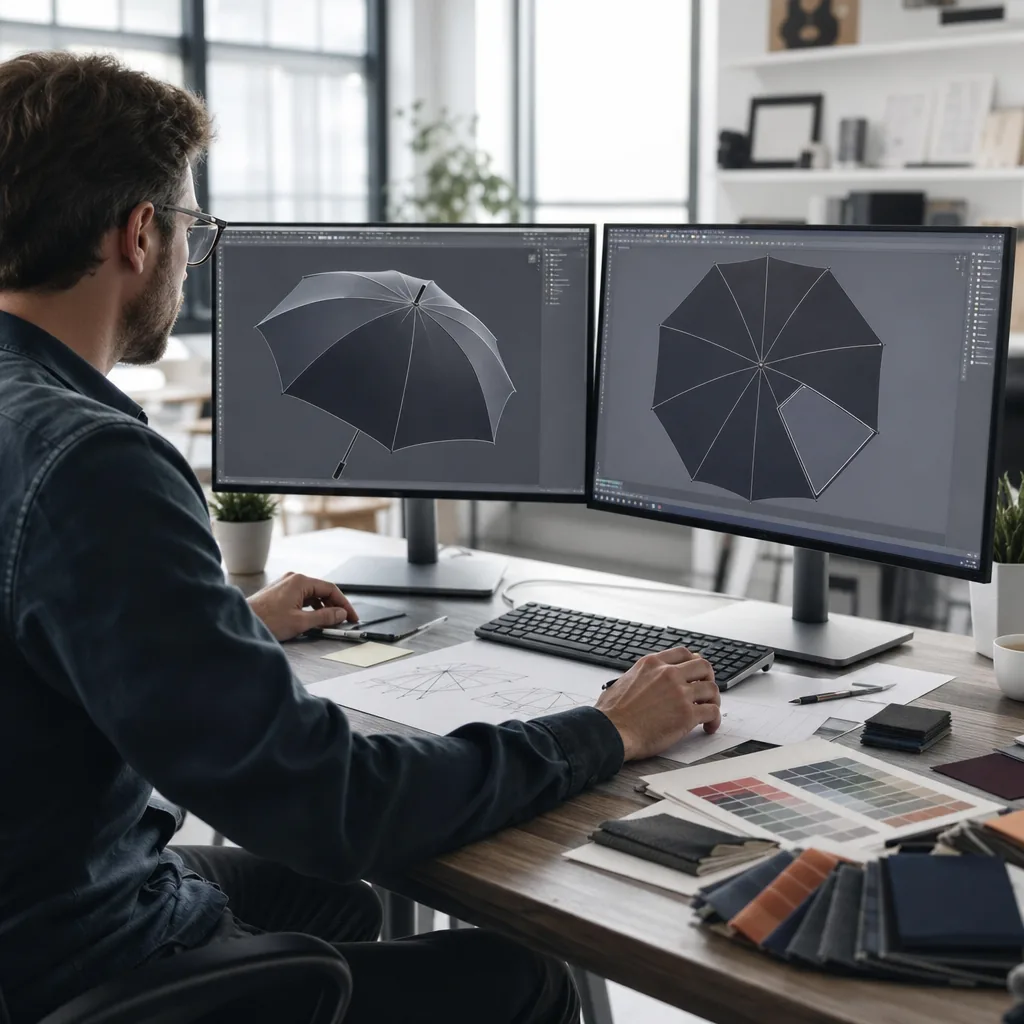
Screen Printing, Digital Printing, or Transfer for Umbrella Logos
Compare logo print methods for umbrellas by MOQ, color count, durability, and lead time so buyers choose the right brand...
Read More »