Photo and Gradient Umbrella Prints: Artwork Rules for Buyers
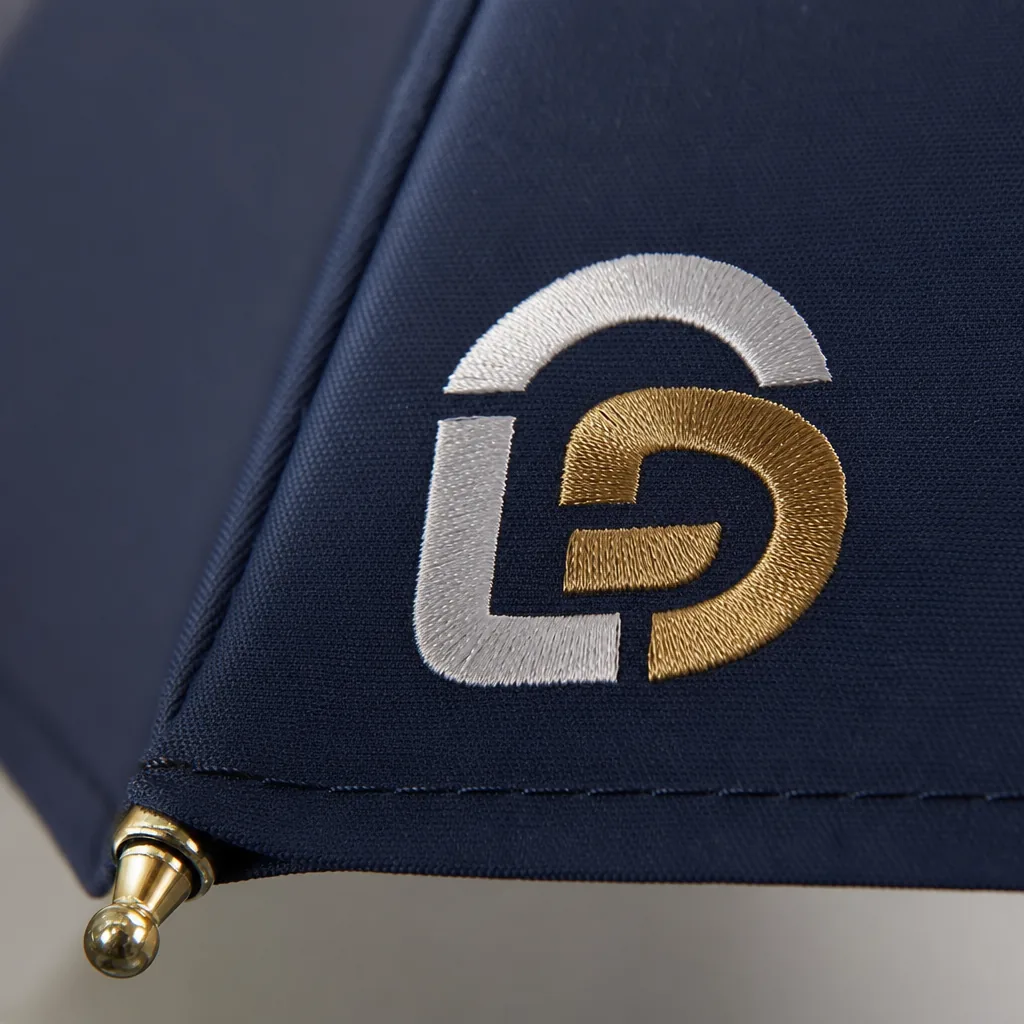
Photo and gradient umbrella prints can look impressive on a monitor but fail quickly when the artwork meets pongee fabric, panel seams, heat transfer, and mass-production color tolerance. When buyers order photo print umbrellas bulk, the real risk is not only low resolution files but also unrealistic expectations for sharpness, dark gradients, skin tones, and repeatability from sample to shipment. On our factory floor, the best results start with artwork rules that match how umbrellas are actually cut, printed, sewn, and inspected.
When Photo and Gradient Prints Make Sense
Photo and gradient designs make sense when the umbrella is expected to carry an image, not just a logo. Museum shops often use a painting detail, architectural ceiling, map fragment, or artifact pattern across a 23" or 27" canopy because the buyer wants a souvenir with visual value. Tourism retail works the same way: skylines, mountain views, coastlines, and city-night photography sell better when the canopy feels like a poster you can open. Entertainment promotions use full color umbrella printing for movie releases, concerts, sports events, and streaming campaigns where character art or atmosphere matters. Fashion collections use gradient umbrella printing when the product must coordinate with seasonal colors, handbags, rainwear, or window displays rather than look like a giveaway item.
Buyers planning photo print umbrellas bulk should treat the artwork differently from flat-color logo printing. A one-color screen print on 190T pongee can tolerate simple vector files, but a photographic umbrella canopy needs high-resolution raster artwork, controlled color expectations, and panel-aware layout. An umbrella is not a flat rectangle; it is 8K, 10K, or 16K triangular panels sewn into a curved dome. Faces, horizon lines, text, and building edges can be cut by seams or distorted near the rib tips if the file is not planned on the actual panel template. Our standard practice at ZheBrella is to review image resolution, seam position, bleed, and central cap clearance before sampling, because these issues are expensive to fix after bulk cutting.
Photo and gradient styles are best when the order volume justifies digital sublimation, heat transfer, or carefully controlled panel printing, rather than standard spot-color screen printing. For polyester pongee 190T or 210T, sublimation can produce smooth gradients and rich scenery, but Pantone matching is less exact than printing a solid logo. Dark photos can lose detail under rain-wet conditions, while very pale gradients may show panel shade variation after sewing. For PVC, POE, or EVA clear umbrellas, the print method and opacity must be tested because ink adhesion and transparency change the effect. For digital print umbrella artwork, I recommend approving a physical strike-off, then a pre-production sample, especially for retail programs with AQL 2.5 inspection and repeat orders.
Artwork Resolution and File Setup Requirements
For photo print umbrellas bulk orders, the biggest artwork mistake is treating the umbrella like a flat poster. A photographic umbrella canopy is built from separate curved panels, usually 8K, 10K, or 16K, and every seam eats visual continuity. Vector files are best for logos, typography, icons, and clean gradients because they scale without soft edges; AI, EPS, or editable PDF files are the normal format. Raster photos are acceptable for full color umbrella printing, but they must be prepared at final print size, not enlarged from a web image. For dye sublimation or digital panel printing, we normally ask for 150 DPI minimum at actual canopy size, with 200–300 DPI preferred when faces, product shots, or fine texture are visible. A 23-inch umbrella has a much larger printed surface than buyers expect, so a 1200-pixel image pulled from a website will look blurred after sewing and stretching.
All digital print umbrella artwork should be converted to CMYK before approval, because RGB colors on a monitor are not a production target. Bright blues, neon greens, and deep reds often shift after sublimation onto 190T or 210T pongee, and they shift again if the fabric has a black backing, silver UV coating, or Teflon water-repellent finish. Buyers should provide a layered source file plus a flattened reference JPG or PDF, with Pantone callouts only for critical brand colors. For gradient umbrella printing, avoid narrow banding transitions and build gradients with enough tonal range; a smooth sky fade across eight panels needs different handling than a simple two-color promotional design. Our standard practice at ZheBrella is to output a strike-off or one-panel proof before cutting a full sample when the order depends on skin tone, product color, or photographic accuracy.
Panel templates must be used before sampling, not after the first bad sample appears. Each triangular panel needs its own artwork area, seam allowance, safe zone, and bleed; 10–15 mm bleed beyond the stitch line is typical, while important faces, QR codes, and text should stay at least 20–25 mm inside the visible panel edge. Buyers should clearly state whether the image is meant to repeat on every panel, wrap continuously around the canopy, alternate with solid-color panels, or align as one large top-view picture. This is especially important when comparing 8K and 16K frames: an 8K canopy gives wider panels and fewer seam breaks, while a 16K canopy looks more premium but cuts the image into narrower slices. For photo print umbrellas bulk production, approve the panel split, rib direction, top cap position, and handle orientation in the artwork proof before paying for sampling.
Fabric, Coating, and Color Limitations
Fabric choice sets the ceiling for saturation before the printer ever starts. For photo print umbrellas bulk orders, 190T pongee is the common cost-performance base: tight enough for acceptable detail, light enough for 21" and 23" folding umbrellas, and stable through digital heat-transfer or sublimation. 210T pongee gives a slightly denser hand and usually holds edges better on a photographic umbrella canopy, especially on faces, skyline lines, and small sponsor logos. Matte polyester reduces glare in product photos and outdoor events, but it also softens perceived contrast compared with a glossy coated surface. Buyers should not expect paper-poster sharpness on woven fabric; the yarn texture breaks micro-detail, and seam panels distort the image once sewn over 8K or 10K frames.
Coatings change color more than many artwork files suggest. A standard water-repellent finish has limited impact, but Teflon-type treatments and UPF 50+ coatings can mute reds, oranges, and deep blues because the coating layer scatters light. Silver or black UV backing is useful for sun umbrellas, golf umbrellas, and 27" or 30" outdoor retail styles, but it makes full color umbrella printing harder to match against a screen proof. Our standard practice at ZheBrella is to request a printed fabric strike-off before approving any large run above MOQ, especially when the buyer needs Pantone-adjacent color on 210T pongee with UV backing. If your brand color is critical, specify tolerance in Delta E or approve a physical swatch, not just a PDF.
Dark grounds are the biggest trap in digital print umbrella artwork. Sublimation does not print white; it dyes the fabric, so artwork placed on navy, black, burgundy, or forest green fabric will lose brightness unless a white base layer is printed first by a process that supports white ink. White ink adds cost, slower output, and a higher risk of cracking if the wrong transfer film is used on folding panels. For gradient umbrella printing, soft fades from light gray to white, pale blue to mint, or sunset orange to pink can show banding if the file is low resolution, over-compressed, or built with abrupt CMYK steps. Supply 300 dpi artwork at final panel size, keep gradients in 16-bit where possible, and avoid placing the smoothest fade across seam allowances where cutting and sewing magnify small color jumps.
Digital Printing, Sublimation, and Transfer Options
For full color umbrella printing, the right method depends first on canopy fabric and then on order size. Digital direct printing works well for short runs, samples, and complex photographic umbrella canopy designs because there is little plate or screen setup, but the ink sits closer to the fabric surface and can feel slightly drier on 190T pongee. Sublimation gives the cleanest hand feel on white polyester because the dye bonds into the fibers; gradients are smoother, fine skin tones hold better, and there is no thick ink edge on panel seams. Heat transfer is useful for logos or smaller photo blocks on darker fabric, but a large transfer film can feel stiff, especially on 21" and 23" folding umbrellas where the canopy folds tightly. For photo print umbrellas bulk programs, I usually push buyers toward sublimation on white or light 190T/210T polyester unless brand color matching on dark fabric forces a transfer solution.
Durability and cost move in opposite directions. Digital printing has low setup cost and can start from 50-100 pieces for sampling or event orders, but rub resistance and rain aging must be checked with the exact coating, especially if the canopy has Teflon water repellent or UV UPF 50+ treatment. Sublimation has moderate setup cost because artwork must be separated by panel and printed on transfer paper before heat pressing, but the result survives repeated opening, closing, and wet folding better than most surface inks. Traditional screen printing is still cheaper at 500-1,000 pieces when the design uses 1-4 solid colors, but it is not the best answer for gradient umbrella printing or photographic work. Our standard practice at ZheBrella is to run a pre-production strike-off, then inspect color, panel alignment, crocking, and water beading before releasing bulk cutting under AQL 2.5.
Artwork planning is the part buyers underestimate. A digital print umbrella artwork file should be built panel-by-panel, not as one flat circle, because an 8K umbrella has eight triangular panels with seam allowance, grain direction, and slight distortion after sewing. Keep faces, QR codes, and small text away from seams and rib tips; even a 2-3 mm sewing shift looks obvious on a face or horizon line. For windproof double-canopy models, especially 23" auto-open and 27" golf umbrellas with vented construction, the outer and inner canopy layers often need separate files. The outer layer may carry the main gradient or photo, while the inner layer needs adjusted scale because it is partially hidden by the vent overlap. If the umbrella uses fiberglass ribs and a double canopy rated around 50+ mph, print placement must also avoid vent stitching zones, reinforced pockets, and tie strap attachment points.
Approval Samples and Production QC
Approval should move in three gates: digital proof, strike-off, and pre-production sample. The digital proof confirms panel layout, logo scale, gradient direction, and whether the artwork is built for 8-panel, 10-panel, or full continuous canopy printing. For photo print umbrellas bulk orders, I do not treat a screen PDF as color approval; fabric changes everything. A strike-off on the actual canopy material—usually 190T or 210T pongee, sometimes POE or polyester with UV coating—shows ink gain, shadow detail, banding in gradients, and whether flesh tones or product colors shift under lamination or water-repellent finishing. For gradient umbrella printing, the strike-off must include the lightest and darkest transition areas, not only the logo panel, because weak files often show stair-stepping once printed at canopy scale.
The pre-production sample is the first complete umbrella made with production materials: actual frame, handle, runner, tips, canopy fabric, sewing thread, print method, and packing. This is where we check panel order before cutting bulk fabric, especially for a photographic umbrella canopy where a skyline, face, or product image crosses seams. Seam allowance usually consumes 6–10 mm per panel edge, so important faces, QR codes, and small text should not sit near stitch lines. Our standard practice at ZheBrella is to open the sample under daylight and D65 light box conditions, then compare it to the approved strike-off using a tolerance target agreed before production, often Delta E 3–5 depending on fabric and coating. Auto-open and auto-open-close models also need cycle testing, because a beautiful canopy is useless if print tension causes puckering when the ribs lock.
Bulk QC should be done by carton sampling under AQL 2.5 for major defects, with separate notes for color deviation, panel sequence, seam alignment, ink defects, and carton-to-carton consistency. Inspectors should pull umbrellas from the first, middle, and last packed cartons, not just the top cartons near the packing table. For digital print umbrella artwork and full color umbrella printing, common rejects include white pinholes, ink mist on light gradients, doubled edges, poor registration across adjacent panels, dirty heat-transfer marks, and visible shade differences between cartons produced on different print days. I also check canopy symmetry on a 23-inch or 27-inch frame by closing the umbrella and confirming the printed panels fold evenly; misaligned sewing can twist the image even when the flat print looked correct. For photo print umbrellas bulk programs, final inspection should include open-view photos from four angles, close-ups of seams, and carton labeling records before FOB or DDP release.
Frequently Asked Questions
Can a photographic image cover the entire umbrella canopy?
Yes, but the image must be adapted to the panel template with bleed and seam allowances. Important faces, text, or product details should not sit directly on rib seams.
Will gradient colors match the buyer’s screen proof exactly?
No screen proof is exact because fabric, coating, ink, and lighting change the final appearance. Buyers should approve a physical strike-off or pre-production sample before bulk production.
What file format works best for photo or gradient umbrella artwork?
For photographic prints, factories usually prefer layered TIFF or PSD files at full panel size, with images embedded at 150-300 dpi. For logos, text, or vector overlays, AI or PDF files with outlined fonts are safer to avoid scaling and font issues.
How much color variation should buyers expect between the approved sample and bulk production?
A reasonable expectation is a visible but controlled shade shift between lab dip, pre-production sample, and mass production, especially on polyester canopies. Buyers should approve a physical sample and define an acceptable tolerance before production, because exact photo-tone matching across every panel is not guaranteed.
Can a photo image run seamlessly across multiple umbrella panels?
It can, but buyers should expect slight breaks at panel seams and near stitching lines. To reduce visible misalignment, keep critical faces, text, and straight horizon lines at least 10-15 mm away from seam areas and confirm panel-by-panel artwork mapping before sampling.
Looking to Launch Your Custom Umbrella Line?
ZheBrella is a Zhejiang-based OEM/ODM umbrella manufacturer with 17 years of export experience. Free design, low MOQ from 100 pieces, windproof construction, full-color print.
Get Free Quote Now »People Also Search For
Related Articles
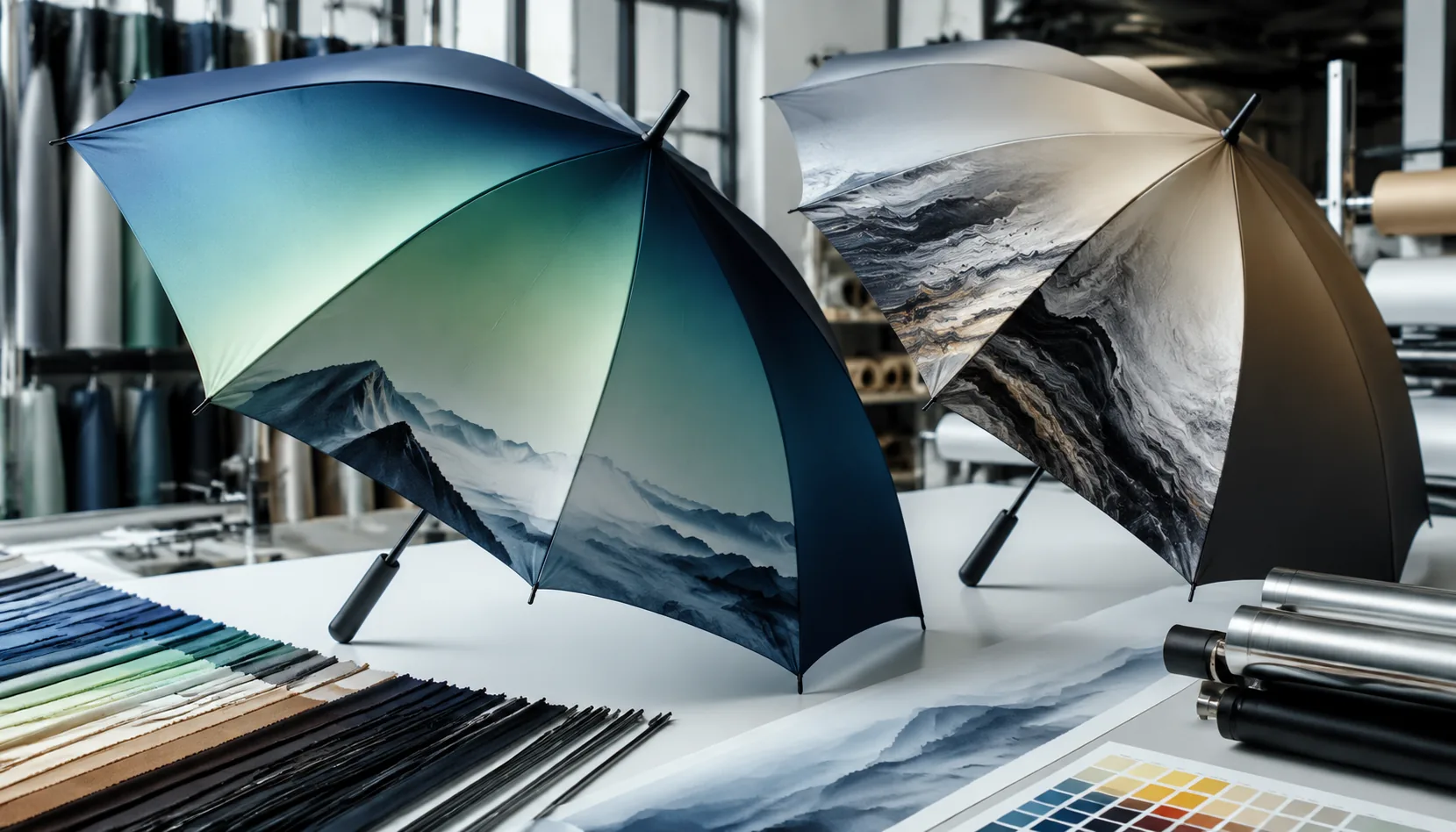
Gradient and Photographic Umbrella Prints for Brand Campaigns
Plan photo, gradient, and all-over digital umbrella prints with file specs, 190T/210T fabric choices, panel seams, lead ...
Read More »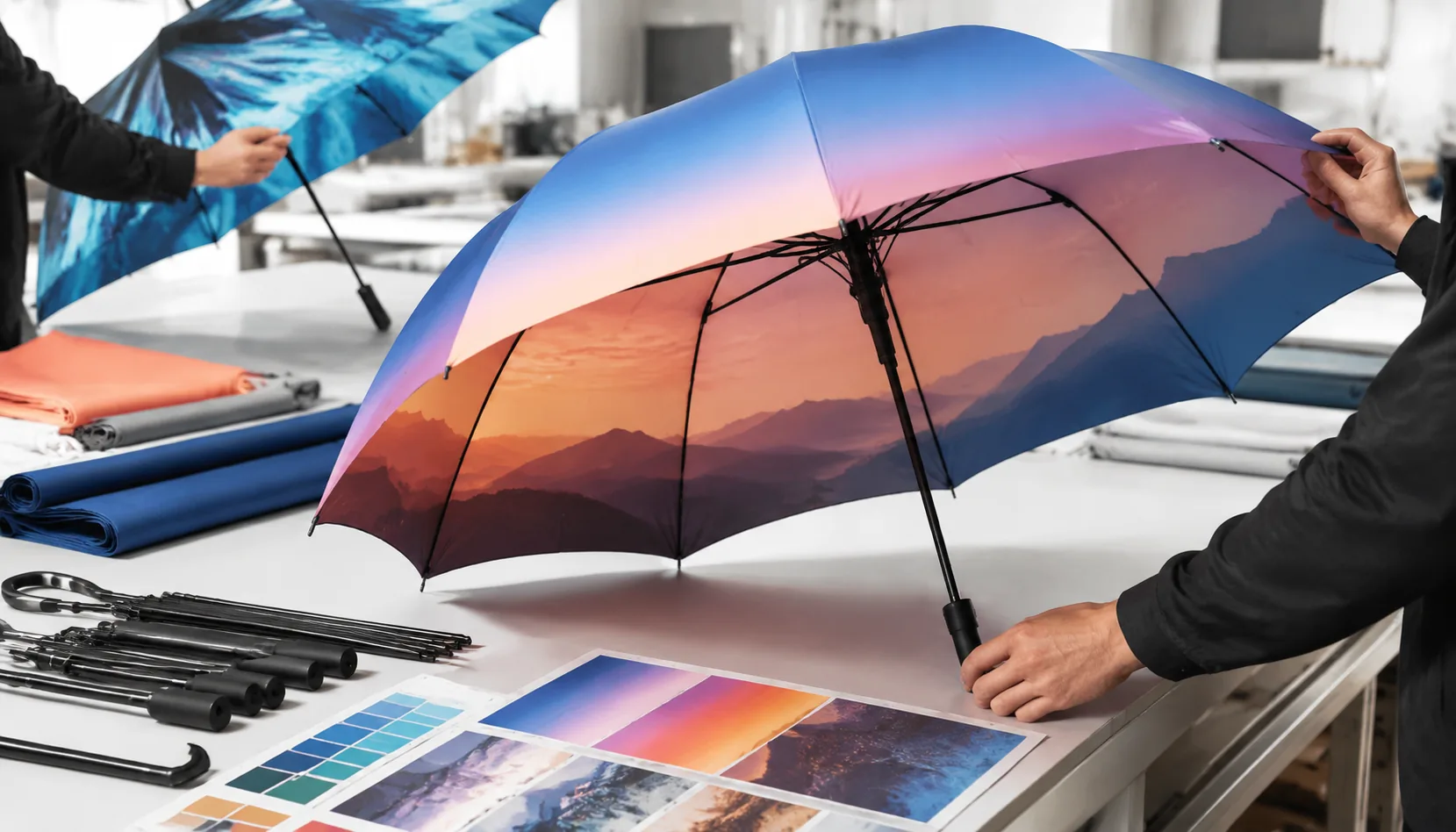
Gradient and Photo Prints on Branded Umbrella Canopies
Plan gradient and photo-print umbrella artwork with realistic fabric, color, sampling, MOQ, and lead-time expectations f...
Read More »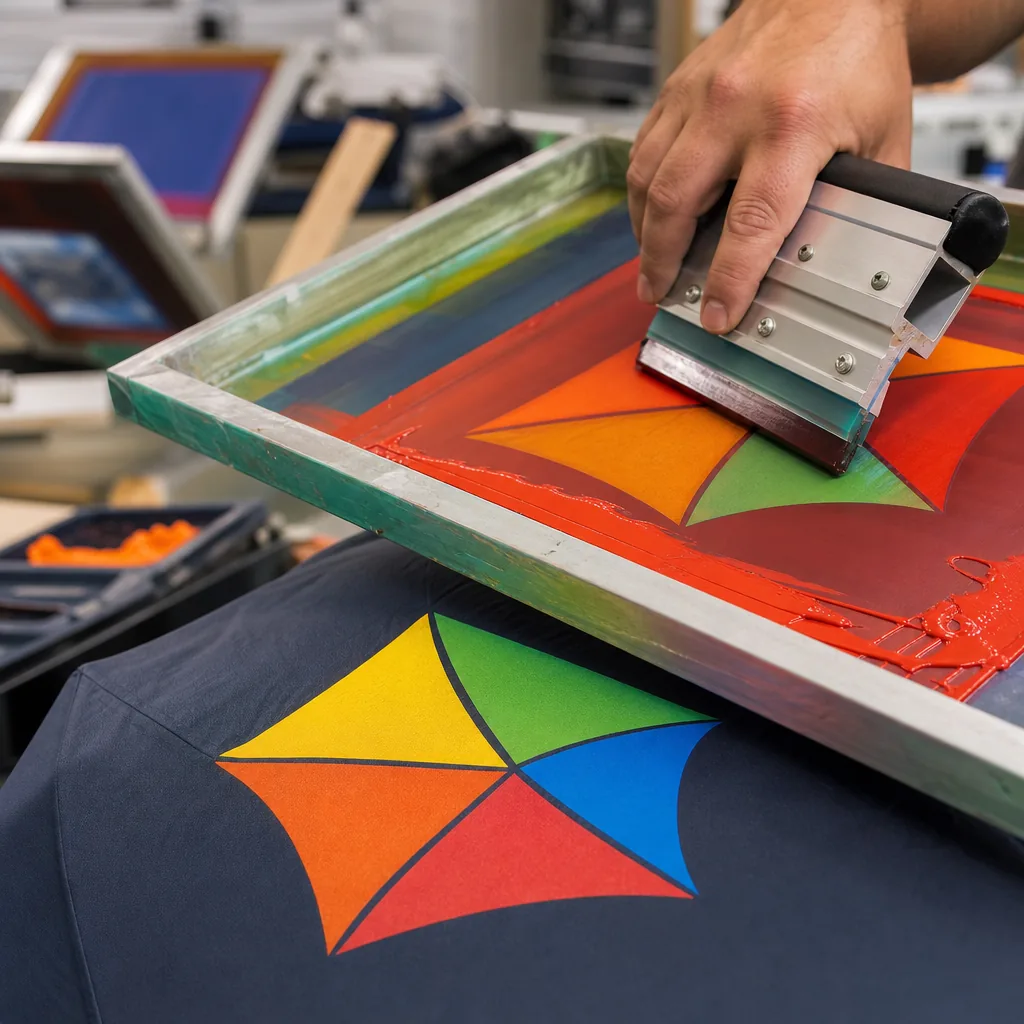
Gradient and Photo Umbrella Printing for Branded Campaigns
Understand when digital printing can reproduce photos, gradients, and complex art on pongee canopies, with file specs, l...
Read More »